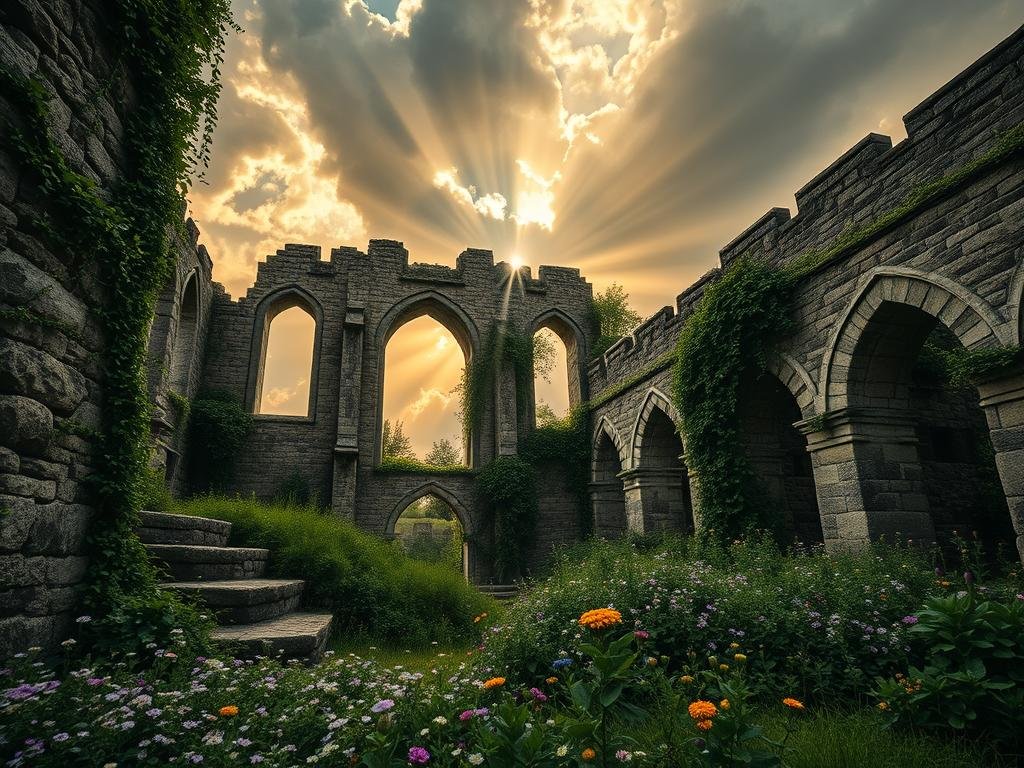
We believe the answer is yes. Creating AI art is much more than just typing words and seeing what shows up. There is a full process behind it.
The Steps to Creating AI Art
Getting great results with AI tools takes work. It starts before you even generate an image.
- Think about who the final image is for.
- Understand how the image will be used.
- Gather references and create a mood board.
- Write your initial prompts based on your vision.
That is all the preparation. Then the work in Midjourney begins. You start generating images and seeing what comes out. This is where you start shaping the result.
Working with Midjourney
Generating the first image is only the start. You need to look at the results and think about how to improve them. This means changing your prompt many times. You will try different features and settings.
- Use character reference to create consistent looks.
- Apply style reference to get a specific feel.
- Include image references to guide the AI.
- Create variations of images you like.
- Change the image orientation.
- Use the upscale feature to make images larger.
- Explore many other small settings.
Post-Processing and Refinement
Often, the image from Midjourney is not the final product. You might take it to other software like Photoshop.
- Edit the image further.
- Remove unwanted things or add new parts.
- Expand the image to fit a layout.
Sometimes, you even take the edited image back into Midjourney. You can use it as a new reference to create more images in a similar style or with the same subject. This helps you build a series, like an editorial or a collection with different scenes and characters. Then you might need one more step, using different software to upscale the image again for the highest quality.
Making AI art involves creative choices at every point. It is not just about the tool itself. It is about how you use it.
The Artist’s Eye
All these steps require a creative vision. You need to look at images and decide what looks good and what does not. You need to guide the process based on your goal.
This also means understanding your own artistic style. For example, one style might combine feminine energy, strong contrast, surreal elements, and ethnic folklore, aiming for a photorealistic look. Knowing what you want is key to getting the results you like.
This focus on process, iteration, and personal vision is why AI art is indeed art. The creator guides the tool to bring a specific idea to life.
Conclusion
AI art is not just button-pressing. It requires planning, creative thinking, iteration, knowledge of the tool, and an artist’s eye. The creator makes many decisions throughout the process, guiding the AI to make something new. This makes it a creative act, much like other forms of art.
Do This Locally with Logen
Skip the subscription. Generate images like these on your own GPU — private, unlimited, no cloud dependency.
Midjourney vs Logen
| Feature | Midjourney | Logen |
|---|---|---|
| Cost | $10-60/mo | Free & Pro plans |
| Privacy | Cloud (images stored) | 100% local |
| Generations | Limited by plan | Unlimited |
| Internet Required | Always | No |
| Custom Models | No | Yes (any ComfyUI model) |
| GPU Required | No (cloud) | Yes (local) |
| Ease of Use | Discord bot | Desktop app |