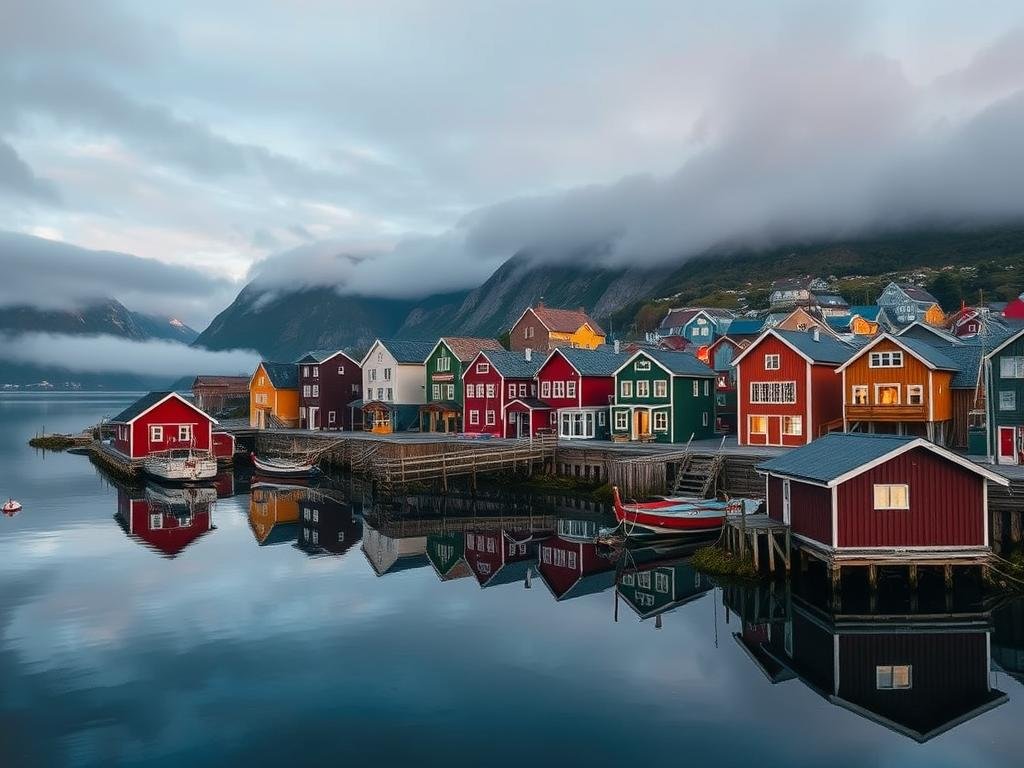
This guide will help you understand the basics of generating compelling AI art and explore ways to enhance your creative workflow.
Getting Started with AI Image Generation
Dive into the world of AI art is easier than you might think. Most tools operate by understanding text descriptions, or prompts, to produce images.
Here are the fundamental steps:
Choose an AI image generation platform (like Midjourney, Stable Diffusion, DALL-E).
Choose an AI image generation platform (like Midjourney, Stable Diffusion, DALL-E).
Write a clear and descriptive text prompt outlining your desired image.
Write a clear and descriptive text prompt outlining your desired image.
Generate the image and refine your prompt based on the results.
Generate the image and refine your prompt based on the results.
Understanding the Prompt Language
AI models interpret words and phrases to create images. The more specific and detailed your prompt, the closer the result will be to your vision. Think about style, subject, lighting, and composition.
For automating and enhancing your Midjourney workflow, consider the
Tips for Generating Better AI Images
Achieving impressive results requires a bit of practice and understanding of how the AI responds to different inputs.
Be Specific in Your Prompts
Instead of “a dog,” try “a golden retriever sitting in a sunlit field with wildflowers.” Add details about the art style (e.g., “oil painting,” “digital art,” “cinematic”).
Experiment with Parameters
Most AI tools have parameters you can add to your prompt to control aspects like aspect ratio, style weight, and randomization. Learning to use these can significantly impact your final image.
Managing many generations and prompts can become complex. The
Enhancing Your Creative Flow
As you generate more images, you’ll find ways to integrate AI art into your projects. Whether it’s for concept art, illustrations, or unique visuals for presentations, AI is a powerful assistant.
Consider using the outputs as starting points for further editing in traditional software or combining multiple AI-generated elements.
To truly maximize your efficiency and expand your capabilities with Midjourney, check out the
Conclusion
AI image generation is a rapidly evolving field that puts incredible creative power in your hands. By learning the basics of prompting and experimenting with different techniques, you can create breathtaking images limited only by your imagination.
Keep exploring and have fun creating!
Do This Locally with Logen
Skip the subscription. Generate images like these on your own GPU — private, unlimited, no cloud dependency.
Midjourney vs Logen
| Feature | Midjourney | Logen |
|---|---|---|
| Cost | $10-60/mo | Free |
| Privacy | Cloud (images stored) | 100% local |
| Generations | Limited by plan | Unlimited |
| Internet Required | Always | No |
| Custom Models | No | Yes (any ComfyUI model) |
| GPU Required | No (cloud) | Yes (local) |
| Ease of Use | Discord bot | Desktop app |