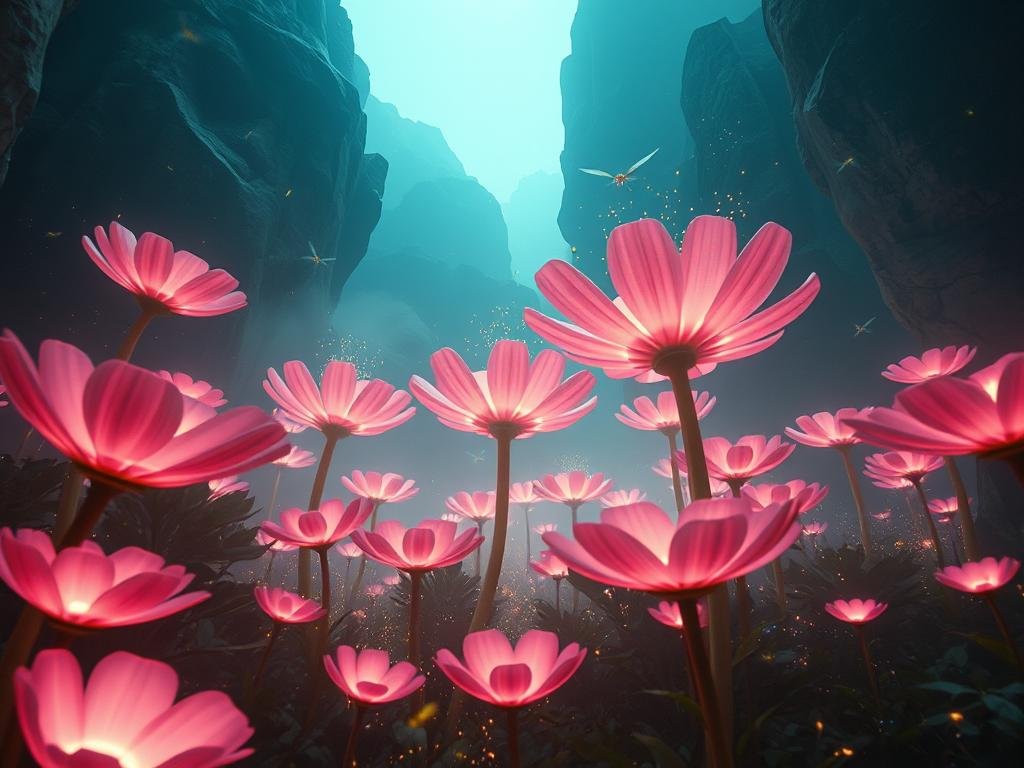
Plan Your AI Product Scene
The first step in creating fake but real-looking product photos with AI is deciding on your scene. Think about the setting that best suits your product and brand.
Consider the environment: Do you want a clean, modern look, or something more vintage and textured?
Consider the environment: Do you want a clean, modern look, or something more vintage and textured?
Think about materials: The creator in the video wanted a luxury feel, so they thought about materials like patina, which gives metal an aged, vintage look. They also considered white marble.
Think about materials: The creator in the video wanted a luxury feel, so they thought about materials like patina, which gives metal an aged, vintage look. They also considered white marble.
Imagine the mood: Dark and moody, or bright and airy? This will guide your AI prompts.
Imagine the mood: Dark and moody, or bright and airy? This will guide your AI prompts.
Starting with the environment helps set the stage before you even bring the product into the picture.
Generate the Background First
Instead of putting your product into the prompt right away, start by generating images of just the scene or background you envisioned. This lets you fine-tune the environment until it looks just right.
For example, if you want a stone sink against a marble counter, generate images focusing on those elements. Look at the details – the texture of the stone, the reflections on the marble. The video creator got some results that felt too dark initially and decided to switch to white marble for better contrast.
Add Your Product to the Scene
Once you have background images you like, you can introduce your product into the prompt. Describe the product clearly – its shape, color, and material.
Combine the description of your chosen background with the description of your product (like a smooth shampoo bottle). Generate images with the product placed in the scene. You’ll get various options. Many of these generated images will be excellent starting points.
Feeling overwhelmed by prompt variations? A tool that helps manage different prompts and runs them automatically can save you time. Check out the
Enhance Realism: Depth and Dimension
To make AI-generated product photos look truly real and luxurious, pay attention to depth. Good photos often have things happening in the foreground and the background. This layering creates a sense of three-dimensionality.
Look at the generated images and notice how the elements are positioned. A slight blur in the foreground or background can mimic shallow depth of field from a real camera, adding to the realism.
Create a Full Campaign
The beauty of this process is its flexibility. After generating your initial scene with the product, you can use other editing tools alongside Midjourney to move the product around or make small adjustments. This lets you take one great starting image and quickly develop a whole series of photos for a marketing campaign without needing to reshoot or regenerate entirely from scratch.
This is how you can go from a single concept to many unique, high-quality product images, all created artificially. Imagine generating dozens or even hundreds of variations for testing – a manual task that would take forever. Automating this with a tool like the
Conclusion: The Future of Product Photography
Creating hyper-realistic product photography with AI is not just possible; it’s becoming a powerful tool for businesses. By carefully planning your scene, generating backgrounds and then products, and focusing on elements like depth, you can achieve stunning results that look completely real.
AI tools are changing how we approach marketing and creativity. If you want to explore this further and see how automation can boost your image creation output, explore the possibilities of the
Do This Locally with Logen
Skip the subscription. Generate images like these on your own GPU — private, unlimited, no cloud dependency.
Midjourney vs Logen
| Feature | Midjourney | Logen |
|---|---|---|
| Cost | $10-60/mo | Free |
| Privacy | Cloud (images stored) | 100% local |
| Generations | Limited by plan | Unlimited |
| Internet Required | Always | No |
| Custom Models | No | Yes (any ComfyUI model) |
| GPU Required | No (cloud) | Yes (local) |
| Ease of Use | Discord bot | Desktop app |