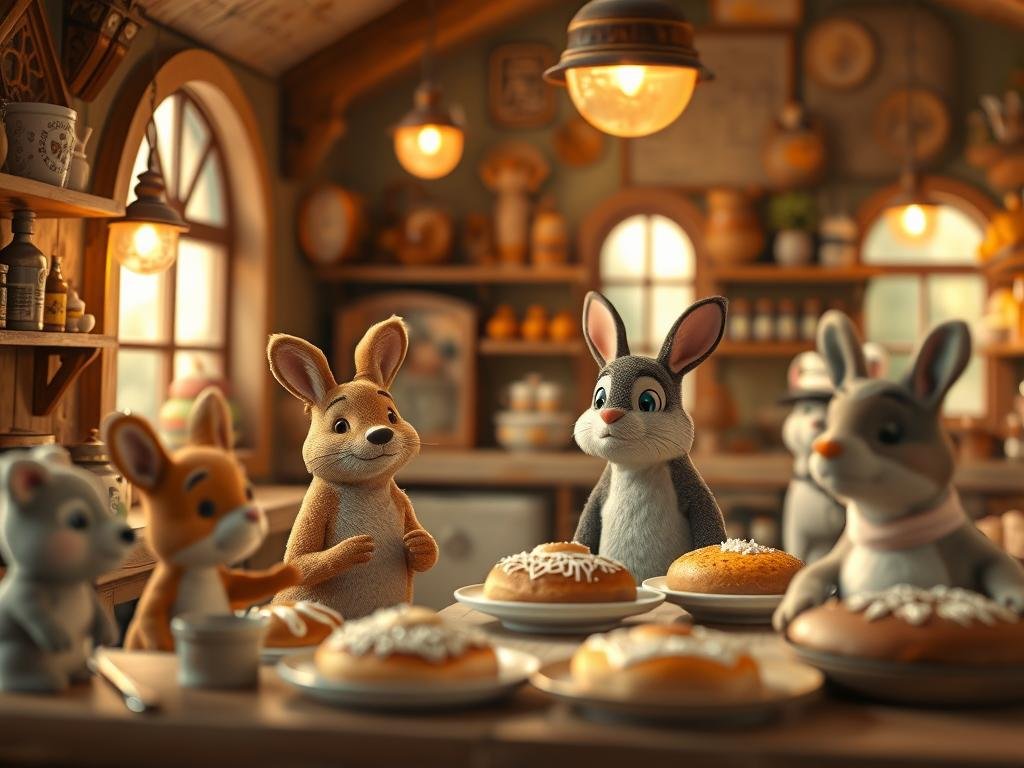
Start with Your Animal
The very first thing in your prompt should be the animal itself. This tells the AI where to focus. Be specific here. Mention things like the animal’s species, its color, how its body looks, maybe patterns on its skin, or if its fur is fluffy or rough.
Show What the Animal is Doing
Next, tell the AI about the animal’s action or feeling. Is it running? Jumping? Is it a calm animal or does it look fierce? Describing its behavior helps the AI give the image life.
Add a Simple Background
Describe the setting. Where is the animal? It could be a moonlit forest, a grassy field, or a snowy mountain. Keep the background description short. If you add too much detail here, the AI might focus more on the background than on the animal.
Choose How Much Detail You Want
Decide if you want a picture with lots of fine parts visible or something more artistic and less detailed. This sets the overall look and feel of the image. Do you want high detail or a bit more like a painting?
Pick an Art Style
Finally, tell the AI the style you like. Do you want the image to look like a real photo? Or perhaps a cartoon? Maybe you prefer the look of an oil painting? Your style choice guides the AI on how to create the final picture.
Putting these parts together helps the AI understand your vision. For example, to create a striking image of a black panther, a prompt could include: a black panther (subject), prowling (action), through a moonlit forest (background), with high detail (detail level), in a realistic style (style). Adding words like “giant,” “piercing emerald eyes gleaming,” and “glossy fur” gives even more specific appearance details for the subject.
Need help writing prompts? Tools like ChatGPT can help. Give it the basic idea – what animal, what it’s doing, where it is – and ask it to write a creative prompt for you.
Creating detailed and accurate prompts can take time and practice. If you’re looking to streamline your workflow and create many variations quickly, consider using a tool designed for automation. The
Using the elements above in your prompts can make a big difference in your AI animal art. Experiment with different combinations to see what amazing images you can create.
Speed up your Midjourney image creation process. Check out the
Follow these simple steps, and you’ll be creating beautiful AI images of wild animals in no time.
Do This Locally with Logen
Skip the subscription. Generate images like these on your own GPU — private, unlimited, no cloud dependency.
Midjourney vs Logen
| Feature | Midjourney | Logen |
|---|---|---|
| Cost | $10-60/mo | Free |
| Privacy | Cloud (images stored) | 100% local |
| Generations | Limited by plan | Unlimited |
| Internet Required | Always | No |
| Custom Models | No | Yes (any ComfyUI model) |
| GPU Required | No (cloud) | Yes (local) |
| Ease of Use | Discord bot | Desktop app |