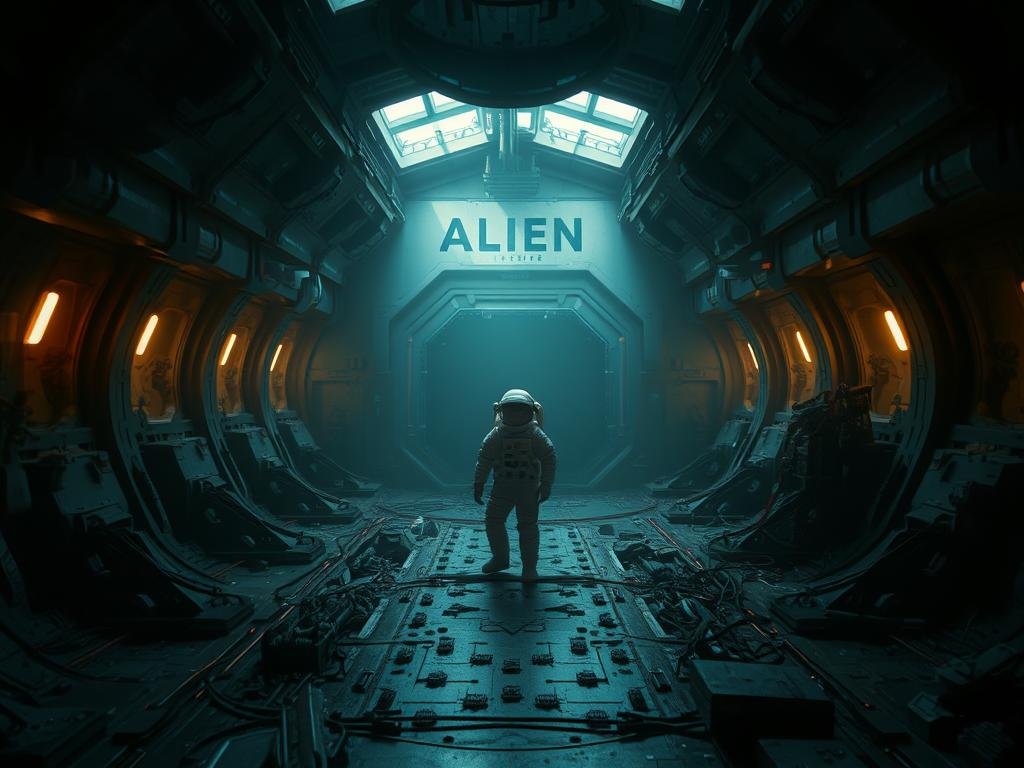
How AI Assists Graphic Designers
AI tools don’t replace designers. They empower them. Think of AI as a helpful assistant. Your role is to guide and direct these tools. You tell them what you want to create. They help bring your vision to life quickly.
Using AI means you can work faster. You can try out more ideas than before. This collaboration can boost your creativity and make your design process better.
Key AI Tools for Design
Midjourney: Great for generating unique images from text descriptions.
Midjourney: Great for generating unique images from text descriptions.
Adobe Firefly: A suite of creative AI tools built into Adobe products, known for text effects and generative fill.
Adobe Firefly: A suite of creative AI tools built into Adobe products, known for text effects and generative fill.
ChatGPT and Bard: AI models that can help brainstorm ideas, write copy, and guide your design concepts.
ChatGPT and Bard: AI models that can help brainstorm ideas, write copy, and guide your design concepts.
Other graphic design tools: AI works alongside software like Photoshop, Illustrator, and InDesign.
Other graphic design tools: AI works alongside software like Photoshop, Illustrator, and InDesign.
Directing AI creativity with Text Prompts
A key skill with AI tools is writing effective text prompts. You need to learn how to tell the AI exactly what you want. Clear and specific prompts help the AI generate the best possible results for your design projects.
Learning prompt engineering means you can control the AI’s output. This is crucial for creating designs for commercial use that match your needs.
Want to simplify creating prompts and managing your AI generated designs? Check out the
Real-World Design Examples
Imagine you are designing for a company like Ray-Ban. You need eye-catching ads. You could use Midjourney to create unique background images. Photoshop’s generative fill can modify existing photos. Adobe Firefly can create cool text effects. ChatGPT or Bard can help brainstorm concepts and text for the ad.
Together, these tools help you create stunning visuals that get noticed. Adobe Firefly also offers specific tools like text effects that can turn simple typography into something special.
Embracing the AI Shift
The future of graphic design includes AI. By learning how to use these new tools, designers can stay ahead. You can work more efficiently and explore new creative possibilities.
Don’t miss out on the advantages AI offers. Start experimenting with Midjourney, Firefly, and AI text models today.
To see how automation can make your Midjourney experience even more powerful, explore the
Final Thoughts
AI tools offer powerful ways for designers to enhance their work. They save time, boost creativity, and open up new avenues for visual creation. By learning to guide these tools, you can make your design process smoother and more exciting.
Step into the world of AI-powered design and see how it can transform your projects. Get started with AI today.
Do This Locally with Logen
Skip the subscription. Generate images like these on your own GPU — private, unlimited, no cloud dependency.
Midjourney vs Logen
| Feature | Midjourney | Logen |
|---|---|---|
| Cost | $10-60/mo | Free |
| Privacy | Cloud (images stored) | 100% local |
| Generations | Limited by plan | Unlimited |
| Internet Required | Always | No |
| Custom Models | No | Yes (any ComfyUI model) |
| GPU Required | No (cloud) | Yes (local) |
| Ease of Use | Discord bot | Desktop app |