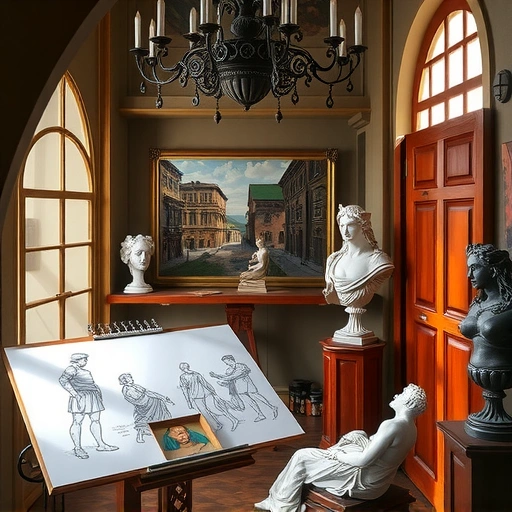
Combining the power of image generation and video creation AI opens up many possibilities. Let’s walk through the simple process to get you started.
Step 1: Get Your Base Images from Midjourney
The first step is to generate the base images you will turn into video. Midjourney is great for this. You need good prompts to get dramatic, cinematic visuals. You can use tools like ChatGPT to help write these prompts. Tell the AI what kind of cinematic look or elements you want, like fire or smoke.
Once you have prompt ideas, put them into Midjourney. Use the standard settings in the latest version, which gives strong results. Try a prompt like ‘A woman surrounded by swirling smoke.’ Review the images Midjourney creates. Some might be better than others, but you should see a strong mood and style develop. Keep running the prompt or change it slightly until you get images you like.
Creating variations and managing many prompts can be time-consuming. A tool like the
Step 2: Turn Images into Video with Runway Gen-4
Now that you have your key images, it’s time to make them move. Runway Gen-4 is the tool for this. You’ll need prompts for Runway, just like you did for Midjourney. A smart way to do this is to give your Midjourney images to ChatGPT and ask it to write Runway prompts based on them, following Runway’s guidelines. The AI can suggest different camera movements or styles for each shot.
Copy the Runway prompts and paste them into Runway’s Gen-4 model. This model offers high quality. You can also use features like ‘Cling’ or ‘Luma’ if they fit your needs. Generate your video clips. Clips up to 5 seconds often look more consistent and have better quality.
Step 3: Polish Your Video Clips
After generating the video clips, you can enhance them further. Runway allows you to upscale clips to 4K for better detail. Don’t be afraid to try different prompts in Runway. Since Runway offers generous plans, you can experiment a lot without limits. Tweak the prompt, try different camera actions, and see how the results change.
For a more dramatic feel, you can add editing effects like cinematic slow motion to some clips. Put all your best clips together for the final product.
Lots of Creative Power
As you can see, making cinematic shots with AI is now very possible. Tools like Midjourney and Runway Gen-4 give you huge creative power. You can generate complex scenes and turn them into dynamic video clips simply by writing descriptions and clicking buttons.
Your main limit is your ideas. Keep exploring these tools and see what amazing scenes you can create.
Ready to make generating Midjourney images simpler? Check out the
Do This Locally with Logen
Skip the subscription. Generate images like these on your own GPU — private, unlimited, no cloud dependency.
Midjourney vs Logen
| Feature | Midjourney | Logen |
|---|---|---|
| Cost | $10-60/mo | Free |
| Privacy | Cloud (images stored) | 100% local |
| Generations | Limited by plan | Unlimited |
| Internet Required | Always | No |
| Custom Models | No | Yes (any ComfyUI model) |
| GPU Required | No (cloud) | Yes (local) |
| Ease of Use | Discord bot | Desktop app |