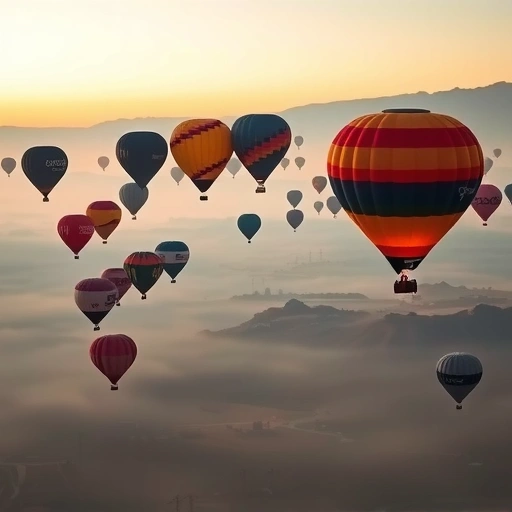
Discovering Blue Willow: A Free Alternative to Midjourney
Blue Willow is a free Discord server that lets you create AI images. You can join the Blue Willow Discord group and start generating images right away.
Finding Inspiration with Playground.ai
Playground.ai is a great resource for finding image prompts. Here’s how you can use it:
- Search for an image idea. For example, search for “Elon Musk” or “vehicles.”
- Browse the generated images and find one you like.
- Copy the prompt used to create that image.
Playground.ai allows users to publish their prompts. This makes it easy to find inspiration and adapt existing prompts to create your own unique images.
Generating Images with Blue Willow
Now that you have a prompt, let’s use it in Blue Willow:
- Join the Blue Willow Discord server.
- Choose one of the available channels to post your prompt.
- Type “/imagine” followed by your prompt. For example: “/imagine Iron Man baby, big bumper on the forehead, small heading.”
- Wait a few seconds while Blue Willow generates your image.
You can experiment with different prompts and variations to get the results you want. Remember that the first attempt might not be perfect, so keep trying!
Refining Your Results
Once Blue Willow generates images, you have a few options:
- Variations: If you like a particular image, you can ask for variations of it by clicking the “V1,” “V2,” “V3,” or “V4” buttons.
- Upscale: If you want a higher resolution version of an image, click the “U1,” “U2,” “U3,” or “U4” buttons.
- Save: Save the final image to your computer.
The great thing about Blue Willow is that you can see what other people are creating and copy their prompts for inspiration. Don’t hesitate to tweak and modify prompts to fit your vision.
Comparing Playground.ai and Blue Willow
While Playground.ai is great for finding prompts, Blue Willow is where you’ll generate your images for free. Keep in mind that Playground.ai might not always produce the best results on the first try, so Blue Willow can be a more reliable option for generating the final image.
Enhance Your Workflow with Automation
Conclusion
Do This Locally with Logen
Skip the subscription. Generate images like these on your own GPU — private, unlimited, no cloud dependency.
Midjourney vs Logen
| Feature | Midjourney | Logen |
|---|---|---|
| Cost | $10-60/mo | Free & Pro plans |
| Privacy | Cloud (images stored) | 100% local |
| Generations | Limited by plan | Unlimited |
| Internet Required | Always | No |
| Custom Models | No | Yes (any ComfyUI model) |
| GPU Required | No (cloud) | Yes (local) |
| Ease of Use | Discord bot | Desktop app |