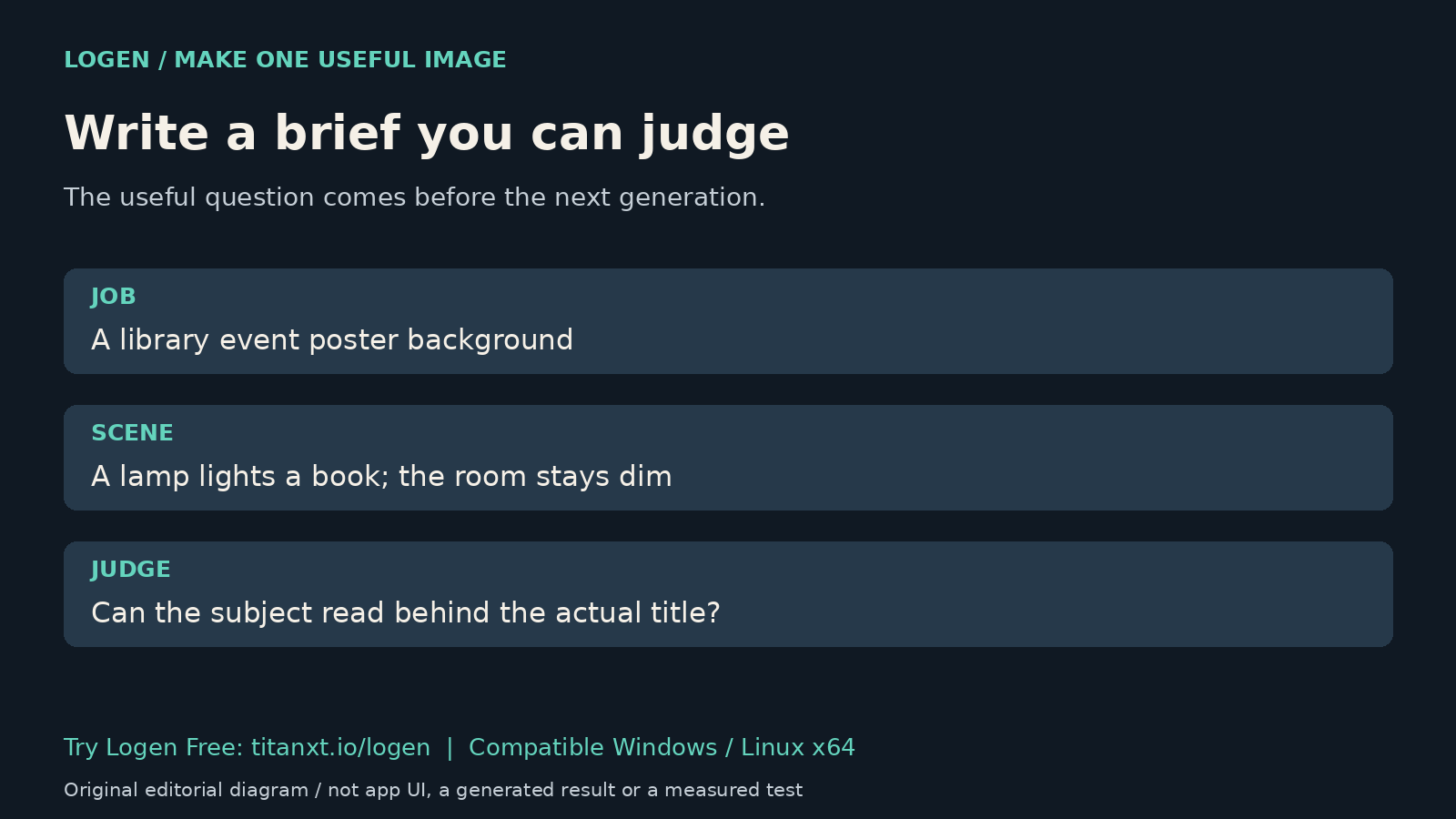
Before opening an image generator, write what the picture has to do. "A desk lamp" names an object. "A quiet reading corner with a pool of warm light, for a library event poster" gives you something to judge. Neither sentence guarantees a good result, but the second makes the next decision easier.
This is a practical briefing method, not a tested prompt formula or a promise of professional artwork. Use a fictional, non-confidential project for the first attempt. You can learn whether local generation suits the job without uploading client material or buying another application tier.
Start with the job, then describe the scene
Write one sentence about the destination and audience. A concept for a game environment has a different job from an illustration behind an event title. Decide what must be recognizable when the image is small. That decision belongs in the brief before a list of stylistic adjectives.
Then describe the subject, setting and one visible relationship that matters. For example: a lamp illuminates an open book while the rest of the room stays dim. This is a proposed prompt, not an image we generated for this article. Avoid promises about perfectly rendered letters, exact brand identities or a real person's likeness.
Decide how you will reject a result
Set a concrete acceptance question: can you identify the main subject at the intended size? If a title will be added later, is the intended area readable with the actual title placed over it? Put typography and final layout in your editor; a background concept is not a completed poster.
- Keep the first original, prompt and recorded settings together.
- Name one problem you can see, such as competing bright objects or a subject cut by the planned crop.
- Change the relevant part of the brief and compare again. Do not call the comparison controlled unless the other conditions really stayed the same.
Keep the model and the application distinct
Black Forest Labs describes FLUX.1 as a text-to-image model family in its original announcement. It identifies FLUX.1-schnell as openly available under Apache 2.0. That statement does not mean every FLUX variant has the same licence, or that every generated image is cleared for every use.
The Logen user guide documents prompt controls in Chat and the Workflow Studio. It also lists saved PNG images and JSON metadata. Those are documentation references, not a new generation test. Record the workflow and checkpoint you actually use; a model-family name alone is not a complete record.
Use Free to test one real creative question
The Logen product page offers an ongoing Free tier with a FLUX.1-schnell starter workflow. It runs on compatible Windows and Linux x64 PCs; suitable hardware, initial setup and model downloads apply. macOS is not supported in this release. Free is not a timed trial, and local generation still uses your hardware and electricity.
Try one brief in Logen Free before deciding whether it belongs in your workflow. Judge the saved image against the question you wrote, not against a claim that a particular prompt length or adjective count always wins. No speed, cost-saving or quality benchmark was performed for this article.
Quick answers
Should I keep adding words until the image is right?
Not automatically. First name the visible problem in the saved result. A longer prompt can add competing instructions without solving it. Change the description that relates to the problem, retain the original and compare again. Treat this as an editorial method, not a guarantee that the model follows every detail.
Does an attractive image mean the design is finished?
No. Check the intended crop, actual text and display size in your layout editor. A useful generated scene can still fail as a poster background or cover. Typography, accessibility, export requirements and rights review remain separate work. This article makes no claim that Logen completes those steps automatically for you.
Do I need Logen Pro to try the starter workflow?
The current product page lists a FLUX.1-schnell starter workflow in the ongoing Free tier. You still need a compatible Windows or Linux x64 PC and the required setup. Pro adds application features; it does not grant blanket rights to every model or image. Check the specific workflow before relying on it.
Give the first attempt a purpose
Write one useful brief and try Logen Free if your PC is compatible. The free local AI starter guide covers setup context. Keep the original result and a note about what you would change next.