Starting with AI Image Creation
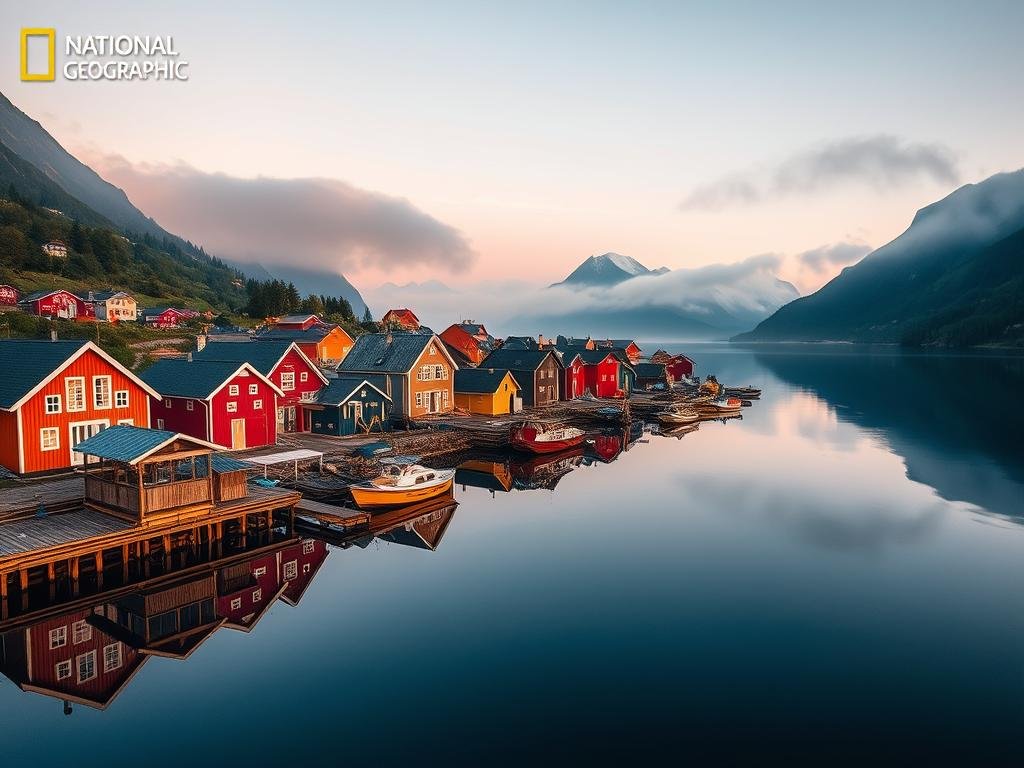
Before you can make a video from an image, you need a great image. AI tools can help you generate stunning pictures from simple text.
Using an AI Photo Generator
Tools like HitPaw Photo P offer an AI generator feature. You type in what you want, and the AI creates it. Here’s what to look for:
Text to Image: Just enter your description, or “prompt.”
Text to Image: Just enter your description, or “prompt.”
Quality Models: Look for new models, like HitPaw’s Flux model, that improve how good the images look.
Quality Models: Look for new models, like HitPaw’s Flux model, that improve how good the images look.
Style and Settings: Pick a style you like. You can also set how many images you want and their size. Each image uses up a small amount of “credits.”
Style and Settings: Pick a style you like. You can also set how many images you want and their size. Each image uses up a small amount of “credits.”
After you set your options, the tool generates the images for you.
Exploring Other Image Generation AI
You can also use other popular AI image generators, such as Midjourney. If you give Midjourney the same text description, it will often give you totally different and creative results. It is good to try different tools to see which style you like best.
For those who use Midjourney regularly and want to make their workflow faster, consider exploring tools that can help. The
Turning Images into Video with AI
Once you have your desired images, the next step is to make them move. This is where an image-to-video AI tool comes in.
You simply feed your still images into this type of AI. The AI then uses its systems to add motion, creating a short video clip from your static picture. While the results are not perfect yet, the technology is impressive and continues to get better.
Whether you’re making engaging content or just exploring what AI can do, turning your images into videos is a powerful way to bring your ideas to life.
The ability to animate images with AI is a game-changer for content creation. As AI keeps growing, we can expect even more realistic and easy ways to create visual content. Start experimenting with these tools today and see what you can create.
Ready to make your Midjourney experience better? Find out how the
Do This Locally with Logen
Skip the subscription. Generate images like these on your own GPU — private, unlimited, no cloud dependency.
Midjourney vs Logen
| Feature | Midjourney | Logen |
|---|---|---|
| Cost | $10-60/mo | Free |
| Privacy | Cloud (images stored) | 100% local |
| Generations | Limited by plan | Unlimited |
| Internet Required | Always | No |
| Custom Models | No | Yes (any ComfyUI model) |
| GPU Required | No (cloud) | Yes (local) |
| Ease of Use | Discord bot | Desktop app |