The Idea Behind AI Music Videos
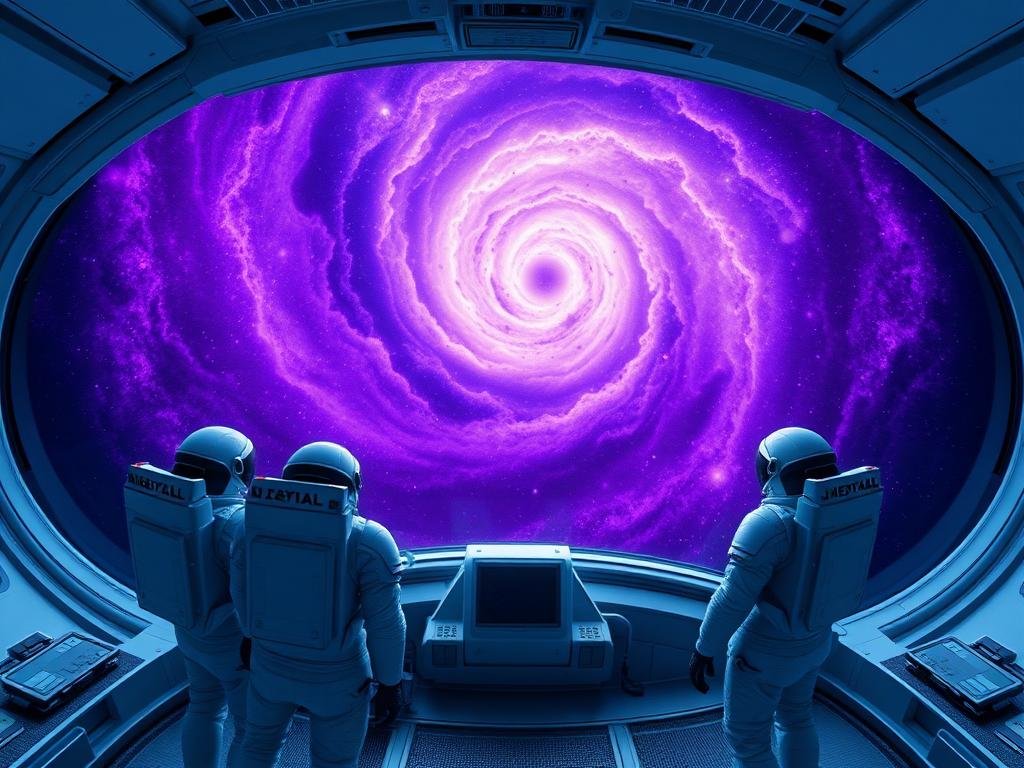
An AI music video uses AI tools, like Midjourney, to create images or short clips. These visuals then match the mood, rhythm, or story of a song. Instead of traditional filming, you guide the AI with text descriptions, often called prompts. This way, you can build entire visual worlds that fit your music.
The main benefit is the freedom it gives creators. You do not need a film crew or expensive equipment to make stunning visuals. AI tools let one person create effects that used to take a big team.
Midjourney’s Part in Visuals
Midjourney stands out for its ability to make high-quality images from simple text. For music videos, you can use Midjourney to:
[LI]Produce a series of images that can be stitched together to show movement or change.[/LI>
[/UL]
[P]Think about the song’s story. If it’s about an “abandoned walk,” you might prompt Midjourney with terms like “lonely person walking on a deserted road,” “old building in fog,” or “empty city street at dusk.” Each prompt leads to new visuals that add to the video’s theme.[/P>
Bringing It All Together
Once you have your Midjourney images, the next step is to combine them with your music. This usually involves video editing software. You can arrange the images, add motions like zooms or pans, and make them appear at just the right moment with the music.
Sequence your images to tell a story or show a feeling over time.
Sequence your images to tell a story or show a feeling over time.
Match the visual changes with beats or key moments in the song.
Match the visual changes with beats or key moments in the song.
Experiment with different speeds for image display to create impact.
Experiment with different speeds for image display to create impact.
The process is all about how you mix visual art with sound. It allows for a new type of creative flow. Many people find this part of the process exciting, as it brings two creative areas together.
Tips for Better AI Music Videos
To get the best results from Midjourney for your music videos, here are a few simple ideas:
[LI]Create a Mood Board: Before you start prompting, gather images that show the look and feel you want. This helps keep your visuals steady.[/LI>
[LI]Work in Sections: Create separate sets of images for different parts of your song. This makes editing easier later.[/LI>
[LI]Automate Your Output: When making many images for a video, automation can help a lot. Consider using tools that make handling your Midjourney outputs easier. Check out the
[/UL]
[P]Making an AI music video is a fun project. It pushes the edge of what is possible with art and technology.[/P>
[P]To make this process even smoother and save time, think about using a specialized tool. The
Final Thoughts
AI music videos are just starting. With Midjourney, anyone can explore this creative field. Whether you want to make a simple visualizer or a full story, the tools are ready for you to use. Go ahead and pair your music with visuals that come straight from your ideas. This approach lets you get more out of your Midjourney work and lets you focus on the creative side of things.
Ready to create stunning visuals for your music without the complex steps? The
Do This Locally with Logen
Skip the subscription. Generate images like these on your own GPU — private, unlimited, no cloud dependency.
Midjourney vs Logen
| Feature | Midjourney | Logen |
|---|---|---|
| Cost | $10-60/mo | Free |
| Privacy | Cloud (images stored) | 100% local |
| Generations | Limited by plan | Unlimited |
| Internet Required | Always | No |
| Custom Models | No | Yes (any ComfyUI model) |
| GPU Required | No (cloud) | Yes (local) |
| Ease of Use | Discord bot | Desktop app |