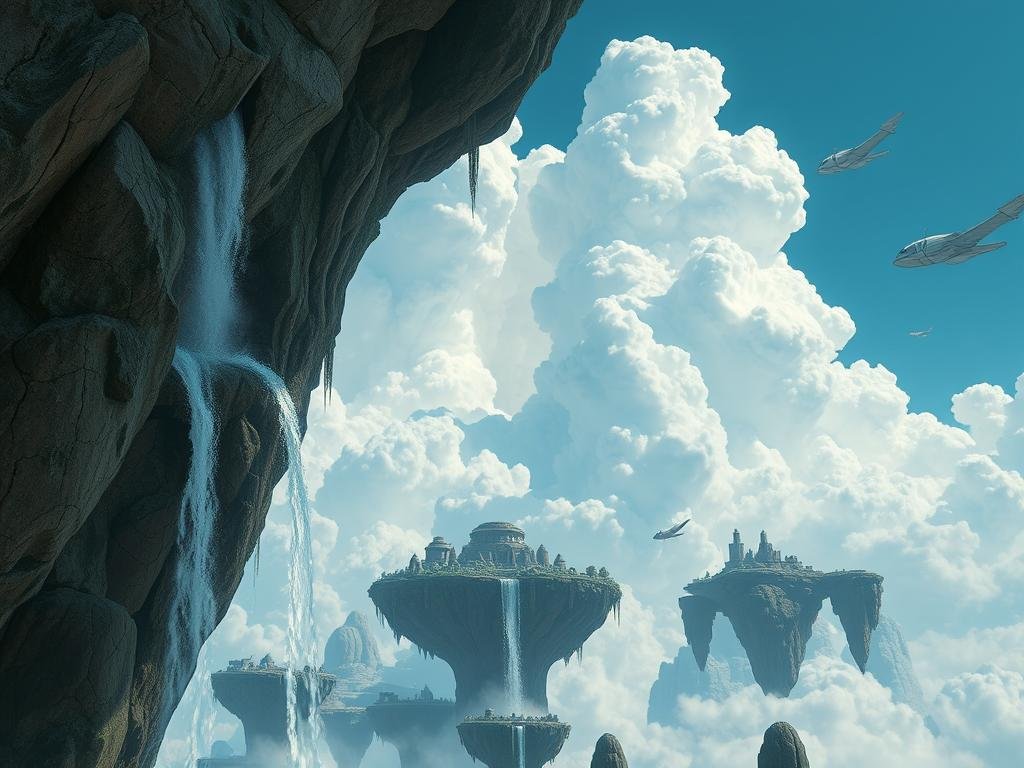
Why Use Midjourney for Architecture Ideas?
Midjourney helps architects, designers, and enthusiasts bring their ideas to life fast. Instead of spending hours sketching or modeling initial concepts, you can type a description and see several options instantly. It helps explore different styles, materials, and environments easily.
- Rapid visualization of design concepts.
- Easy exploration of various styles and materials.
- Quickly compare different environmental settings.
- Save time in the early stages of design.
Key Elements for Exterior Design Prompts
To get Midjourney to create the architectural vision you have, you need to include specific details in your prompt. The more descriptive you are, the closer the result will be to your idea. Think about the most important aspects of the building’s exterior.
Defining the Architectural Style
Start by naming the style. Are you thinking modern, traditional, brutalist, minimalist, Victorian, or something else? Mentioning the style sets the overall tone.
Materials and Textures
Specify what the building is made of. Concrete, glass, wood, stone, brick, metal? How do these materials look? Are they smooth, rough, weathered, polished? Details here make a big difference.
Environment and Setting
Where is this building located? Is it on a mountain, by the sea, in a city, in a forest? Describe the surrounding landscape and how the building fits into it.
Lighting and Time of Day
The lighting changes everything. Are you looking for sharp shadows from midday sun, soft light at dawn, or a dramatic sunset? Specify the time of day and the mood you want the lighting to create.
Perspective and Angle
How do you want to see the building? From the street level, a bird’s-eye view, or perhaps a close-up of an entrance? Specifying the camera angle helps frame the image correctly.
Specific Features
Include details about key features. Are there large windows, a unique roof shape, specific landscaping elements, or a prominent entrance? Add these to refine the concept.
Exploring Different Architectural Concepts
Using these elements, you can combine them in many ways to explore different design avenues. For example, you might prompt for: “Modern concrete house, cantilevered, forest setting, moody overcast light, wide angle view.” Or try: “Traditional stone cottage, thatched roof, English countryside, sunny afternoon, eye level.”
Each prompt variation will yield a different result, allowing you to iterate quickly on ideas. Experiment with different combinations of styles, materials, and lighting to see what emerges.
Automating Your Design Process
Tips for Better Results
- Be specific but don’t make prompts too long and complicated initially.
- Use negative prompts (e.g., `–no cars`) to exclude unwanted elements.
- Learn about Midjourney parameters like `–ar` for aspect ratio or `–style` for visual aesthetic.
- Iterate! Generate multiple images from the same prompt and then vary elements to refine.
Exploring architectural exteriors with Midjourney is an exciting way to kickstart design thinking. By carefully crafting prompts using elements like style, materials, environment, and lighting, you can generate compelling visual concepts.
Conclusion
Do This Locally with Logen
Skip the subscription. Generate images like these on your own GPU — private, unlimited, no cloud dependency.
Midjourney vs Logen
| Feature | Midjourney | Logen |
|---|---|---|
| Cost | $10-60/mo | Free & Pro plans |
| Privacy | Cloud (images stored) | 100% local |
| Generations | Limited by plan | Unlimited |
| Internet Required | Always | No |
| Custom Models | No | Yes (any ComfyUI model) |
| GPU Required | No (cloud) | Yes (local) |
| Ease of Use | Discord bot | Desktop app |