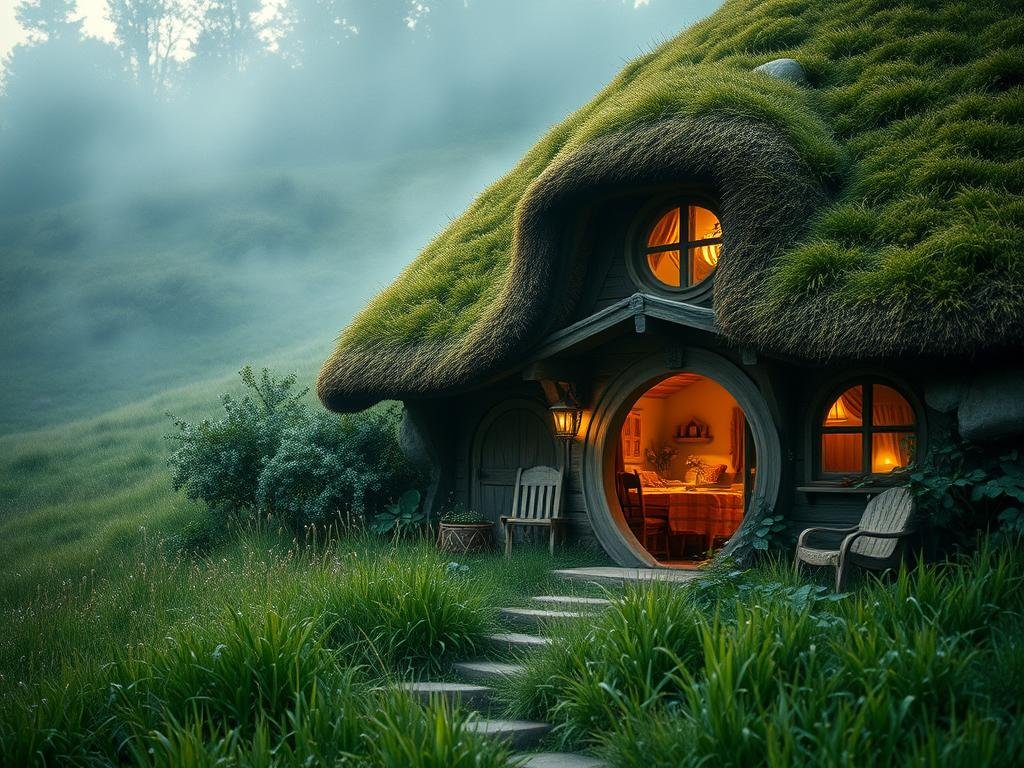
First, you need a Leonardo AI account. It’s free to sign up. Once you’re ready, let’s dive in.
Writing Effective Prompts
A prompt is just the text you give the AI to describe the picture you want. Writing a good prompt helps the AI understand your idea clearly. A clear and detailed prompt makes a big difference.
Make Your Prompts Specific
Think about what makes a picture pop. Just saying “a princess in a garden” gives you a very basic image. To get a better result, add details:
Describe the character: like “a beautiful blonde princess wearing a yellow dress.”
Describe the character: like “a beautiful blonde princess wearing a yellow dress.”
Add the setting details: “standing in a Rose Garden at Sunset.”
Add the setting details: “standing in a Rose Garden at Sunset.”
Include background elements: “with a splendid castle in the background.”
Include background elements: “with a splendid castle in the background.”
See how much more detail you add? It helps the AI draw what you have in your mind.
Add Art Style and Details
Tell the AI how you want the image to look. Do you want it to feel like a painting? A cartoon? A photo? Add phrases like “in a realistic painting style” or “Illustrated in a cartoon style.”
Small details can also make the image special. Think about elements like “a magical forest filled with sparkling fireflies, glowing mushrooms and mysterious blue lights.”
Combining all these elements creates a much richer description for the AI to work with.
Getting specific details right in your prompts is key to great AI art. While getting perfect results takes practice, tools like the
Choose the Right Fine-Tune Model
Leonardo AI has different models you can choose from. These models are trained on different types of images, so some work better for certain styles than others.
[LI]
DreamShaper
[/LI]
[LI][P]This model is good for creating detailed images. Use it for paintings, illustrations, portraits, or fantasy landscapes.[/P][/LI]
[LI]
3D Animation Style
[/LI]
[LI][P]If you want images that look like they belong in an animated movie or video game, this model is a great choice. It works well for animated characters or 3D objects.[/P][/LI]
[/UL]
Picking a model that fits the style you want is just as important as writing a good prompt. It gives the AI a better starting point.
Adjusting Aspect Ratios
The aspect ratio is simply the shape of your image (how wide versus how tall it is). Choosing the right ratio is important depending on where you plan to use the image.
16:9: This is a wide shape, best for things like computer wallpapers or videos.
16:9: This is a wide shape, best for things like computer wallpapers or videos.
1:1: This is a square shape, perfect for most social media posts like on Instagram or Facebook.
1:1: This is a square shape, perfect for most social media posts like on Instagram or Facebook.
9:16: This is a tall shape, ideal for vertical content like stories on Instagram or TikTok videos.
9:16: This is a tall shape, ideal for vertical content like stories on Instagram or TikTok videos.
Choosing the right ratio ensures your image looks good where you intend to share it. Getting all these settings right can feel like a lot, but mastering prompts, models, and aspect ratios in Leonardo AI lets you create impressive visuals. For those working with AI image generation often, solutions like the
Bring Your Vision to Life
By focusing on writing clear, detailed prompts, picking a suitable fine-tune model, and setting the right aspect ratio, you can greatly improve the images you create with Leonardo AI. It takes a little practice, but these simple steps will help you generate pictures that match your creative vision.
Want to make your AI image generation process even smoother? Consider exploring tools designed for that purpose. The
Do This Locally with Logen
Skip the subscription. Generate images like these on your own GPU — private, unlimited, no cloud dependency.
Midjourney vs Logen
| Feature | Midjourney | Logen |
|---|---|---|
| Cost | $10-60/mo | Free |
| Privacy | Cloud (images stored) | 100% local |
| Generations | Limited by plan | Unlimited |
| Internet Required | Always | No |
| Custom Models | No | Yes (any ComfyUI model) |
| GPU Required | No (cloud) | Yes (local) |
| Ease of Use | Discord bot | Desktop app |