Getting Started with Midjourney
The easiest way to use Midjourney is through Discord. If you don’t have Discord, go to discord.com and download it. Think of Discord as a community chat app, like WhatsApp but for groups.
Joining the Midjourney Server
Once you have Discord, join the Midjourney server. It’s super simple: go to discord.gg/midjourney. This link is also in the description. After accepting the invite, you’re in! This is the easiest way to work with Midjourney.
Creating Your First AI Art
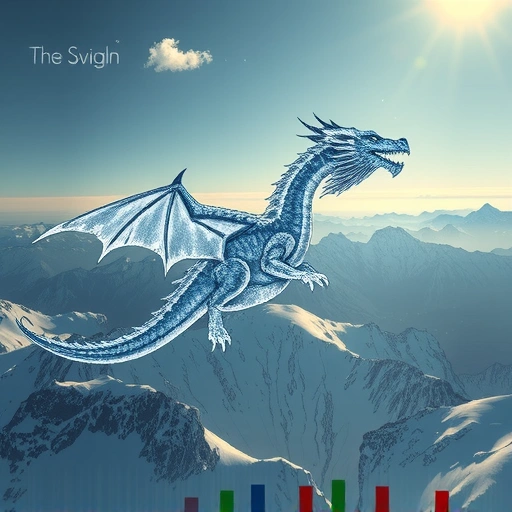
Now that you’re in the Midjourney Discord server, find one of the “newbie” channels. Here’s where the magic happens. Type `/imagine` and then tell Midjourney what you want to create. Use keywords to describe your idea. For example, you could type `/imagine dragon riding scenario`.
Adding Details for Realistic Results
To make your art look realistic and detailed, add extra instructions. Also, type `–V 4` to use version 4 of Midjourney, which gives the best results. You can also set the image’s aspect ratio. Type `–ar` followed by your choice: 2:3, 1:1, or 3:2. For example: `–ar 2:3`. Now, hit Enter and wait for Midjourney to work its magic.
Understanding the Results
Midjourney will give you a set of images based on your prompt. You’ll see options labeled “U” and “V.” “U” means “upscale,” so if you like an image, you can make it full resolution. “V” means “variations,” so you can create more images like that one. The arrows let you re-run the prompt if you don’t like the results. If you like version 3, just click ‘U3’ to upscale it.
Enhance your Midjourney experience with the
Getting Your Art
Once you upscale an image, you can get the full-resolution version. React to the message with the email emoji, and the Midjourney bot will send you the picture in a direct message.
Free vs. Paid Plans
You can generate 25 images for free. After that, it costs $10 a month for 100 images. The paid plan also lets you generate images privately, as the free version is public.
Take your Midjourney creations to the next level with the
Summary
Creating AI art with Midjourney is easy and fun. Just use Discord, join the Midjourney server, and type `/imagine` followed by your ideas. Add details and choose your favorite results. Start creating amazing art today!
Ready to revolutionize your Midjourney workflow? Discover the power of automation with the
Do This Locally with Logen
Skip the subscription. Generate images like these on your own GPU — private, unlimited, no cloud dependency.
Midjourney vs Logen
| Feature | Midjourney | Logen |
|---|---|---|
| Cost | $10-60/mo | Free |
| Privacy | Cloud (images stored) | 100% local |
| Generations | Limited by plan | Unlimited |
| Internet Required | Always | No |
| Custom Models | No | Yes (any ComfyUI model) |
| GPU Required | No (cloud) | Yes (local) |
| Ease of Use | Discord bot | Desktop app |