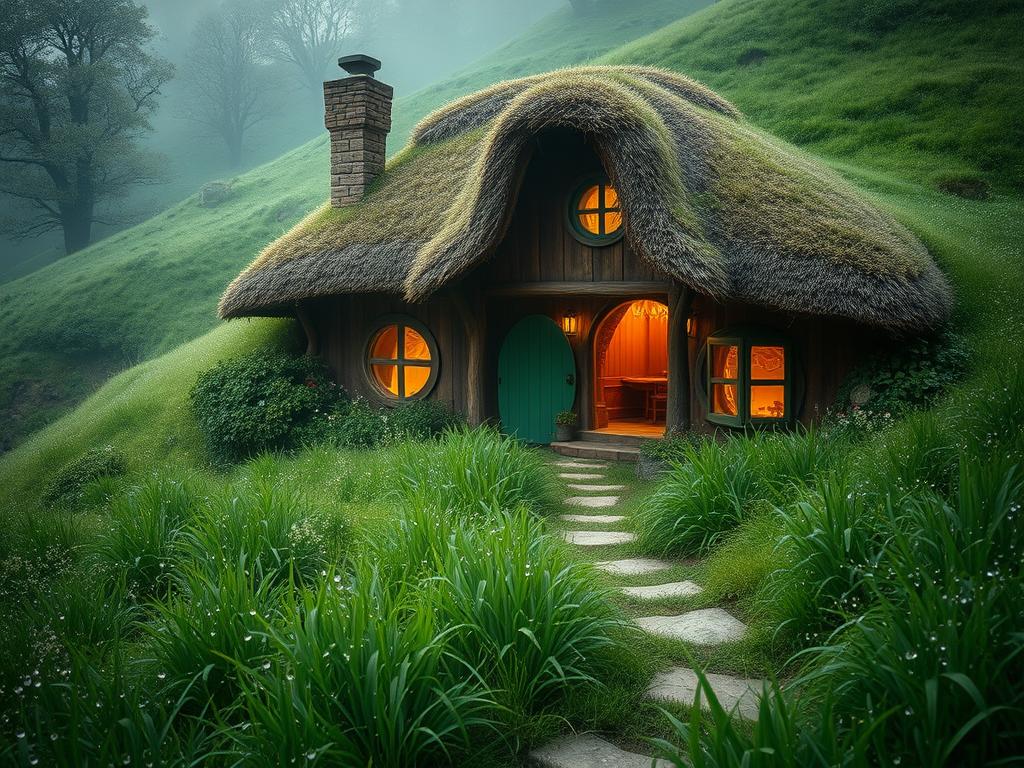
Getting Started with Midjourney V7
Before you can use version 7, you need to do one task on the Midjourney website. Go to the personalize tab. You need to rate at least 200 images there. This is because version 7 works by learning your style preferences. Rating images only takes a few minutes. Once you’ve rated enough images, version 7 is ready for you to use.
After rating, you can find version 7 settings in the create tab. You can type prompts as usual. You can also include parameters like aspect ratio right in your prompt text.
Comparing Midjourney V6.1 and V7
Version 7 makes images more realistic and detailed than 6.1.
Realism: Comparing images like a sushi platter or an old man’s portrait shows V7 creates skin textures, focuses, and details that look more like real photographs.
Realism: Comparing images like a sushi platter or an old man’s portrait shows V7 creates skin textures, focuses, and details that look more like real photographs.
Details: Look at images side-by-side, like a juicy cheeseburger with toppings on a table. V7 captures tiny details incredibly well.
Details: Look at images side-by-side, like a juicy cheeseburger with toppings on a table. V7 captures tiny details incredibly well.
Style Interpretation: V7 can interpret specific styles, sometimes with different results than V6.1. For example, a cartoon pirate cat prompt might give a more realistic image in V7 compared to a cartoon-closer result in V6.1.
Style Interpretation: V7 can interpret specific styles, sometimes with different results than V6.1. For example, a cartoon pirate cat prompt might give a more realistic image in V7 compared to a cartoon-closer result in V6.1.
Text: While still improving, V7 handles text in images differently, sometimes creating more natural or minimalistic designs compared to V6.1.
Text: While still improving, V7 handles text in images differently, sometimes creating more natural or minimalistic designs compared to V6.1.
Overall, version 7 offers a noticeable jump in image realism and detail compared to 6.1.
If you’re pushing the boundaries of AI art with complex prompts and variations, you might find managing projects challenging. Consider using a tool like the
Key New Features in Midjourney V7
Draft Mode
Draft mode is a major new addition. It lets you quickly test ideas. It’s much faster and cheaper than standard image generation. Instead of generating finished images, it helps you explore concepts and generate new prompt ideas based on your input.
Speed: Draft mode is about 10 times faster than standard generation.
Speed: Draft mode is about 10 times faster than standard generation.
Cost: It’s roughly 50% cheaper, making it great for experimentation.
Cost: It’s roughly 50% cheaper, making it great for experimentation.
How it Works: You type your idea or thought into the draft box. Midjourney then generates draft images and suggests new prompts. You can keep chatting with it to refine the ideas.
How it Works: You type your idea or thought into the draft box. Midjourney then generates draft images and suggests new prompts. You can keep chatting with it to refine the ideas.
Refining Ideas: You can tell it what you like or don’t like about the draft images, and it will adjust the prompt or ideas.
Refining Ideas: You can tell it what you like or don’t like about the draft images, and it will adjust the prompt or ideas.
Adding Parameters: You can still add parameters like aspect ratio by typing them into the prompt area while in draft mode.
Adding Parameters: You can still add parameters like aspect ratio by typing them into the prompt area while in draft mode.
Enhancing Drafts: Once you have a strong idea from draft mode, you can use the “Enhance” option. This takes the idea and generates a full-quality image using the standard V7 model based on that concept. It doesn’t just upscale; it creates a new, similar image at high quality.
Enhancing Drafts: Once you have a strong idea from draft mode, you can use the “Enhance” option. This takes the idea and generates a full-quality image using the standard V7 model based on that concept. It doesn’t just upscale; it creates a new, similar image at high quality.
Breaking Patterns: To start a completely new set of draft ideas, simply refresh the page.
Breaking Patterns: To start a completely new set of draft ideas, simply refresh the page.
Voice Prompting
Midjourney V7 adds voice prompting. This feature works with Draft Mode. You can speak your ideas and refinements instead of typing. This makes the process even faster and more conversational, allowing you to quickly brainstorm and refine concepts just by talking.
Personalization
Personalization is enabled by default in V7. As mentioned earlier, it uses the images you’ve rated to understand your visual style preferences. When creating images, V7 aims to tailor results to match the styles you’ve shown you like by rating images. This can create a unique look for your generations.
Turbo and Relax Modes
Midjourney V7 also includes Turbo mode for faster generation (at a higher cost) and Relax mode for slower, more affordable generation.
Managing different modes, prompts, and iterations in Midjourney can get complex. Tools designed for automation and organization can be incredibly helpful. Check out the
Temporary Limitations
Like with any new large update, version 7 currently has some temporary limitations. Features like certain upscaling or inpainting options might not be fully available yet. These are expected to be added in later updates.
In Summary
Midjourney version 7 brings significant improvements. The image quality is much better, creating more realistic and detailed art. The new Draft Mode, combined with Voice Prompting, offers a fast and cost-effective way to explore ideas before generating final images. Personalization is also now a default feature, adapting results to your style based on the images you rate.
These updates make Midjourney more powerful and flexible for creators. Experiment with version 7 to see how these new features can enhance your AI art projects.
For those looking to scale their Midjourney usage, especially with these new features, explore the
Do This Locally with Logen
Skip the subscription. Generate images like these on your own GPU — private, unlimited, no cloud dependency.
Midjourney vs Logen
| Feature | Midjourney | Logen |
|---|---|---|
| Cost | $10-60/mo | Free |
| Privacy | Cloud (images stored) | 100% local |
| Generations | Limited by plan | Unlimited |
| Internet Required | Always | No |
| Custom Models | No | Yes (any ComfyUI model) |
| GPU Required | No (cloud) | Yes (local) |
| Ease of Use | Discord bot | Desktop app |