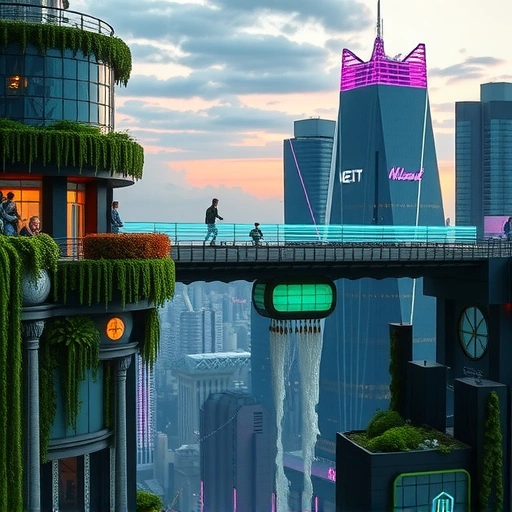
Tracking Progress with a Single Prompt
To see the progress, we used the same simple prompt for each version: “simple car”. Comparing the results shows us exactly what has changed in how Midjourney understands and creates images.
The Beginning: Versions 1, 2, and 3
Back in the early days, Midjourney was just starting. Versions 1, 2, and 3 showed what was possible but had clear limits. Looking at the “simple car” results from these versions shows they struggled. The images look rough and don’t really look like cars we know. It was a messy start, but the potential was there.
A Big Step Forward: Version 4
Version 4 brought a major improvement. Compared to the earlier versions, V4 was much more capable. The images became clearer and more detailed. It was a significant jump in getting closer to the requested subject, showing the technology was improving quickly.
Adding Detail and Style: Versions 5 and 6
Midjourney continued to refine its capabilities with versions 5, 5.1, 5.2, 6, and 6.1. These versions added more detail and better realism. They also started to show different art styles. For example, V5.1 created an interesting “Leopard car” based on the prompt. V6 improved cinematic styles and overall quality. These versions showed more polish and ability to handle different visual demands.
The Latest Step: Version 7
Now we have Version 7. This new version shows increased realism and detail. Looking at the car image generated by V7, you can see fine details like raindrops and improved lighting effects. The quality is higher, and it looks much more like a photograph. It’s a powerful tool. However, it’s important to remember V7 is still new and like other tools, might have small issues sometimes. Midjourney is still working on making it perfect.
Want to make creating images across different Midjourney versions easier? Consider using the
Using Midjourney for Logos and Designs
Beyond generating realistic images, Midjourney can also help with design work, including creating logos.
Testing Logo Generation
A test was done with the prompt “simple lemon logo”. Midjourney created several logos, some attempting to include text like “Lemon” or the letters “EE”. The results showed promise for creating unique graphic designs. Interestingly, running the prompt in an “old way” mode seemed to help Midjourney produce logos with more accurate text, even getting close to spelling “Lee Lemon”.
Great for T-Shirts and Graphic Design
The ability to create unique logos and designs means Midjourney is a useful tool for graphic designers or anyone wanting to make things like t-shirts. It can quickly generate creative ideas that can be further refined. While it might not always get text perfectly right in every mode, experimenting with different settings can lead to good results.
Automate your Midjourney tasks and manage your designs more effectively. Check out the
The Future Looks Bright
The journey from Midjourney V1 to V7 shows amazing progress. The tool has become much better at understanding prompts, creating detailed images, and even helping with design projects like logos. Version 7 is the latest proof of this ongoing improvement. While there’s always room for development, seeing how far Midjourney has come is impressive.
To get the most out of Midjourney’s latest features and capabilities, exploring tools that automate workflows can be very helpful. Learn how the
Do This Locally with Logen
Skip the subscription. Generate images like these on your own GPU — private, unlimited, no cloud dependency.
Midjourney vs Logen
| Feature | Midjourney | Logen |
|---|---|---|
| Cost | $10-60/mo | Free |
| Privacy | Cloud (images stored) | 100% local |
| Generations | Limited by plan | Unlimited |
| Internet Required | Always | No |
| Custom Models | No | Yes (any ComfyUI model) |
| GPU Required | No (cloud) | Yes (local) |
| Ease of Use | Discord bot | Desktop app |