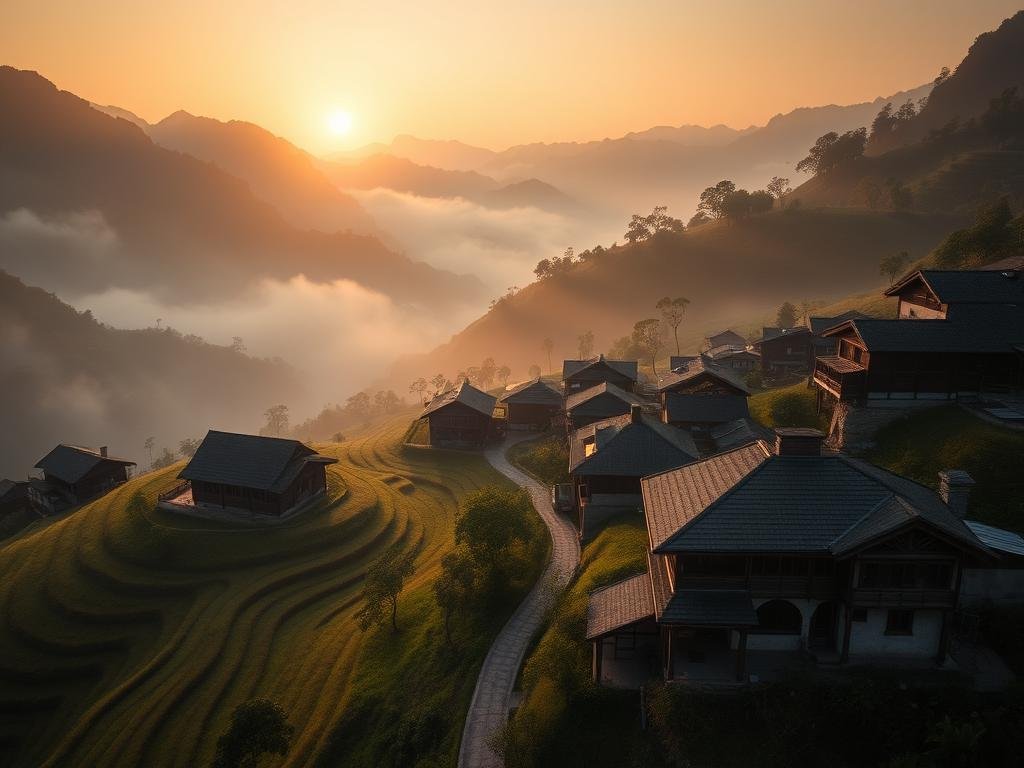
Understanding Midjourney Video
Midjourney video is currently best for “artsy” and artistic videos. It focuses on visual appeal. Unlike some other tools, Midjourney videos currently have some specific details:
No audio.
No audio.
Low starting resolution, but you can upscale it.
Low starting resolution, but you can upscale it.
Videos generate to about 4 seconds by default. You can extend them.
Videos generate to about 4 seconds by default. You can extend them.
Access and Usage
You can start making Midjourney videos with a $10 a month plan. The system uses “fast hours” instead of a credit system. Making a video uses about four times the resources of an image upscaling task. With the basic plan, you can likely create 10 to 30 videos each month.
There are two main ways to create a video:
Select an existing image, then choose “animate image.” You can pick low motion, high motion, or manual. Manual lets you add a new text prompt.
Select an existing image, then choose “animate image.” You can pick low motion, high motion, or manual. Manual lets you add a new text prompt.
Drag your chosen image directly into the “start frame” section of the prompt bar, then add your text prompt there.
Drag your chosen image directly into the “start frame” section of the prompt bar, then add your text prompt there.
To make your creative journey even smoother, consider using the
Seeing What Others Create
One great part about Midjourney is seeing what other users make. Go to the “explore” tab and filter by “video.” You will see many creations. Most videos are short, usually around 4 seconds. Many of them are illustrations, anime, or cartoons. Midjourney excels with these artistic styles, though it can also make realistic-looking people and scenes.
Standout Examples
Here are some cool examples of what people are making:
An otter in water: This video shows great water movement and clear views through the water.
An otter in water: This video shows great water movement and clear views through the water.
A music video scene: You can generate many characters. It is also possible to use character reference features to include a specific person.
A music video scene: You can generate many characters. It is also possible to use character reference features to include a specific person.
Fashion concept: A great way to show off a clothing idea that does not exist in real life.
Fashion concept: A great way to show off a clothing idea that does not exist in real life.
Anime styles: Midjourney does an excellent job with anime-inspired visuals.
Anime styles: Midjourney does an excellent job with anime-inspired visuals.
Car physics: A short video showed good movement of a car.
Car physics: A short video showed good movement of a car.
Scenery: Midjourney has always been good at creating varied landscapes and backgrounds, and this carries over to video.
Scenery: Midjourney has always been good at creating varied landscapes and backgrounds, and this carries over to video.
Lego physics: People used to spend hours on stop-motion Lego videos. Midjourney can now create similar clips much faster.
Lego physics: People used to spend hours on stop-motion Lego videos. Midjourney can now create similar clips much faster.
Animated text: In the past, Midjourney had trouble with text in images. But it seems to handle animated words in videos well now.
Animated text: In the past, Midjourney had trouble with text in images. But it seems to handle animated words in videos well now.
Car commercial: One video looked like a high-quality car advertisement.
Car commercial: One video looked like a high-quality car advertisement.
Bigfoot: Examples showed appealing mystical creatures, but without speech, they are not quite ready for full story narration.
Bigfoot: Examples showed appealing mystical creatures, but without speech, they are not quite ready for full story narration.
Imagine automating the process of generating these varied videos! The
Making Your Own Midjourney Videos
Creating your own video is easy. You can start with an image you find on the explore page or one you already have. Drag this image to the “starting frame” section. Then, type a text prompt to describe the motion or scene you want.
Tips for Prompts
Even with simple prompts, the results can be impressive. For example, a basic prompt generated several cool video options for one user. A prompt like “frog jumps up as camera zooms out” created a realistic frog hopping. The camera movement might need more specific instructions. Just keep experimenting with your prompts to get the exact results you want.
To take your video creation to the next level and manage your projects, consider the
Do This Locally with Logen
Skip the subscription. Generate images like these on your own GPU — private, unlimited, no cloud dependency.
Midjourney vs Logen
| Feature | Midjourney | Logen |
|---|---|---|
| Cost | $10-60/mo | Free |
| Privacy | Cloud (images stored) | 100% local |
| Generations | Limited by plan | Unlimited |
| Internet Required | Always | No |
| Custom Models | No | Yes (any ComfyUI model) |
| GPU Required | No (cloud) | Yes (local) |
| Ease of Use | Discord bot | Desktop app |