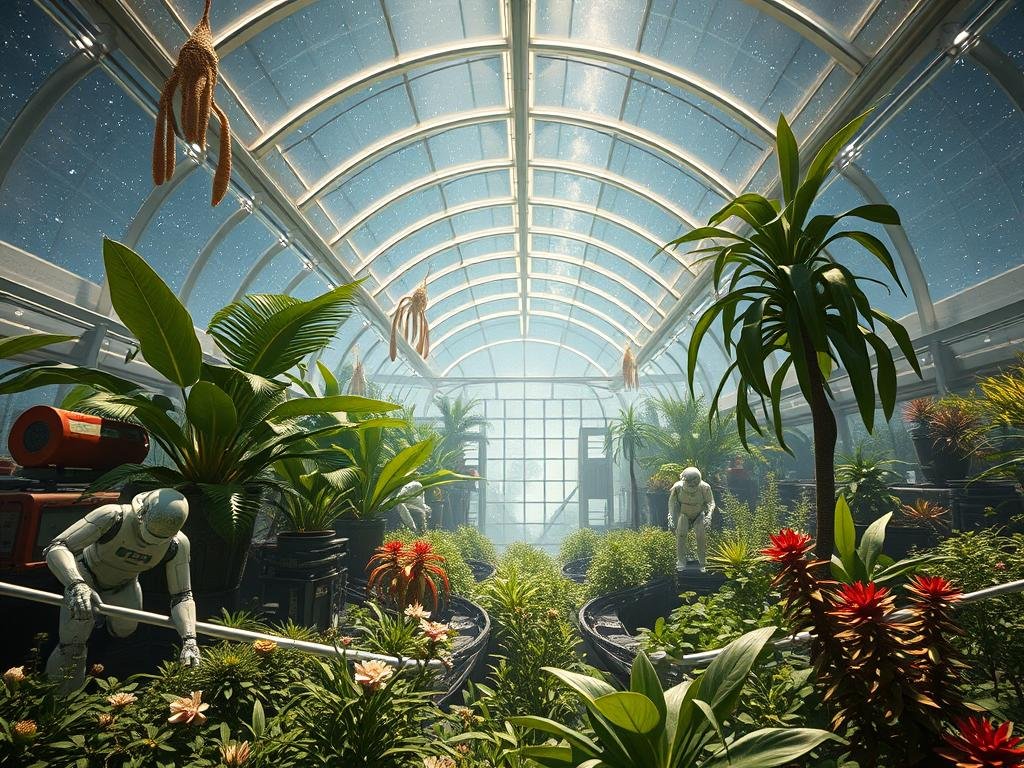
The Basic Idea: Ask AI About Key Elements
The trick starts by asking Chat GPT about the important parts of the kind of image you want to make. For example, you could ask, “What are the main things that make great automotive photography?”
Chat GPT will give you a list of elements you should consider. For car photos, it might mention:
Lighting
Lighting
Composition (how things are arranged)
Composition (how things are arranged)
Background
Background
Perspective (the camera angle)
Perspective (the camera angle)
Details (like wheels or interiors)
Details (like wheels or interiors)
Post-processing (editing style)
Post-processing (editing style)
Creativity
Creativity
This list gives you a framework of what goes into a particular style of image.
Turn Elements into Specific Prompts
Now for the powerful part. Ask Chat GPT to use these elements to create example data. You can ask it to make a table or just a list. For instance, you might say, “Using these elements, make a list of five examples for automotive photography. The first item in each example should be the car.”
Chat GPT will then generate examples like this (though not always in a table format when you ask for a list):
Ferrari 488 GTB, soft natural light during sunset, rule of thirdscomposition, simple cityscape background, low angle perspective, close-up on wheels and brake calipers.
Ferrari 488 GTB, soft natural light during sunset, rule of thirdscomposition, simple cityscape background, low angle perspective, close-up on wheels and brake calipers.
Aston Martin DBS Superleggera, soft diffused lighting, symmetrical composition, dramatic natural landscape background, close-up on leather upholstery and dashboard.
Aston Martin DBS Superleggera, soft diffused lighting, symmetrical composition, dramatic natural landscape background, close-up on leather upholstery and dashboard.
Each line is a complete prompt idea built from the specific elements needed for that type of photo.
Examples in Action
You can take one of these generated lines and use it directly in your AI image tool like Midjourney. The results follow the description closely. A prompt about a car interior will likely give you an interior shot. A prompt about a car exterior with a specific background and lighting will follow those instructions.
Automotive Results
When using automotive prompts generated this way, you get high-quality images that look like real, planned car photography. The descriptions lead to images with good lighting, composition, and relevant details.
Landscape Results
This method works for other styles too. Ask about landscape photography elements. Chat GPT might list things like:
[LI]Composition[/LI>
[LI]Lighting[/LI]
[LI]Color[/LI>
[LI]Depth of field[/LI]
[LI]Sharpness[/LI]
[LI]Timing (time of day)[/LI]
[LI]Subject Matter[/LI]
[/UL]
Then, ask it to create examples using landscape types (like forest, beach, mountain) as the starting point. You get prompts like “Forest, foreground interest, pattern, soft light, green and earth tones, deep depth of field, sharp focus throughout, midday or overcast, trees streams and fallen leaves.”
Using these landscape prompts creates stunning images that match the description, showcasing details like streams, leaves, and the requested style.
Generating prompts manually can take time. Speed up your process. Check out the
Apply to Almost Any Style
This technique isn’t limited to cars and landscapes. You can ask about the key elements of food photography, nature photos, interior design visuals, or even architectural renderings. Then, ask Chat GPT to generate examples based on specific subjects within those types.
Each time you ask for examples, Chat GPT can create new combinations, giving you an almost unlimited supply of fresh ideas for your Midjourney creations. You can ask for 5, 10, or even 100 examples at once.
This method takes the thinking out of prompt creation and gives you detailed ideas to start with.
Automate Your Midjourney Workflow
Once you have a great list of prompts generated using this method, managing and running them efficiently in Midjourney is key. That’s where automation helps.
Consider using a tool like the
Conclusion
Using Chat GPT to first identify the core elements of an image style and then generate specific examples based on those elements is a powerful way to create a large volume of diverse prompts for Midjourney and other AI image tools. It’s simple, effective, and unlocks many creative possibilities without starting from scratch each time.
Ready to generate more images from your endless prompt ideas? Explore how automation can help. Learn more about the
Do This Locally with Logen
Skip the subscription. Generate images like these on your own GPU — private, unlimited, no cloud dependency.
Midjourney vs Logen
| Feature | Midjourney | Logen |
|---|---|---|
| Cost | $10-60/mo | Free |
| Privacy | Cloud (images stored) | 100% local |
| Generations | Limited by plan | Unlimited |
| Internet Required | Always | No |
| Custom Models | No | Yes (any ComfyUI model) |
| GPU Required | No (cloud) | Yes (local) |
| Ease of Use | Discord bot | Desktop app |