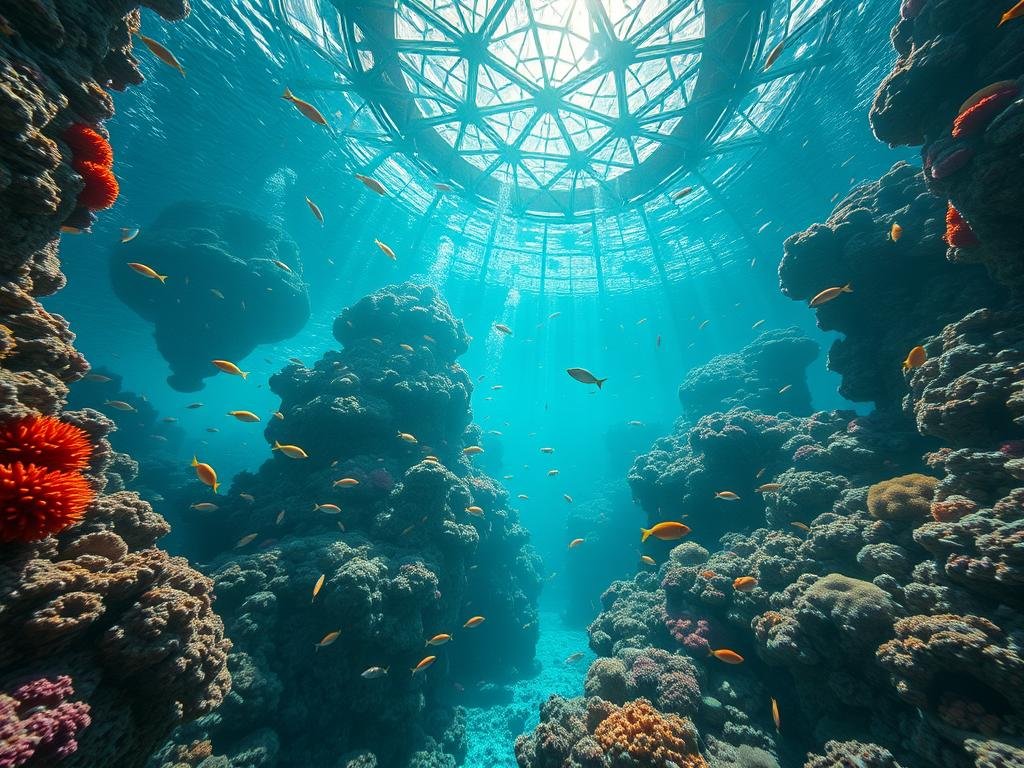
Start with a Clear Idea
Think about what you want to see. What is the main subject? What is the setting? What style do you like? Having a clear picture in your mind helps you write a better prompt.
Write your prompt simply. Start with the subject. Then add details about the setting, mood, and style. Short sentences work well.
Use Basic Parameters
Midjourney has tools that help you guide the image creation. These are called parameters. You add them at the end of your prompt with two hyphens (–).
<code>–aspect</code> or <code>–ar</code>: This sets the width-to-height ratio. Use <code>–ar 16:9</code> for a wide picture, or <code>–ar 9:16</code> for a tall one. <code>–ar 1:1</code> is the default square.
<code>–aspect</code> or <code>–ar</code>: This sets the width-to-height ratio. Use <code>–ar 16:9</code> for a wide picture, or <code>–ar 9:16</code> for a tall one. <code>–ar 1:1</code> is the default square.
<code>–seed</code>: This number helps you get similar results if you run a prompt more than once. If you like a result, find its seed and use it again with changes to your prompt.
<code>–seed</code>: This number helps you get similar results if you run a prompt more than once. If you like a result, find its seed and use it again with changes to your prompt.
<code>–tile</code>: Use this for repeating patterns that can be used as textures or backgrounds.
<code>–tile</code>: Use this for repeating patterns that can be used as textures or backgrounds.
Explore Different Styles
Midjourney can create art in many different looks. Try adding artists’ names or art movements to your prompt. You can also use descriptive words like “cinematic,” “fantasy art,” “watercolor,” or “pixel art.” Experimenting with style words changes the feel of your image completely.
Combining Style Ideas
You can often combine style words. Try mixing two styles to see what Midjourney creates. For example, “steampunk robot, watercolor painting” might give you an interesting result.
Making many images to find the best ones takes time. Tools can help speed this up. If you create a lot of art, consider using automation to handle tasks like generating many variations or organizing your work. Check out the
Refine Your Prompts
Your first prompt might not be perfect. Look at the images Midjourney creates. What do you like? What do you want to change? Edit your prompt based on the results.
Add more descriptive words to guide the AI.
Add more descriptive words to guide the AI.
Remove words that are causing unwanted elements.
Remove words that are causing unwanted elements.
Adjust parameters like aspect ratio or stylization (using <code>–s</code>).
Adjust parameters like aspect ratio or stylization (using <code>–s</code>).
This process of refining is often called ‘prompt iteration.’ It’s key to getting closer to your vision.
Staying Organized and Efficient
As you create more images, keeping track of prompts and results can be hard. Think about saving your prompts in a document or using image management tools. For users who generate images frequently or need to manage large volumes, automating parts of this process saves effort. The
Conclusion
Creating great art with Midjourney is a journey of exploration. Start with simple ideas, learn the basic parameters, and don’t be afraid to experiment with styles and refine your prompts. With practice, you’ll get better at bringing your visual ideas to life.
For serious users looking to save time and create more images efficiently, automating your Midjourney workflow is a game changer. Learn more about how automation can help you at https://www.titanxt.io/midjourneyautomator.
Do This Locally with Logen
Skip the subscription. Generate images like these on your own GPU — private, unlimited, no cloud dependency.
Midjourney vs Logen
| Feature | Midjourney | Logen |
|---|---|---|
| Cost | $10-60/mo | Free |
| Privacy | Cloud (images stored) | 100% local |
| Generations | Limited by plan | Unlimited |
| Internet Required | Always | No |
| Custom Models | No | Yes (any ComfyUI model) |
| GPU Required | No (cloud) | Yes (local) |
| Ease of Use | Discord bot | Desktop app |