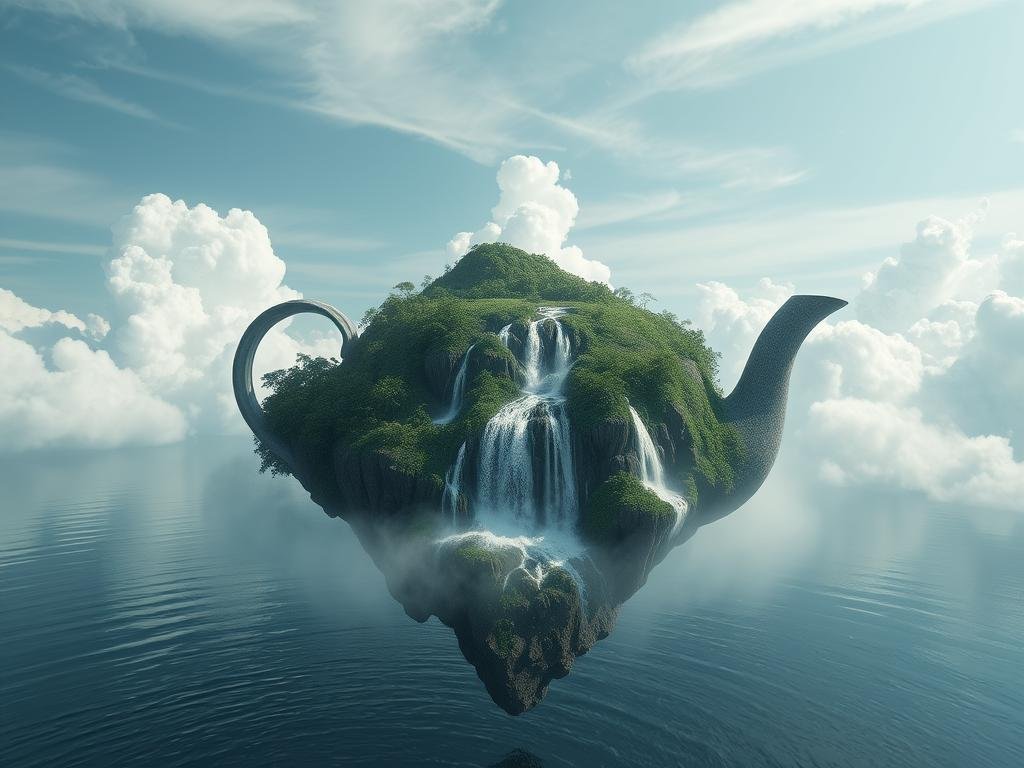
Finding Your Creative Starting Point
Every great image starts with an idea. Look for inspiration. Platforms like Pinterest or Cosmos are good places to find pictures that spark your creativity. Think about the feeling, style, or textures you want to show in your images. Maybe you want a specific type of fabric texture or an embroidery style.
Once you find an image you like, it can serve as a reference for your AI generation.
Using Midjourney’s Helpful Features
Midjourney has built-in tools that help you get the exact look you want.
Getting Keywords from Reference Images
Have you found a reference image you like? Put that image into Midjourney. Use the ‘describe’ feature – just click the little ‘I’ button after you upload or link the image. Midjourney will give you suggestions for keywords that describe the image. These keywords are really helpful for building your prompt to get a similar style or feel.
Select the keywords Midjourney suggests that match what you want to replicate. Then, you can add these to your own prompts.
Adding Character and Style References
Sometimes you want a specific character in your images, or you want the new images to look like a previous one you created. Midjourney lets you use reference images for this too.
- To use a character from a previous image, use the character reference tool. It helps keep the person consistent.
- To make your new image have a similar look or style to another image, use the style reference feature. You usually add this reference using the paperclip icon.
By combining keywords and image references, you guide Midjourney to create the exact visuals you need.
Building Your Brand Story
AI-generated images are powerful because they let you do more than just show your product. You can create a whole world or story around your brand. Instead of a basic product shot, imagine an image that captures the mood, lifestyle, or feeling your brand represents. This helps customers connect with your brand on a deeper level.
These creative images can be used everywhere: on your website, in social media posts, email campaigns, and advertisements. They make your marketing materials much more engaging and memorable.
The Benefits of AI Visuals
Using AI like Midjourney for product visuals opens up many possibilities. You can quickly test different styles, scenes, and concepts without the cost and effort of traditional photography. This speed and flexibility allow you to rapidly generate a wide range of visuals to see what best tells your brand’s story.
Conclusion
Using Midjourney to create product visuals is a creative way to market your brand. By starting with inspiration, using Midjourney’s keyword and reference tools, and focusing on telling a brand story, you can generate striking images that grab attention and build a connection with your audience. AI is a great tool for boosting your creativity and marketing efforts.
Do This Locally with Logen
Skip the subscription. Generate images like these on your own GPU — private, unlimited, no cloud dependency.
Midjourney vs Logen
| Feature | Midjourney | Logen |
|---|---|---|
| Cost | $10-60/mo | Free & Pro plans |
| Privacy | Cloud (images stored) | 100% local |
| Generations | Limited by plan | Unlimited |
| Internet Required | Always | No |
| Custom Models | No | Yes (any ComfyUI model) |
| GPU Required | No (cloud) | Yes (local) |
| Ease of Use | Discord bot | Desktop app |