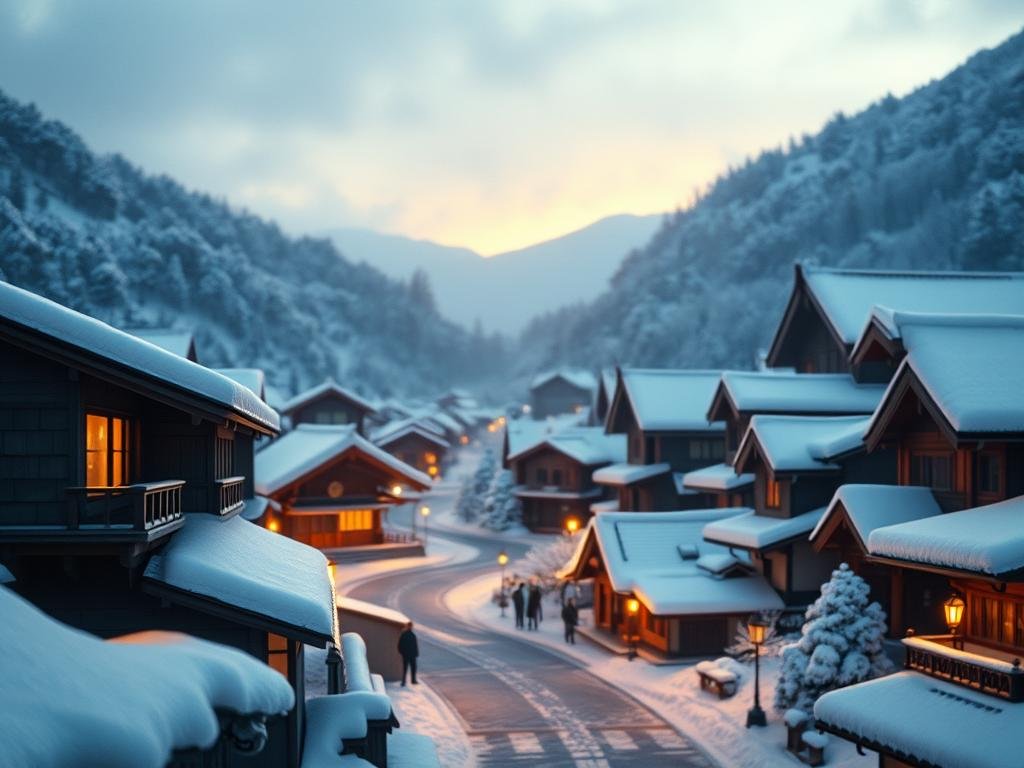
Meet Reve AI Image 1.0
Like Midjourney and Flux, Reve uses advanced models to make pictures from text descriptions. But right away, Reve feels different. While Midjourney often creates images that look like beautiful artistic paintings or illustrations, Reve seems trained on a different kind of image data. Think of it like processing many everyday, maybe even amateur, phone photos. This gives Reve images a distinct realistic look, sometimes with less saturated colors or slightly uneven horizons – things you see in real photos.
Right now, you can try Reve for free. You get 100 image credits to start. After that, you receive 20 free credits every day.
Getting Started with Reve AI
Creating images with Reve is straightforward. When you log in, you go to the ‘Create’ area. Here, you can type a description or upload an existing image for the AI to base its work on.
Creative Options
- Write a text prompt or upload an image.
- Adjust the image shape (aspect ratio), like wide screen (16:9) or square (1:1).
- Choose how many images the AI generates from your prompt.
- Use the ‘Enhance On’ feature. If you type a few words, Reve adds more detail automatically to improve the result. This is on by default.
- The ‘seed’ option helps keep a consistent style or composition. You can use an automatic seed or a specific one.
Refining Your Generations
Once you have images, you can make changes. You can delete ones you don’t like or mark favorites. If you click on an image, you can edit its prompt or give the AI an ‘instruction’ to change something specific. You can tell it to change the time of day, for example. Click ‘Reroll’ to get new versions based on your changes.
Using a specific seed lets you experiment. You can keep the same image layout but change the main subject. Just remember to turn off ‘Enhance On’ when heavily changing the subject to avoid unexpected results.
Reve AI vs. Midjourney and Flux: The Realism Test
The real test is seeing how Reve compares to other popular tools when trying to create realistic images. We tried a few examples.
Everyday Scenes and Characters
Trying to put a Star Wars starship over a Soviet city in the 1960s showed big differences. Reve produced images that looked surprisingly like old photos, even if faces were sometimes distorted. Midjourney created something artistic but not realistic. Flux captured the city atmosphere well but the image still looked more like a drawing than a photo.
For portraits, like a woman with flowers on her head, Reve again leaned into realism. Compared side-by-side, Reve images sometimes had less smoothed-out skin than Midjourney, making them look more authentically ‘captured’ from a distance. Midjourney images were very artistic in their style.
Architecture and Details
Generating a gothic cathedral revealed more about Reve’s realism. Its images sometimes showed effects you’d see in real photography, like lens distortion at the edges or slight color fringing (chromatic aberration). Midjourney often produced more fantastical towers, while Flux gave a real-looking building but with very high contrast lighting.
Typography and Text
Getting AI to create text correctly within an image is hard. Reve seems quite good at this. It can integrate text elements into the scene convincingly, even wrapping text behind objects. Midjourney often struggles significantly with generating readable or well-placed text.
Handling Sensitive Content and Celebrities
Reve has filters. It will block prompts for explicit content. If an image generated has potentially sensitive elements, it might pixelate parts of it for public display. We also tested celebrity likenesses, like Tom Hiddleston. Reve handled this well, creating realistic depictions. Flux, apparently, did not recognize the celebrity, and Midjourney produced artistic versions rather than realistic photos.
Beyond Generation: Other Features
Outside of creating, you can explore images others have made in the ‘Explore’ section. This is great for getting ideas and seeing what’s possible.
The ‘Account’ area shows your usage. You can see how many free daily generations you have left and buy more credits if needed. Based on current costs, generating one image on Reve costs about $0.01.
The Future of AI Realism
Reve is still in an early stage, but its focus on realism is impressive. As tools like this improve, adding features like local edits (changing just one part of an image) or ways to train the AI on your own specific styles or faces, the possibilities grow. This level of realism could change how businesses create product photos or how creators develop visual content, offering a powerful alternative to traditional photography.
Conclusion
Overall, Reve AI is a genuinely exciting tool if you are looking for AI images that look like real photographs. While Midjourney excels at artistic creation and Flux offers good results, Reve currently seems to have an edge in achieving that striking photorealistic feel. It’s definitely worth trying out, especially with the free access available.
Do This Locally with Logen
Skip the subscription. Generate images like these on your own GPU — private, unlimited, no cloud dependency.
Midjourney vs Logen
| Feature | Midjourney | Logen |
|---|---|---|
| Cost | $10-60/mo | Free & Pro plans |
| Privacy | Cloud (images stored) | 100% local |
| Generations | Limited by plan | Unlimited |
| Internet Required | Always | No |
| Custom Models | No | Yes (any ComfyUI model) |
| GPU Required | No (cloud) | Yes (local) |
| Ease of Use | Discord bot | Desktop app |