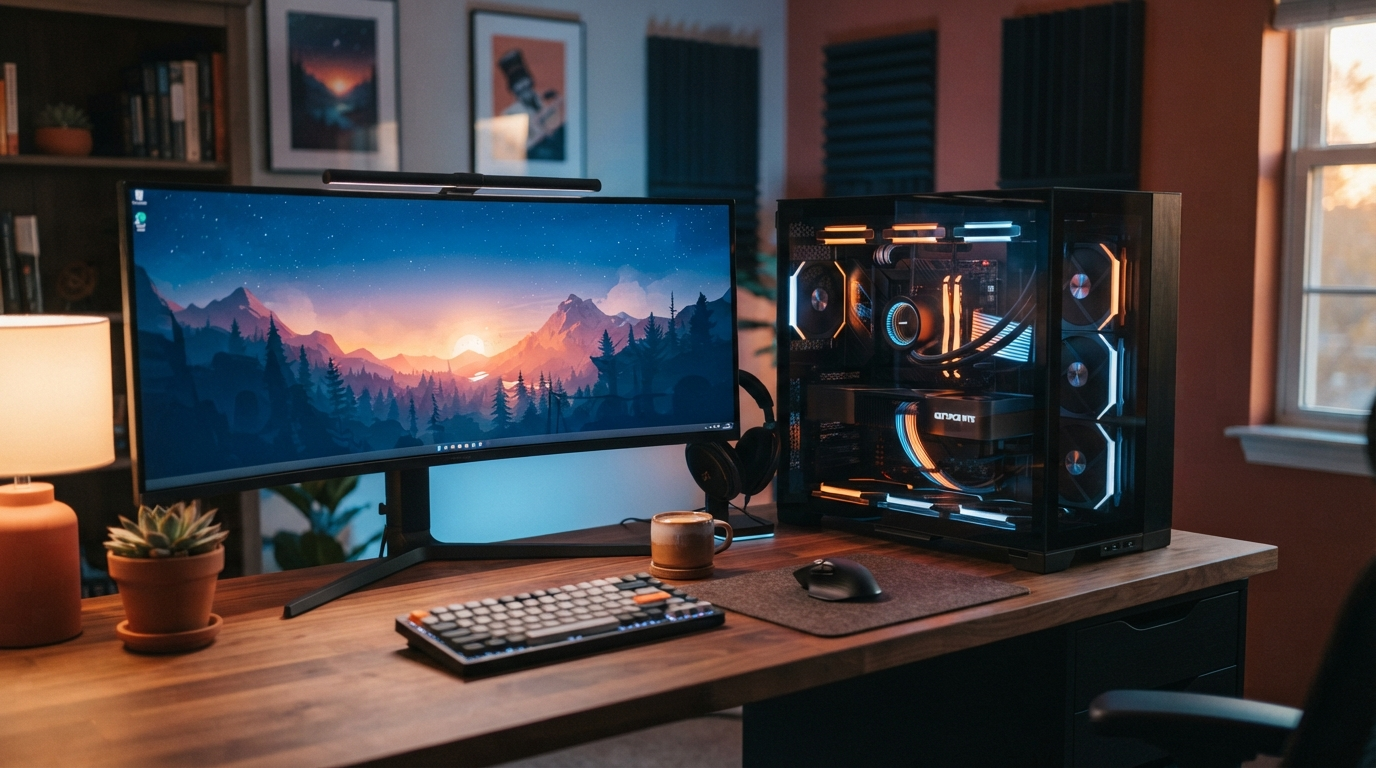
Cloud image generators charge recurring monthly fees, enforce content queues, and process every creative prompt on remote servers. Running open-weight diffusion models directly on a desktop GPU eliminates per-image fees and keeps client concepts, product renders, and reference assets on local storage.
With the release of Logen 1.4.0, creative professionals on Windows x64 and Linux x64 can deploy a managed local AI studio without manually debugging Python virtual environments or CUDA dependency chains. Note that macOS is not supported; Logen targets dedicated x64 desktop and workstation hardware.
How Rectified Flow Models Cut Local Generation Time
Early local diffusion pipelines required 20 to 50 denoising steps per image, making interactive iteration slow on consumer graphics cards. Modern rectified flow transformers such as FLUX.1-schnell by Black Forest Labs distil the generation trajectory into 1 to 4 steps while preserving prompt adherence and typography accuracy.
Under the hood, ComfyUI graph execution pairs step distillation with quantized weight loading and intelligent CPU-to-GPU memory offloading. That architecture allows desktop GPUs with 8 GB to 16 GB of VRAM to render high-resolution assets locally without out-of-memory crashes.
Hardware and VRAM Tiers for Windows and Linux x64
Selecting the right model variant depends on your graphics card memory and operating system setup. Logen 1.4.0 includes a Hardware-Aware Model Manager that inspects system VRAM and recommends compatible checkpoints automatically:
- 8 GB VRAM Entry Tier: Runs quantized FLUX.1-schnell workflows on mainstream Windows and Linux x64 GPUs with automatic weight offloading.
- 12 GB VRAM Balanced Tier: Comfortably executes FLUX.1-schnell alongside FLUX.2 klein 4B and Z-Image-Turbo for rapid multi-aspect studio iteration.
- 16 GB+ VRAM Workstation Tier: Keeps full model pipelines resident in GPU memory for multi-prompt batch generation, upscaling, and background removal.
Model Tiers, Apache-2.0 Licensing, and Offline Operation
A critical advantage of open-weight local generation is transparent licensing, provided teams respect model-specific licence boundaries rather than assuming every checkpoint carries identical rights:
- Free Tier Default (FLUX.1-schnell): Logen 1.4.0 ships with FLUX.1-schnell as the Free tier default model. Its weights are released under the Apache-2.0 Licence, which permits commercial and non-commercial use subject to the model-specific Apache-2.0 licence terms.
- Optional Pro Models (FLUX.2 klein 4B and Z-Image-Turbo): Pro unlocks compact, high-speed FLUX.2 klein 4B and Z-Image-Turbo workflows, plus multi-prompt batching and side-by-side model comparison. Unverified or restricted checkpoints such as FLUX.1-dev and Qwen-Image-2.1 remain disabled by policy.
- 24-Hour Pro Offline Grace Window: Logen Free works offline after initial model download, while Logen Pro validates its seat token periodically and includes a 24-hour offline grace window so studio work continues uninterrupted during travel or connectivity drops.
What Shipped in Logen 1.4.0
Logen 1.4.0 introduces a complete desktop workflow overhaul across Windows (Logen-1.4.0-Setup.exe) and Linux (Logen-1.4.0.AppImage and Logen-1.4.0-amd64.deb), available directly from the official Logen downloads page:
Smart Setup and Self-Healing Engine
First-launch diagnostics automatically verify GPU drivers, managed Python runtimes, and checkpoint integrity, repairing interrupted downloads without manual terminal commands.
Project-Linked AI Chat and Two-Column Studio
Every project thread links local prompt ideation directly to the Two-Column Workflow Studio, allowing creators to refine prompts in chat and send them straight to generation, inpainting, upscaling, or outpainting.
Project Gallery and 1 to 1 Lightbox
Generated assets are organized by project with full prompt metadata and a full-screen 1 to 1 pixel lightbox for inspecting fine detail before export.
Download the Free Local AI Starter Guide
If you are planning a local AI workstation or evaluating which GPU tier fits your creative pipeline, read our Free Beginners Guide to Local AI Image Generation for step-by-step hardware benchmarks, VRAM sizing tables, and prompting workflows.