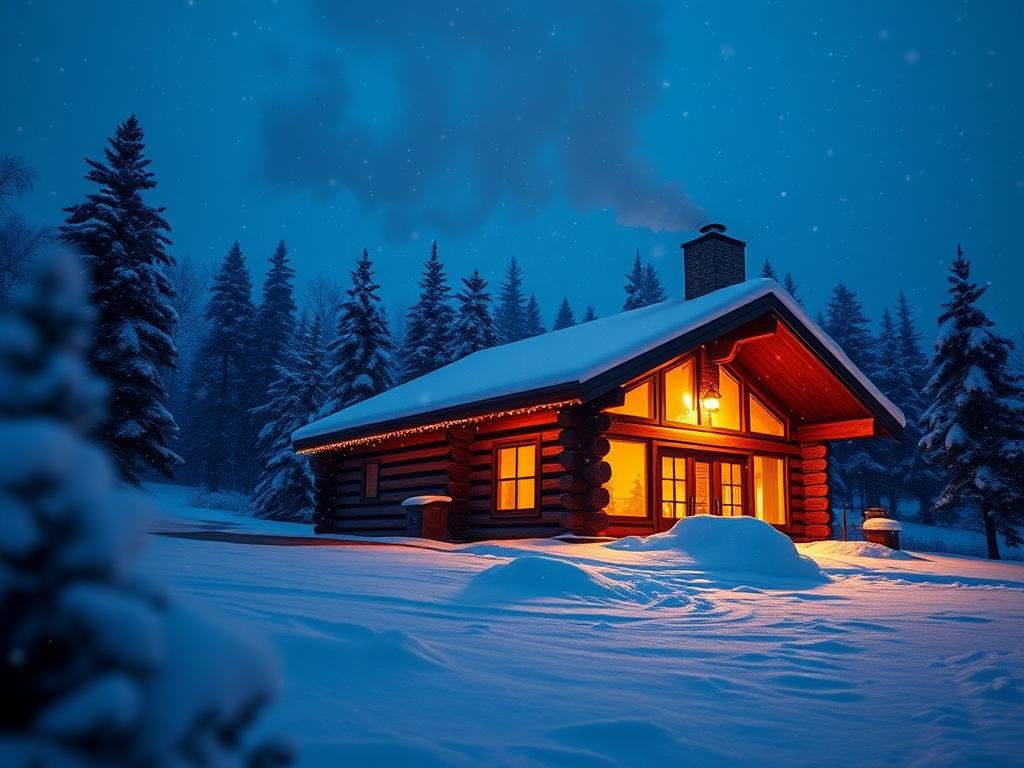
Adding Power to Your Prompts
Creating art that feels “electric” or full of motion starts with how you talk to Midjourney. Your words are the key to guiding the AI toward truly dynamic results.
Start with Strong Keywords
Begin your prompts with power. Instead of simple descriptions, think about words that suggest action or strong visual impact. Bright keywords can guide Midjourney to produce images that feel lively and vibrant. Consider using terms like:
- “Vibrant colors”
- “Dynamic lighting”
- “Intense energy”
- “Radiant glow”
Using Action and Movement
If you want your art to feel alive, include actions. Describe what is happening in the scene, even if it is subtle. This helps Midjourney capture a sense of motion or potential for movement. You might add phrases such as:
- “Flowing fabric”
- “Streaking light”
- “Leaping figure”
- “Swirling patterns”
Adding elements of motion can make your images feel less static and more engaging for anyone viewing them online.
Focus on Light and Color
Light and color can make a big difference in how your images feel. To give your art that “electric” feel, think about how light behaves and what color palettes create impact. Direct Midjourney using words like:
- “Neon glow”[/LI>
[LI>”High contrast”[/LI>
[LI>”Iridescent hues”[/LI>
[/UL>
These terms help the AI shape the mood and visual style of your image, giving it immediate appeal.
Practical Tips for Vibrant Scenes
Beyond just words, how you structure your prompts and what you include can further enhance your Midjourney art.[/P>
Experiment with Styles
Midjourney works well with various art styles. Dive into different artistic movements or digital art styles to give your images a unique edge. For a modern, impactful look, try:
- “Abstract expressionism”[/LI>
[LI>”Pulsating patterns”[/LI>
[LI>”Glitch art”[/LI>
Each style can bring a different kind of vibrancy or energy, helping your image stand out.
Get Your Subjects Moving
If your image features a subject, make sure it is doing something. A static pose can be less eye-catching than a figure in action. Describe dynamic poses, gestures, or interactions. For example, instead of just “a person,” try “a dancer mid-leap” or “a figure reaching for the sky.”[/P>
Refine and Repeat
The best way to get truly stunning images is to keep trying. Generate multiple versions. Adjust your prompts based on what works and what does not. Small changes to your words can lead to very different results. Keep making new variations and see what magic you can create.
Want to speed up this process? Consider automating your Midjourney workflow.Visit TitanXT’s website to see how it works.[/P>
Final Thoughts on Adding Spark to Your Art
Giving your Midjourney art an “electric” feel is about intentional prompting. Focus on strong verbs, bright colors, and dynamic compositions. With practice, your images will move beyond simple renderings and become true visual statements. Keep exploring, keep prompting, and let your creativity run free.[/P>
Do This Locally with Logen
Skip the subscription. Generate images like these on your own GPU — private, unlimited, no cloud dependency.
Midjourney vs Logen
| Feature | Midjourney | Logen |
|---|---|---|
| Cost | $10-60/mo | Free & Pro plans |
| Privacy | Cloud (images stored) | 100% local |
| Generations | Limited by plan | Unlimited |
| Internet Required | Always | No |
| Custom Models | No | Yes (any ComfyUI model) |
| GPU Required | No (cloud) | Yes (local) |
| Ease of Use | Discord bot | Desktop app |