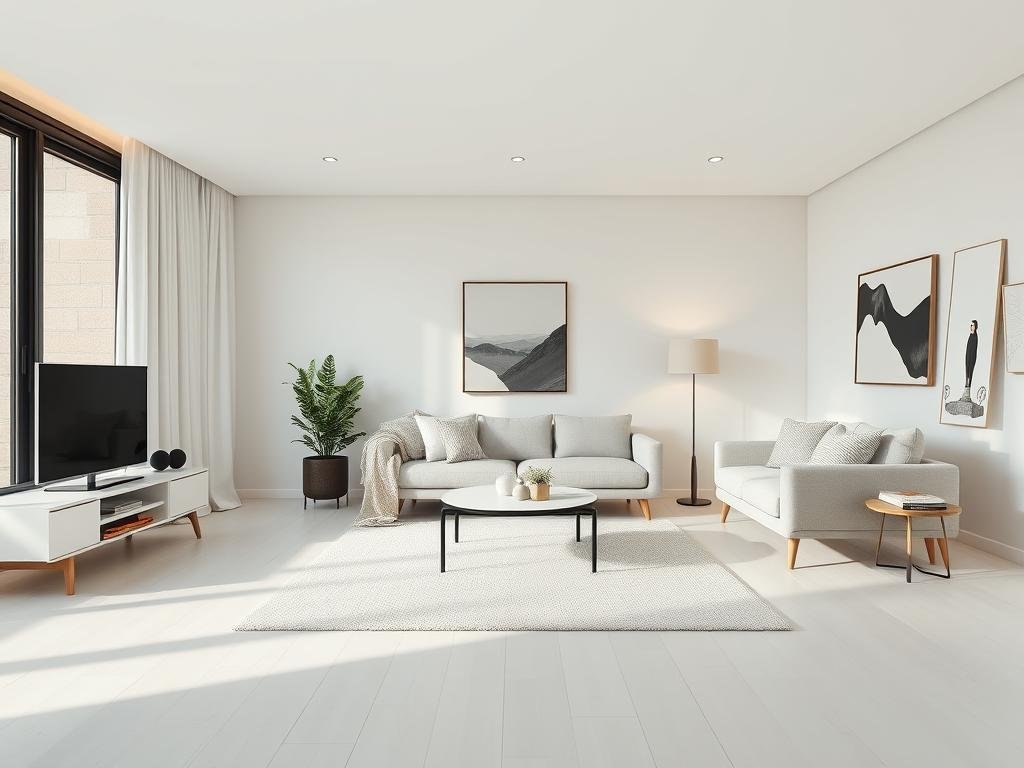
This guide breaks down the basics of creating strong prompts. We’ll cover the parts of a prompt and how to add style and details to get the vision you have in your head onto the screen.
Understanding the Core Prompt Structure
A prompt is simply telling Midjourney what to create. At its most basic, it’s a description of the image you want. Think about the main subject, the style, and any specific details.
The Subject
Start with the core subject. This is the most important part. Be clear and direct.
A cat
A cat
A medieval knight
A medieval knight
A mountain range at sunset
A mountain range at sunset
Adding Description
Once you have the subject, add words that describe it. What is it doing? What does it look like? What is the setting?
A fluffy orange cat sleeping on a window sill
A fluffy orange cat sleeping on a window sill
A brave medieval knight standing guard in a forest
A brave medieval knight standing guard in a forest
A vast mountain range under a colorful sunset sky
A vast mountain range under a colorful sunset sky
Refining Your Prompts with Style and Parameters
Midjourney lets you add parameters to control things like the aspect ratio or the version of the model used. You can also suggest artistic styles.
Setting the Scene and Style
Be specific about the environment, the time of day, the mood, or the artistic style you like.
A fluffy orange cat sleeping on a window sill, warm indoor light, photorealistic
A fluffy orange cat sleeping on a window sill, warm indoor light, photorealistic
A brave medieval knight standing guard in a dense, misty forest, dark fantasy art
A brave medieval knight standing guard in a dense, misty forest, dark fantasy art
A vast mountain range under a colorful sunset sky, golden hour lighting, dramatic angles, oil painting
A vast mountain range under a colorful sunset sky, golden hour lighting, dramatic angles, oil painting
To handle multiple prompts or run many variations, consider using tools that automate the process. Explore options like the
Using Parameters
Parameters are added tags at the end of your prompt, starting with two hyphens (–).
–ar: Sets the aspect ratio (e.g., –ar 16:9 for widescreen).
–ar: Sets the aspect ratio (e.g., –ar 16:9 for widescreen).
–v: Specifies the Midjourney model version (e.g., –v 6).
–v: Specifies the Midjourney model version (e.g., –v 6).
–style: Guides the artistic look (e.g., –style raw).
–style: Guides the artistic look (e.g., –style raw).
–niji: Uses the Niji model, good for anime/illustration styles.
–niji: Uses the Niji model, good for anime/illustration styles.
Example using parameters: A vast mountain range under a colorful sunset sky –ar 3:2 –v 6
Tips for Getting Great Results
Here are a few pointers to help you write even better prompts.
Be Specific: The more detail you give, the more likely you are to get what you want. Instead of “flower,” try “a red rose with dew drops.”
Be Specific: The more detail you give, the more likely you are to get what you want. Instead of “flower,” try “a red rose with dew drops.”
Use Descriptive Words: Adjectives and adverbs help set the scene. “Stormy,” “peaceful,” “vibrant,” “ancient.”
Use Descriptive Words: Adjectives and adverbs help set the scene. “Stormy,” “peaceful,” “vibrant,” “ancient.”
Think About Composition: Mention camera angles (close-up, wide shot) or perspective if it matters to you.
Think About Composition: Mention camera angles (close-up, wide shot) or perspective if it matters to you.
Experiment: Don’t be afraid to try different words, styles, and parameters. It takes practice.
Experiment: Don’t be afraid to try different words, styles, and parameters. It takes practice.
Stay Organized: Keep track of prompts that work well. For automating prompt generation and management, check out the
Stay Organized: Keep track of prompts that work well. For automating prompt generation and management, check out the
Saving Time with Automation
If you’re creating many images or testing lots of prompt variations, writing and managing prompts manually can become time-consuming. Automation tools can streamline this.
Conclusion
Writing Midjourney prompts is a blend of art and instruction. By understanding the basic structure, adding descriptive details, and using parameters, you can guide the AI to create stunning images. Keep practicing and experimenting, and you’ll find your voice in creating AI art. Finding ways to automate parts of your workflow, like with the
Do This Locally with Logen
Skip the subscription. Generate images like these on your own GPU — private, unlimited, no cloud dependency.
Midjourney vs Logen
| Feature | Midjourney | Logen |
|---|---|---|
| Cost | $10-60/mo | Free |
| Privacy | Cloud (images stored) | 100% local |
| Generations | Limited by plan | Unlimited |
| Internet Required | Always | No |
| Custom Models | No | Yes (any ComfyUI model) |
| GPU Required | No (cloud) | Yes (local) |
| Ease of Use | Discord bot | Desktop app |