Getting Started: Preparing Your Images
To begin our test, we first made a set of realistic image prompts using ChatGPT. Our goal was to create diverse scenes that would be challenging for video generation. These prompts included a wide range of subjects, such as:
- A tiger in the jungle
- A woman flying on a dragon over a castle
- Times Square, New York City at night
- A model walking into the sea in Bora Bora
- A Jeep driving on a mountain road
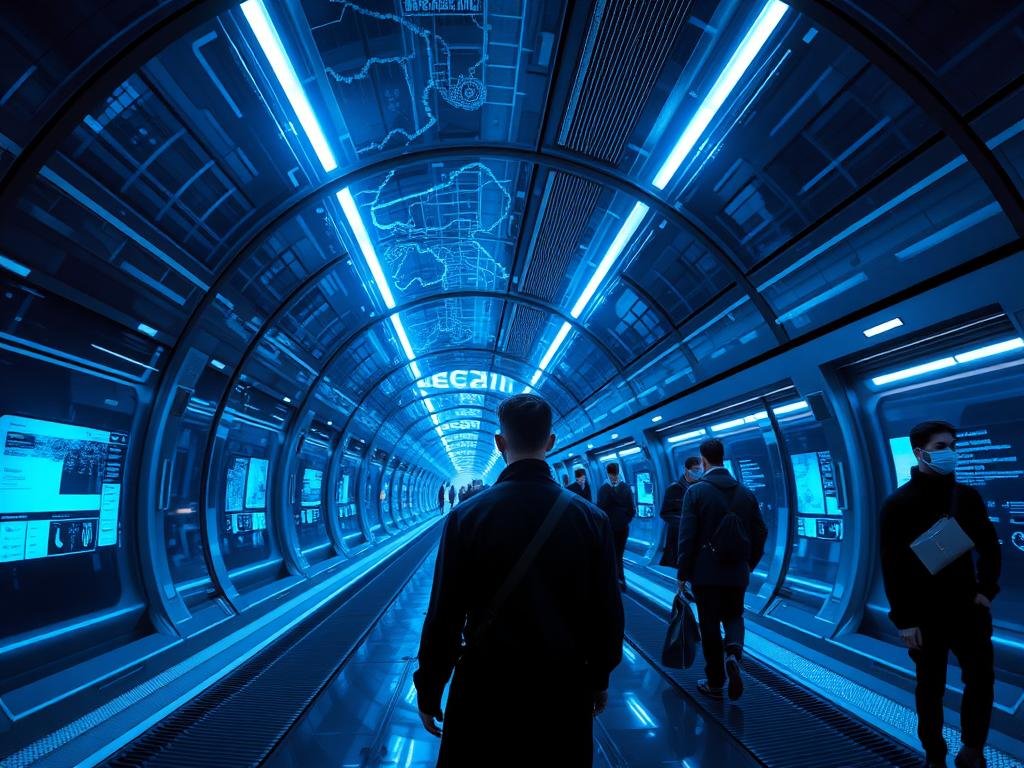
- A futuristic spaceship with everyday human life
- A witch walking through the forest with a goat
- A 1960s jazz club in New York
- A Viking ship in a thunderstorm
- An astronaut floating above Earth
After creating these images in Midjourney, we chose one from each prompt and upscaled them. Upscaling makes the images larger and clearer, which gives the video tools a better starting point.
Bringing Images to Life with Midjourney
Midjourney is well-known for its ability to create stunning images. Recently, it added the power to make videos from these images. To create a video in Midjourney, the process is simple:
- Once you choose, you can download the video.[/LI>
Creating Videos with Kling AI
Kling AI is another tool that can turn images into videos. Here is how you use it:
- First, sign up for an account.[/LI>
- Go to the “Video Generation” section.
- Choose your desired video model (we used version 2.1).
- Select “Image to Video.”
- Upload your Midjourney image by dragging and dropping it into the upload area.[/LI>
- You can add a text prompt to guide the video, but for our test, we left it blank to keep things neutral.[/LI>
- We generated 5-second video clips, similar to Midjourney’s output, without any sound effects.[/LI>
- Click “Generate.” Kling AI usually takes about a minute to create the video, which is a big improvement from earlier versions and similar to Midjourney’s speed.
- Once ready, you can download your video.[/LI>
Head-to-Head: Comparing the Results
Our test focused on comparing the finished videos. We ran each image through both Midjourney and Kling AI without adding specific prompts or special settings. This kept the comparison fair and direct. We found that both tools produce videos that offer good value for their cost. However, it is important to know that the first video attempt might not always be perfect. You may sometimes get results that look a bit unusual or not exactly what you hoped for. Failed attempts also use up your credits, so it is good to set realistic expectations.
Both Midjourney and Kling AI can successfully turn images into short video clips. While the output quality can vary, especially on the first try, they both offer a way to add movement to your still pictures.
Final Thoughts
Both Midjourney and Kling AI show promise in the image-to-video space. They are useful tools for adding motion to your images, even if initial results can be hit-or-miss. We found that both offer good performance for their price. Which tool do you think performed better based on these findings? Share your thoughts!
Do This Locally with Logen
Skip the subscription. Generate images like these on your own GPU — private, unlimited, no cloud dependency.
Midjourney vs Logen
| Feature | Midjourney | Logen |
|---|---|---|
| Cost | $10-60/mo | Free & Pro plans |
| Privacy | Cloud (images stored) | 100% local |
| Generations | Limited by plan | Unlimited |
| Internet Required | Always | No |
| Custom Models | No | Yes (any ComfyUI model) |
| GPU Required | No (cloud) | Yes (local) |
| Ease of Use | Discord bot | Desktop app |