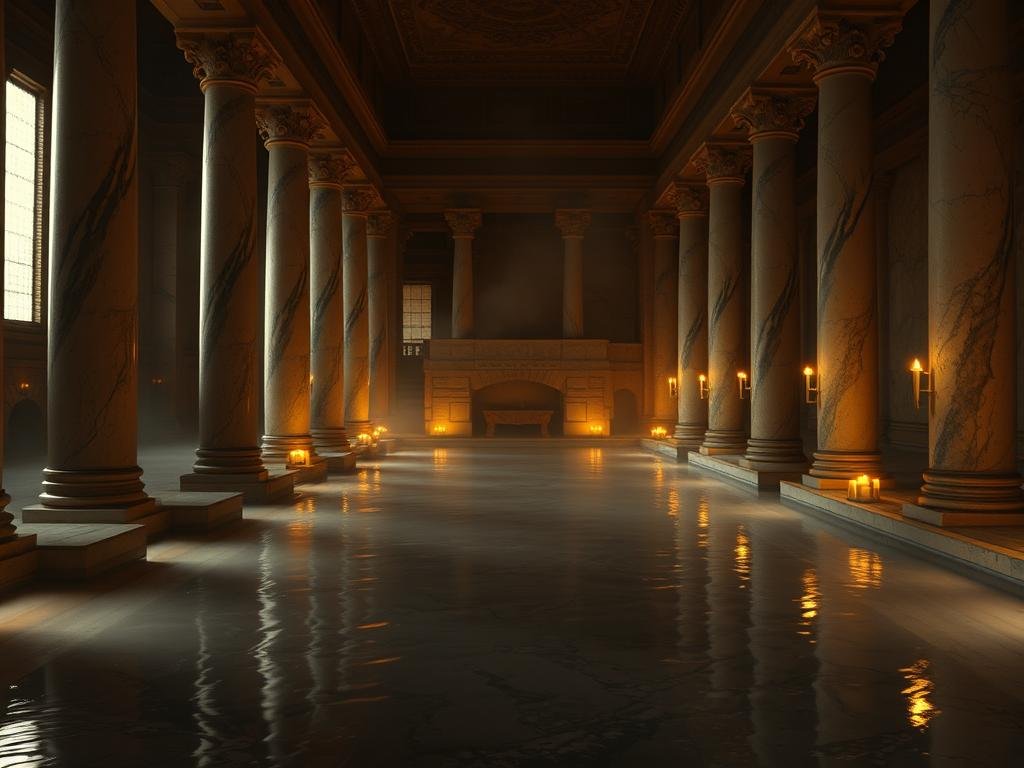
Generating Designs with Midjourney AI
Midjourney is an AI tool that makes images for you instantly. You can see many users creating amazing graphics. To get started, think of an idea and tell Midjourney. You type your request after typing `/imagine prompt`. Midjourney will generate images based on your words. When you like a result, you can create a larger version of it.
Adding Text and Enhancing Your Graphics
Just having a raw AI image is a good start, but adding text or making small edits can make it more useful, especially for stock images or print products like shirts, posters, or car wraps. You can use AI to help get text ideas. For example, you can ask a tool like ChatGPT to create text related to your image concept. Then, you bring your image into a design tool like Affinity Designer, Adobe Illustrator, or Inkscape.
Use the text ideas you generated and add them to your graphic. You can change how the text looks by trying different fonts, adding shadows, or even using multiple layers of text with effects like blur. This is similar to styling text in other programs. You can pick colors right from your image to use for the text. Adjust colors and add effects like drop shadow to make the text easy to read. You can duplicate text layers and change the words or position them on different parts of the image. Adding a blur effect to a duplicate text layer behind the main text can create a nice glow effect.
Once your design is ready, export it as an image file.
Selling Your Designs Online
After you have your finished graphics, you need a place to potentially sell them. Platforms like MasterBundles are great places to upload your creative files. You can sell graphics there and potentially earn money when someone buys your designs. It is a way to create passive income.
Upload your design using the platform’s form. You add preview images, set prices for different licenses, write a description, and upload the actual file buyers will receive. Then you submit it for review. Once approved, your design is listed and can be viewed by potential customers.
Conclusion
Using Midjourney AI to create graphics and then selling them on platforms like MasterBundles is a path to generating passive income. It involves creating designs, enhancing them, and finding a selling channel. With consistency in creating and listing designs, you can build a source of earnings from your creative work.
Do This Locally with Logen
Skip the subscription. Generate images like these on your own GPU — private, unlimited, no cloud dependency.
Midjourney vs Logen
| Feature | Midjourney | Logen |
|---|---|---|
| Cost | $10-60/mo | Free & Pro plans |
| Privacy | Cloud (images stored) | 100% local |
| Generations | Limited by plan | Unlimited |
| Internet Required | Always | No |
| Custom Models | No | Yes (any ComfyUI model) |
| GPU Required | No (cloud) | Yes (local) |
| Ease of Use | Discord bot | Desktop app |