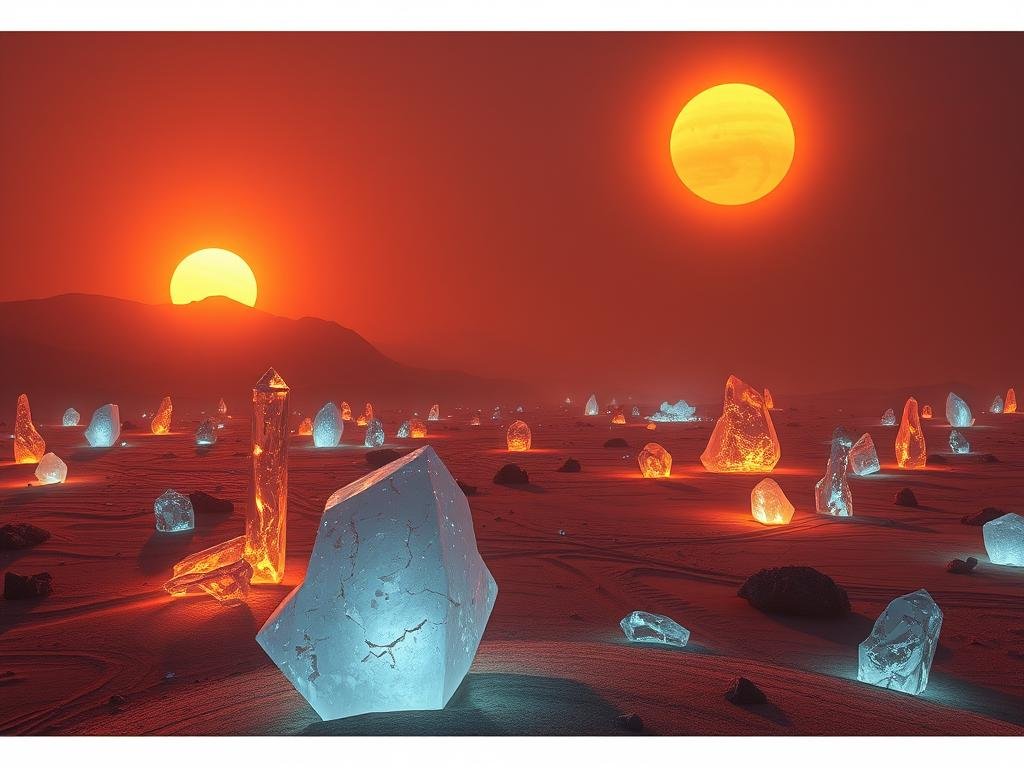
Start Here: What is AI Content Creation?
On day one, get to know artificial intelligence for content. This means understanding how tools can help you with tasks like writing, designing, and even video making. Look into platforms like ChatGPT, DALL-E, and Midjourney. These tools make content creation easier by automating parts of the work.
Day by Day: Using AI for Different Content Types
Day 2: Write with AI
Focus on using AI to write. Tools like Copy.ai and Jasper help you create blog posts, social media text, or marketing emails. You give the tool a simple prompt, and it quickly gives you professional text. This saves a lot of time.
Day 3: Design with AI
Day three is for design. Tools like DALL-E and Midjourney let you make stunning images without needing design skills. Tell the AI what you imagine, and it creates the pictures. This is great for anyone who needs visuals for their website or social media.
Day 4: Make Videos with AI
On day four, see how AI helps with video. Tools like Synhesia and Lumen 5 help you make videos, presentations, or explainer clips easily. Add text, pick a style, and your video is ready quickly.
Day 5: Make Your Content Better
By day five, you will have created some content. Now, use AI editing tools to improve it. Fix grammar, adjust colors, or fine-tune audio. This step helps your content look and sound its best.
Day 6: Earn Money with Your Skills
Day six looks at turning your new skills into income. Platforms like Fiverr, Upwork, and Shutterstock offer ways to sell content you make with AI. With practice, you can build a side income or start a full career.
Day 7: Go Further with AI
On day seven, learn more advanced ways to use AI. See how to use several AI tools together for better results. Stay updated on new AI features and keep improving your skills.
Conclusion
Anyone can learn AI content creation with the right steps. This 7-day plan gives you a quick way to get started and use AI tools for different tasks. Starting today can open up many new options for you in content creation.
Do This Locally with Logen
Skip the subscription. Generate images like these on your own GPU — private, unlimited, no cloud dependency.
Midjourney vs Logen
| Feature | Midjourney | Logen |
|---|---|---|
| Cost | $10-60/mo | Free & Pro plans |
| Privacy | Cloud (images stored) | 100% local |
| Generations | Limited by plan | Unlimited |
| Internet Required | Always | No |
| Custom Models | No | Yes (any ComfyUI model) |
| GPU Required | No (cloud) | Yes (local) |
| Ease of Use | Discord bot | Desktop app |