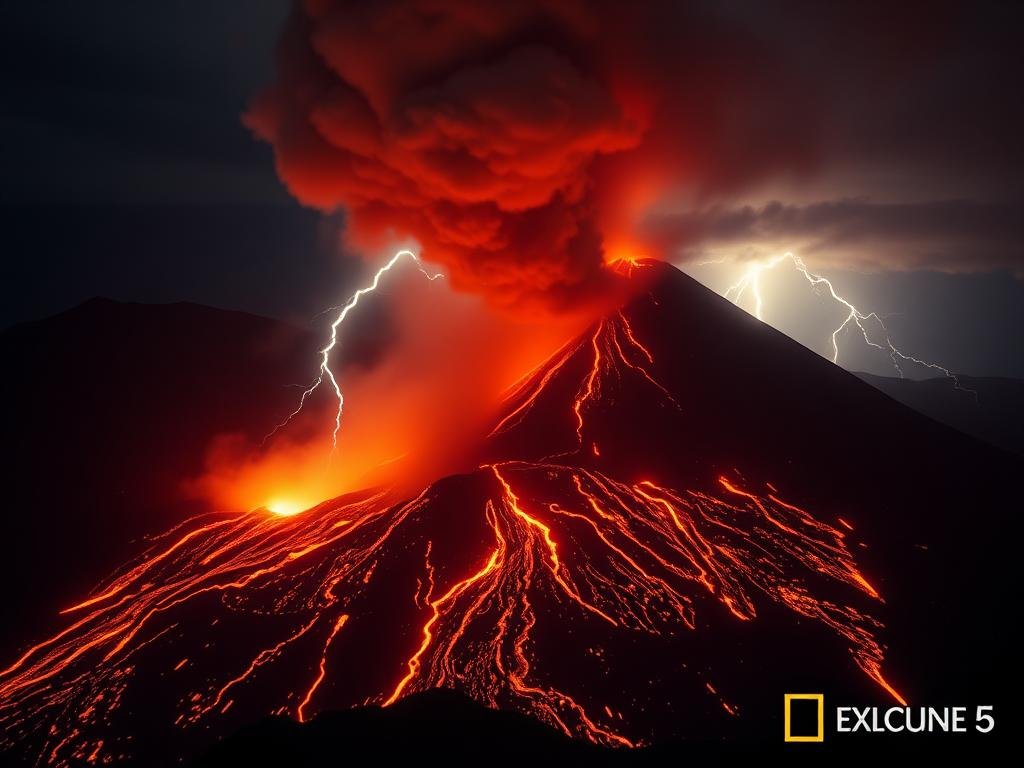
Beginning Your Midjourney Journey
To begin creating with Midjourney, you will need an active subscription. It usually costs about $10 per month. Once you are signed up, you get access to many ways to create unique images. Midjourney offers a wide variety of styles and items you can generate. You can explore many neat design options, from detailed art pieces to cute character designs.
Making Your First AI Creations
Explore and Use Existing Prompts
Midjourney makes it easy to begin if you do not know where to start. You can look at many examples of AI-generated art. Each one comes with a simple text command, called a prompt, which the AI used to create it. You can select an image you like and see its prompt. Then, you can:
- Copy the prompt as it is.
- Change parts of the prompt to fit your own ideas.
This way, you can build on existing ideas or make small changes to see what happens.
Using Your Own Images for Style
Writing Your Own Prompts
You can also write your own text commands from scratch. Simply type in what you want the AI to create. For example, if you want a picture of a “fish wearing a hat,” just type that in. Select your preferred image settings and then press the button to generate. Remember, you need an active subscription to generate images.
Making Midjourney Easier
Tips for Better AI Art
Final Thoughts
Do This Locally with Logen
Skip the subscription. Generate images like these on your own GPU — private, unlimited, no cloud dependency.
Midjourney vs Logen
| Feature | Midjourney | Logen |
|---|---|---|
| Cost | $10-60/mo | Free & Pro plans |
| Privacy | Cloud (images stored) | 100% local |
| Generations | Limited by plan | Unlimited |
| Internet Required | Always | No |
| Custom Models | No | Yes (any ComfyUI model) |
| GPU Required | No (cloud) | Yes (local) |
| Ease of Use | Discord bot | Desktop app |