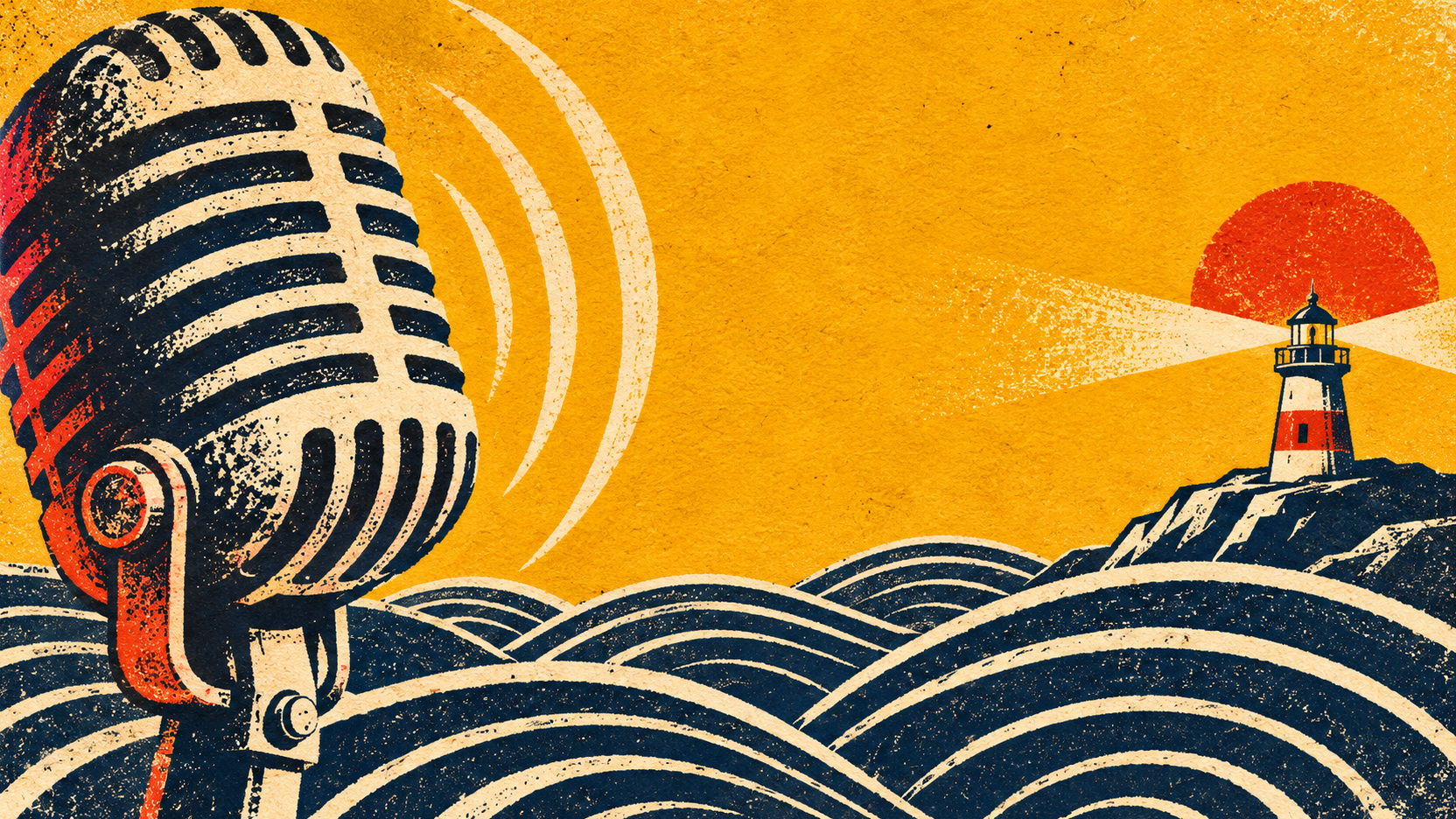
For a podcast episode cover, generate the illustration separately from the title. Keep the show name, episode wording and any required logo as editable elements in a layout editor. That lets you correct spelling, update the episode and check small-screen readability without regenerating a background you already like.
This is a proposed workflow based on the Logen 1.4.0 documentation checked on 20 November 2026, not a newly captured app demonstration. The microphone-and-lighthouse hero is an original OpenAI-generated editorial illustration. It is not a Logen result, a finished podcast cover or proof that the suggested prompt will produce a particular layout.
Separate show artwork from an episode graphic
Start by identifying the asset you are making. A permanent show cover and an episode promotion may have different requirements. Read the current artwork instructions for the platform receiving the file, including dimensions, format and any content restrictions. Do not assume a wide social image can be uploaded unchanged wherever a podcast accepts artwork.
For this exercise, make one square episode promotion for a fictional coastal-history show. The design goal is a recognisable lighthouse motif with room for a short episode title. This is an example brief, not a platform specification. Keep the master background separate so you can later make another crop without overwriting the original.
Write down what must remain editable: the exact show name, episode number, publication date if needed and any sponsor mark. Those details belong in the layout file. Generating them inside the picture would tie routine changes to another image-generation attempt and make a spelling correction harder than it needs to be.
Plan for the small version
A cover seen at full size can tolerate details that disappear in a feed. Choose one strong subject rather than a scene full of small props. A lighthouse silhouette, a large shell or a single microphone shape is easier to judge at reduced size than a detailed map with tiny labels. Avoid using a famous logo or a real host likeness as an unlicensed shortcut.
Reserve a calm area for the title. Describe where it should sit relative to the illustration, but treat that instruction as a target to inspect. A model may still fill the intended space with waves, clouds or decorative lettering. Reject an unsuitable arrangement early instead of trying to rescue it with increasingly small type.
Our wallpaper layout guide also separates the picture from elements placed over it. Here the overlay is a title rather than desktop icons. The acceptance question is whether the final words remain readable in the actual podcast or social context, not whether the background looks impressive alone.
Use the documented local starter
Logen Free includes local FLUX.1-schnell generation on compatible hardware. Version 1.4.0 supports Windows and Linux x64, not macOS. The product lists an NVIDIA GPU with 6 GB VRAM for its quantized starter; that is published guidance, not a new timing or fit measurement for your computer.
Complete first-run setup and required model downloads before planning a disconnected session. Local rendering and initial provisioning are separate steps. Free can generate offline after setup; Pro requires activation and periodic licence checks, with a 24-hour offline window. You do not need to buy a batch feature to try one candidate at a time.
The user guide documents project-linked chat, aspect-ratio choices, the Workflow Studio and Gallery. Create a project named for the fictional show and episode. Keep the delivery brief beside it so another render does not drift into an unrelated visual direction halfway through the work.
Write a background prompt with a visible purpose
A proposed prompt is: a single lighthouse above a curved dark sea, restrained ochre and navy illustration, broad calm sky in the upper half, bold simple silhouette, no lettering or logos. Use your chosen workflow defaults for the first attempt. The prompt describes an intended composition; it is not an exact recipe verified by a new Logen run.
Select a square shape for this example and keep the subject away from the outer edge. A little breathing room helps when the final layout needs a crop. Do not generate a dramatic full-bleed detail and assume every service will preserve its framing. Check the destination rather than inventing a universal safe margin.
Generate one candidate, then inspect the overall layout before tuning surface texture. If the lighthouse lands in the planned title area, change its placement request or simplify the scene. If the silhouette works but the colour is wrong, change colour separately. Keeping those decisions separate makes it easier to understand which revision improved the design.
Choose the background before adding the title
Review the candidate at a small size and at full resolution. Logen documents a Gallery lightbox with a 1:1 view and Save As actions. Use those documented controls to inspect edges and export a separate file. This article does not claim to have exercised them in a new session or produced the lighthouse background inside Logen.
Look for malformed architecture, stray pseudo-letters and bright details competing with the future title. A fictional lighthouse can be stylised, but an accidental second roof or broken railing may still distract. Decide what defects matter for the intended use. Do not let an attractive palette excuse an obviously confused focal object.
Preserve the earlier candidate when revising. The controlled-variations guide explains why every comparison needs a known source. For a cover project, retain the selected background as well as any later transformed version, so an unsuccessful change does not become the only remaining master.
Build the cover in a separate layout editor
Import the saved background into an editor that supports the text and export controls you need. Add the exact title as an editable text object. Place the show name consistently and keep the episode wording short enough for the available space. This layout work happens outside Logen; the app is not being presented as a native podcast typesetting tool.
If contrast is poor, move the title or add a deliberate plain backing shape in the editor. That is usually more predictable than asking the image model to repaint the sky around exact letter positions. Use fonts you are allowed to distribute or embed. Keep any approved show logo as its original asset rather than regenerating an approximation.
Save the editable layout separately from the flattened export. Check the flattened file too: a correct project can still export with an unwanted crop or missing element. If making several episode graphics, update wording in copies of the layout rather than baking dates into the shared background. Consistency then comes from a reusable design, not an unproven promise of identical generations.
Inspect the actual delivery version
Shrink the export to the size readers are likely to encounter. Can you read the title without opening it? Does the lighthouse still look like a lighthouse? If both fail, simplify the design before adding detail. A larger source file does not automatically solve a cluttered composition or a title with too many words.
Check the receiving platform instructions again before upload. Keep the original background, editable layout and final export in clearly named folders. This guide stops at preparation and inspection; it does not claim a podcast has been published or that a particular platform accepted the file. Publishing requires its own account and content checks.
The FLUX.1-schnell model card identifies its Apache-2.0 terms. Those terms are separate from rights to source images, fonts, logos or a likeness. Local generation avoids per-image cloud credits but still uses electricity and hardware time. It does not certify the cover as exclusive, copyrightable or cleared for every commercial use.
Quick answers about podcast cover backgrounds
Should I ask the image generator to draw the exact episode title?
Keep essential wording editable in a separate layout editor. Generated letters can need correction, and later episode changes should not force you to regenerate a background. Use Logen for the illustration, then add the verified title and permitted logo externally. Inspect the flattened export at the size readers will actually see.
Does Logen Free include everything needed for this first exercise?
Logen Free includes a FLUX.1-schnell starter for compatible Windows and Linux x64 hardware, so you can try the background one image at a time. Title layout happens in another editor. Initial setup needs internet access, and platform artwork requirements still need checking. Pro batching or upscaling is not assumed here.
Make one cover you can revise next week
Use the free local AI guide for setup and model-fit planning. Finish an inspected cover export and save its editable layout. Next week you should be able to change the episode wording without rebuilding a background that still suits the show.