A Guide to Training Your Own Style and Look in Stable Diffusion 1.5
The process allows the AI to understand not just a style, but potentially even a specific person, allowing you to

The process allows the AI to understand not just a style, but potentially even a specific person, allowing you to
Getting Started: Prepare Your AI Art First, you need your image from Midjourney and your text design from Ideogram. For
Robo Diffusion: Gives subjects a robotic look. Inkpunk Diffusion: Creates a graffiti illustration style. You need to start your prompt
Why Prompt Engineering Was a Thing Early AI models, like older versions of tools you might know, needed very specific
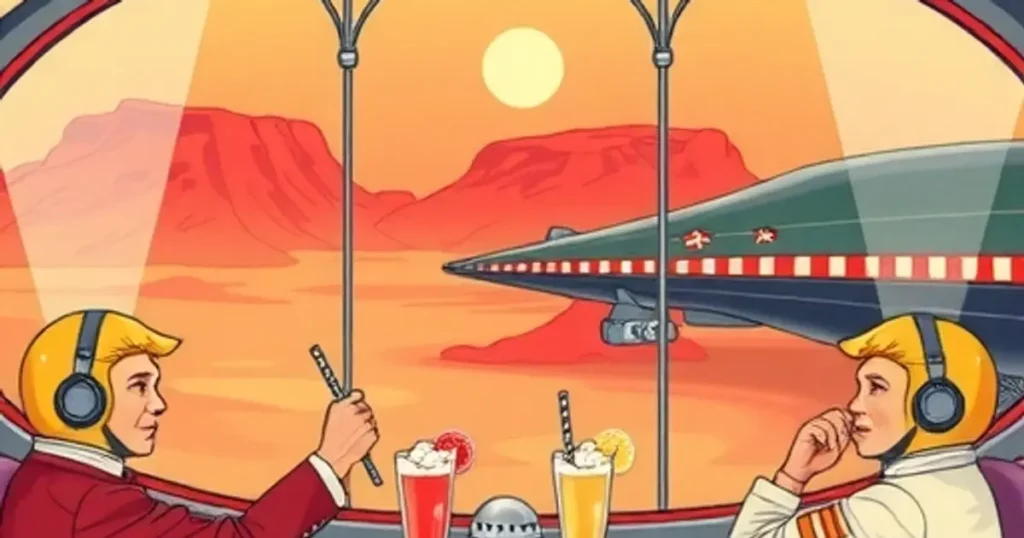
Whether you are new to this or want to make your skills better, this guide helps. We cover how to
After `/imagine`, type the words describing the image you want. These words are called your 'prompt'. For example, type `/imagine
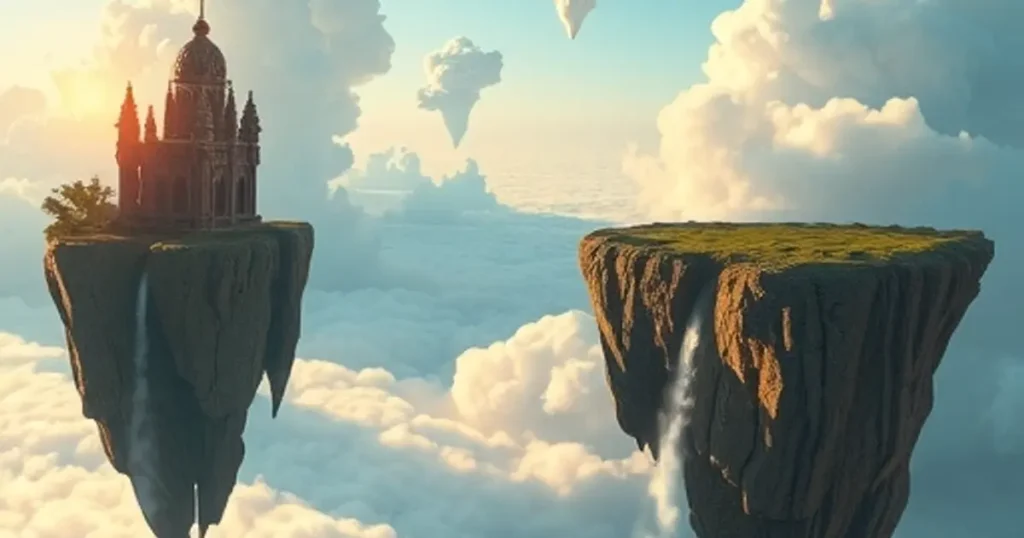
Let’s look at each key part. Part 1: Choose Your Medium or Style The medium tells Midjourney what visual style

The good news is that new AI tools are stepping up to solve this exact problem. Instead of wrestling with
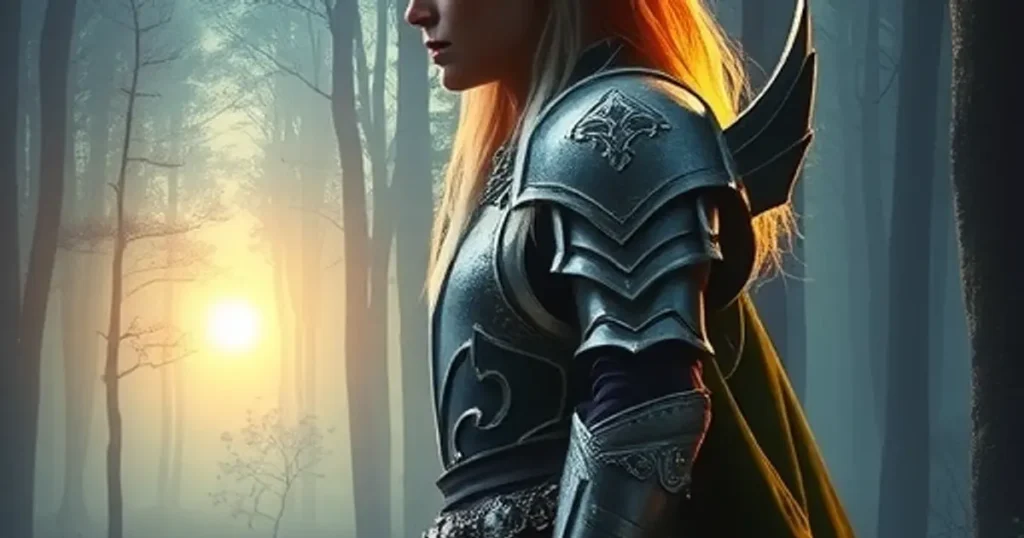
Why This Way Works for Beginners Forget complicated software. This method uses AI tools you can access without paying a
Plan Your Motion Before you start animating, think about the kind of movement you want. Look at your Midjourney image