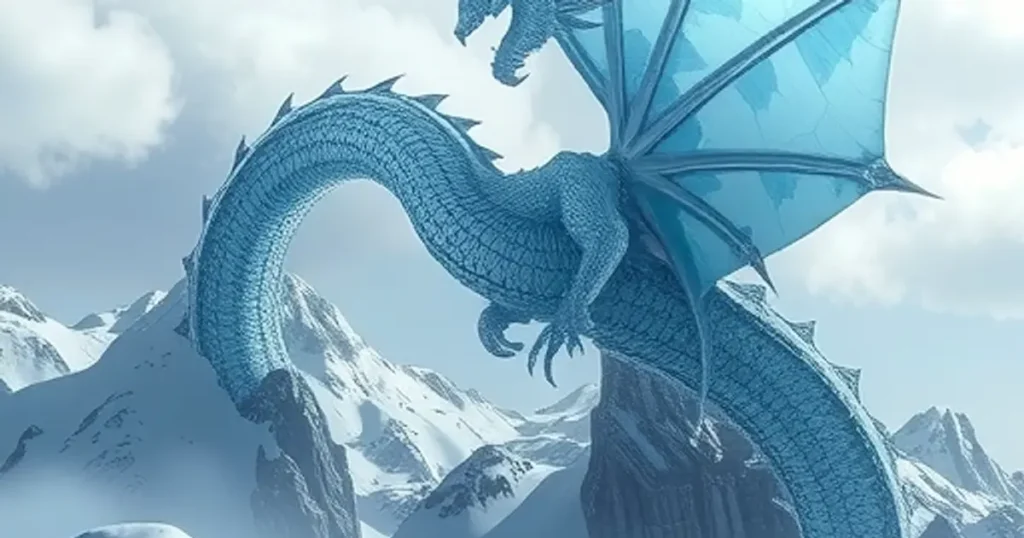
Turn Your Ideas into Images: Midjourney’s New Sketch and Retexture Tools
Getting Started with the New Edit Features To use these new tools, go to the Midjourney website and log in.

Getting Started with the New Edit Features To use these new tools, go to the Midjourney website and log in.
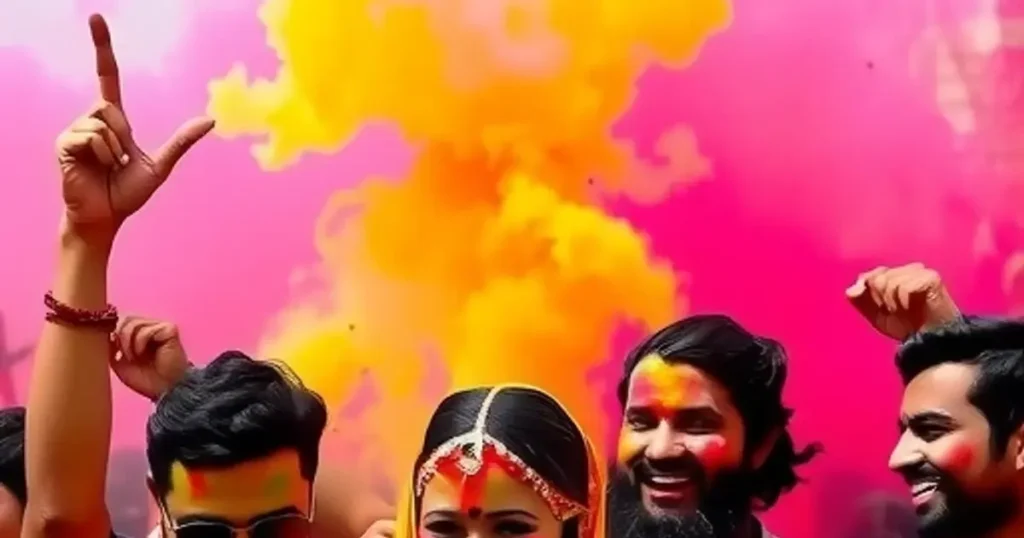
Making Images Quickly with Draft Mode The first way Draft Mode works is simple: it makes your images in just
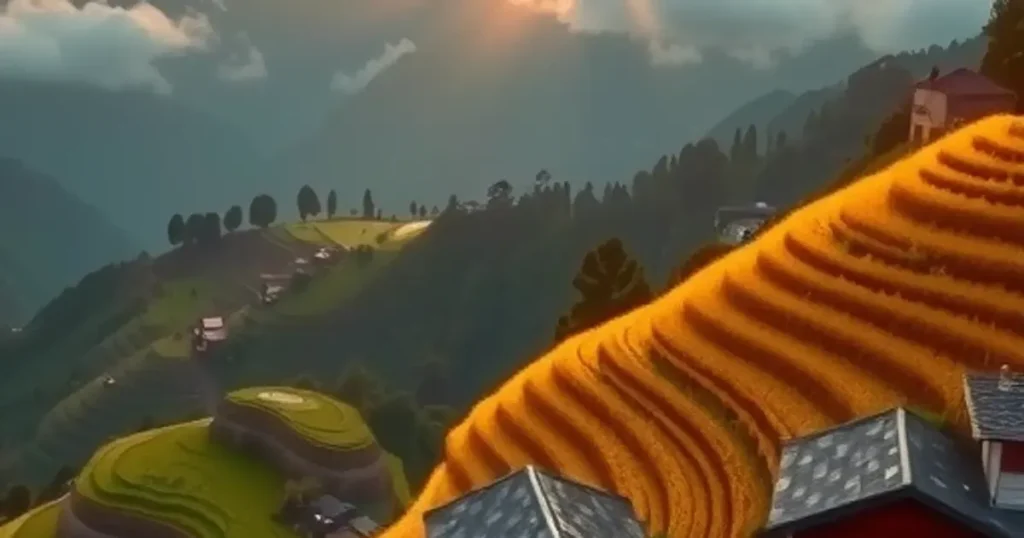
How Draft Mode Changes Image Creation Think of creating an image in Draft Mode like building a scene piece by
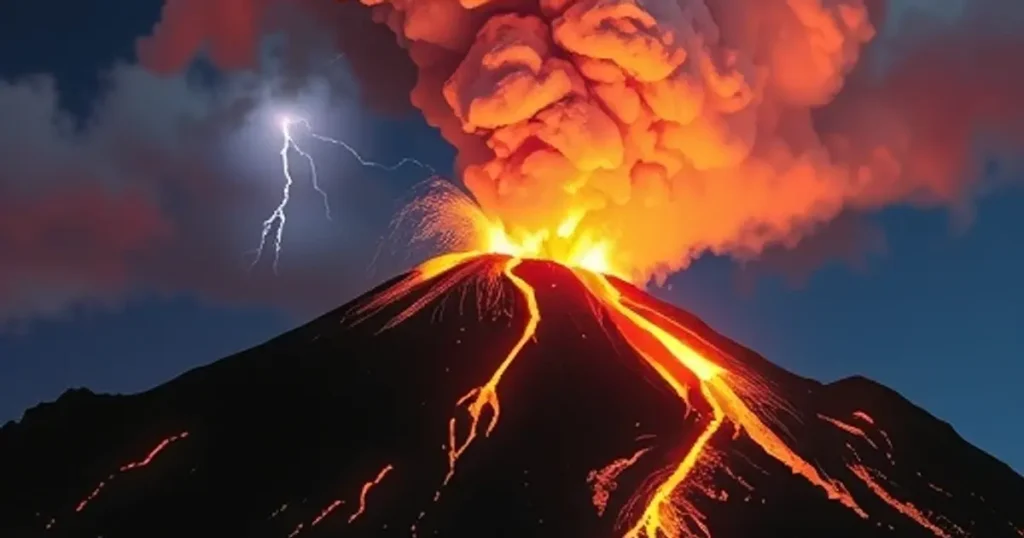
Accessing Midjourney V7 If you are already a Midjourney user, you can see the version option in the settings section.
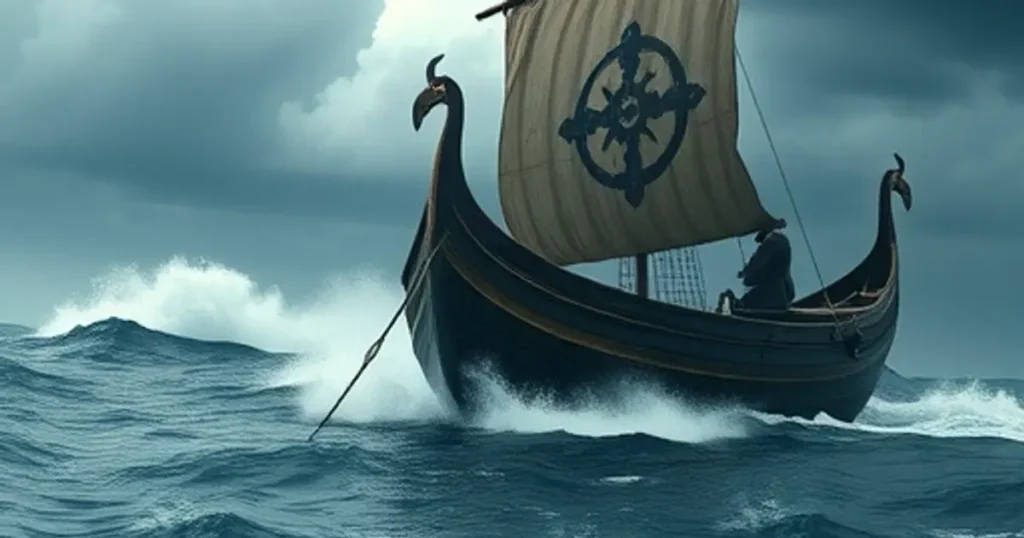
Key Improvements in Midjourney V7 Compared to version 6.1, the new version 7 shows significant steps forward: Better Prompt Understanding:
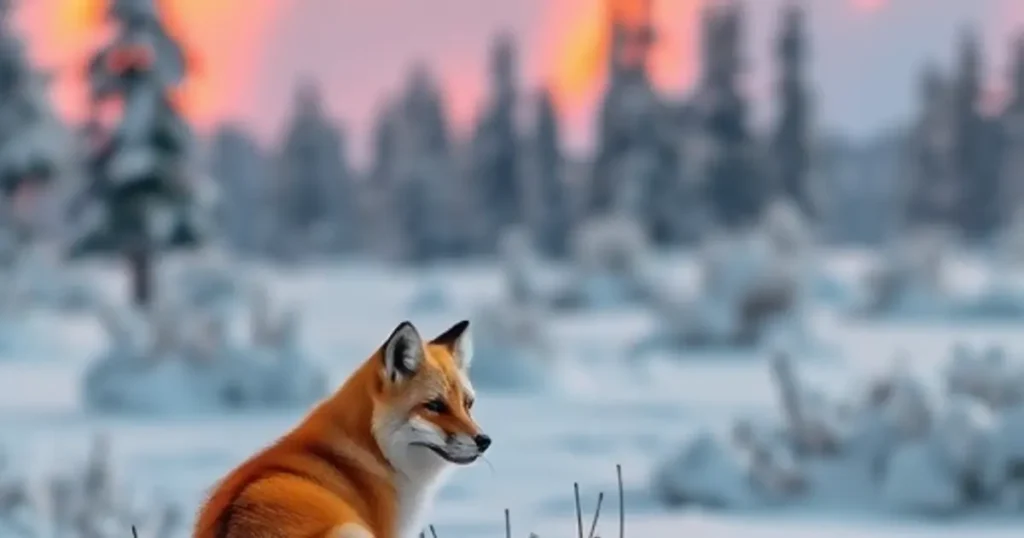
Save Time and Money with Draft Mode One of the most exciting new features is Draft Mode. It’s designed to
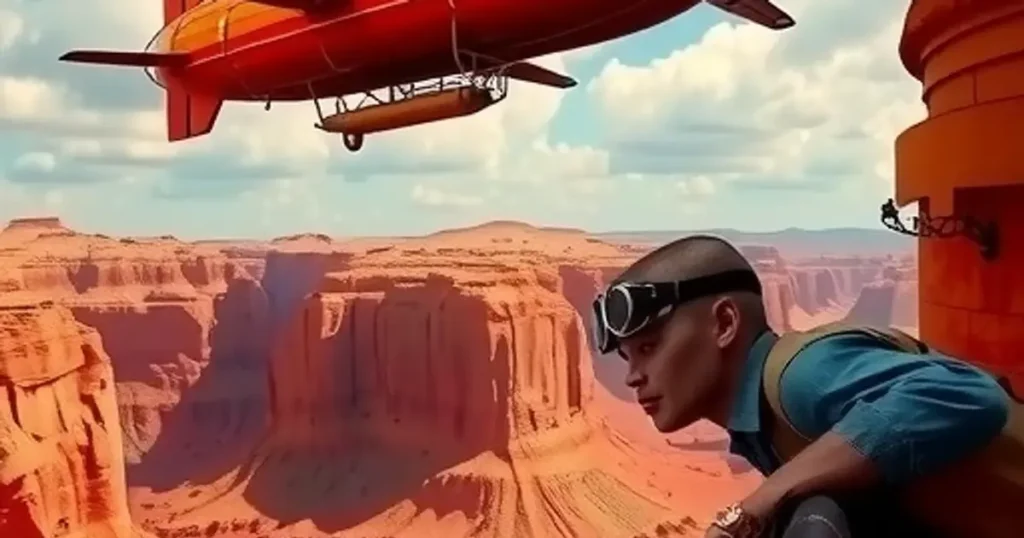
Getting Started: Foundational Image Recreation The first step is understanding the basics. You can help Midjourney generate similar images by
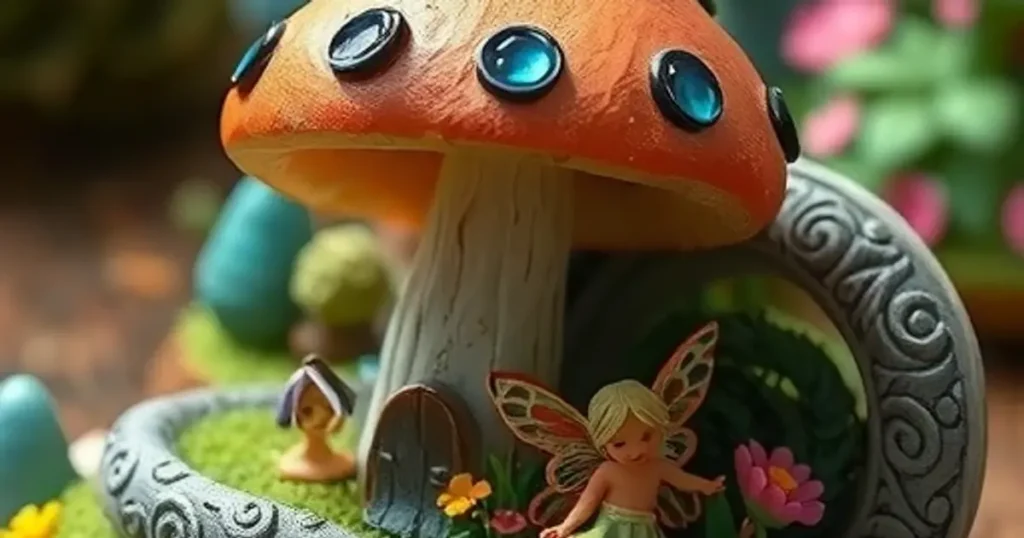
Level 1: Getting the Basic Idea The first step in recreating an image is to tell Midjourney about its main

Introducing a Free AI Image Tool How to Get Free Images Every Day This bot offers a simple way to
Understanding Midjourney Mood Boards Mood boards offer a fresh way to influence Midjourney’s style, allowing you to upload images and