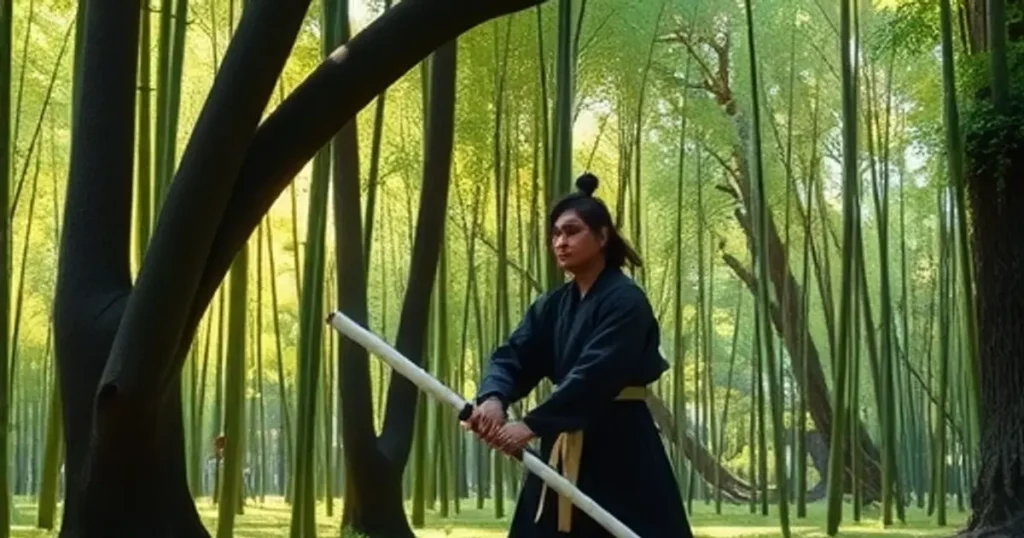
How to Use Your Own Pictures as Prompts in Midjourney Version 6
Step 1: Upload Your Image in Discord First, get your image into your Discord chat where you use Midjourney. Just […]
Step 1: Upload Your Image in Discord First, get your image into your Discord chat where you use Midjourney. Just […]
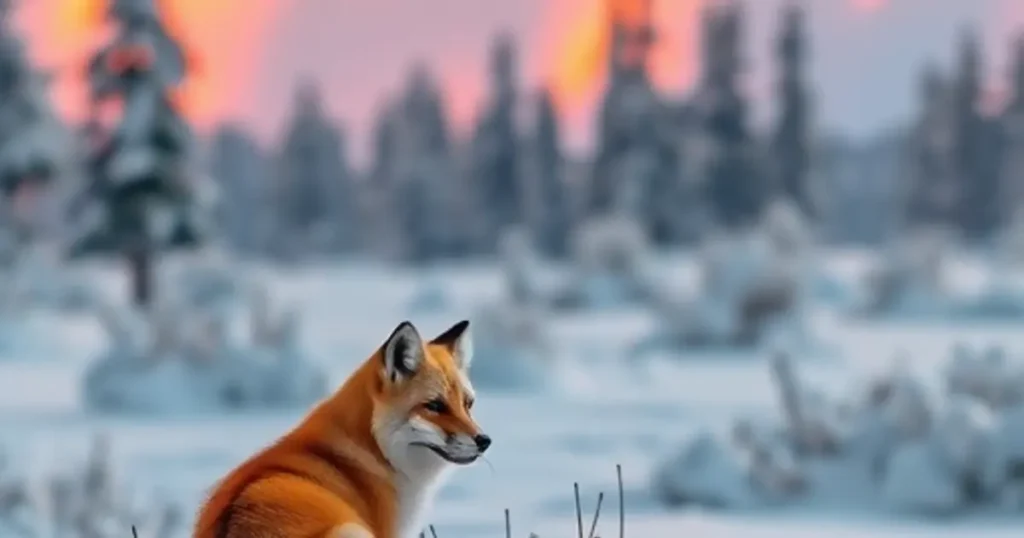
Save Time and Money with Draft Mode One of the most exciting new features is Draft Mode. It’s designed to
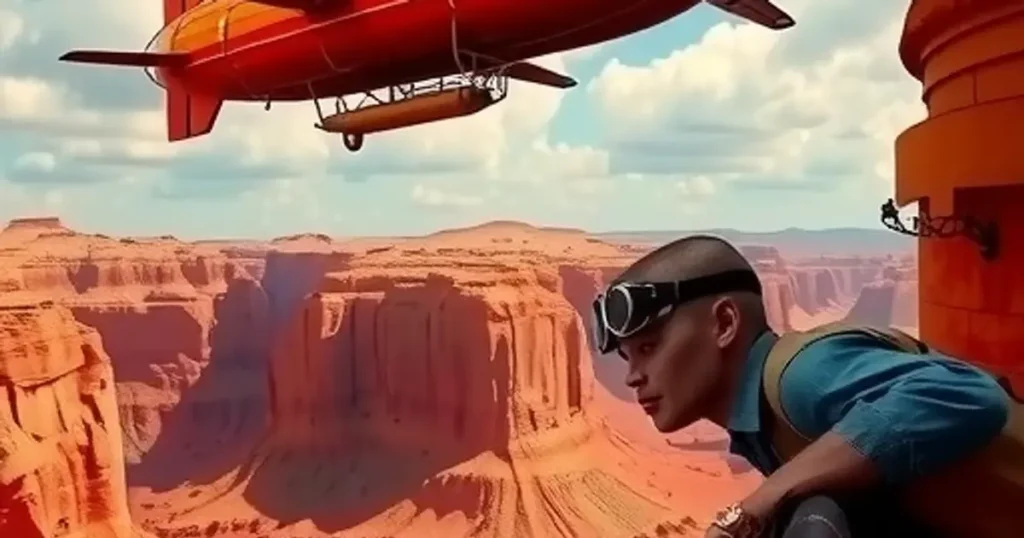
Getting Started: Foundational Image Recreation The first step is understanding the basics. You can help Midjourney generate similar images by
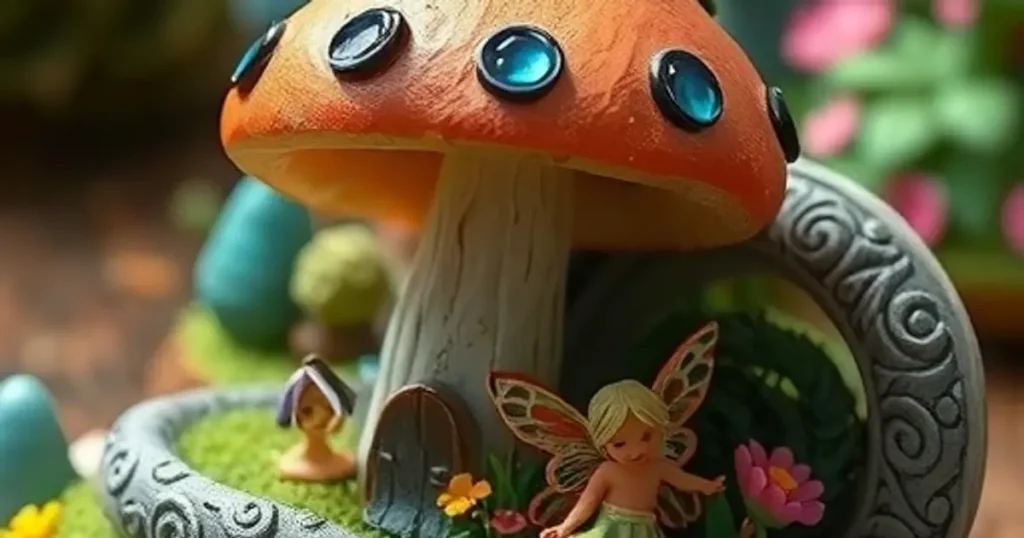
Level 1: Getting the Basic Idea The first step in recreating an image is to tell Midjourney about its main
Crafting the Perfect Prompt: Essential Techniques Focus on the Positive [P]It’s more effective to tell the AI what you *want*
Harnessing the Power of Positive Prompts One of the first steps to improve your AI art is using positive language.
Tip 1: Focus on the Positive Instead of saying what you don’t want, describe what you DO want. For example,
Use Positive Words Focus on what you want to see. Instead of saying what you don’t want. For example, if
Crafting the Perfect Prompt: Essential Tips for Midjourney Focus on the Positive When you’re writing prompts, think about what you
Focus on the Positive: Tell Midjourney What You DO Want [P]Instead of saying what you don’t want in the image,