Create Amazing AI Art: A Beginner’s Midjourney Prompting Guide
Getting Started with Midjourney Before you start creating, you need access to Midjourney. It works through Discord. Here’s what you […]
Getting Started with Midjourney Before you start creating, you need access to Midjourney. It works through Discord. Here’s what you […]
[LI]Over the shoulder shot[/LI] [LI]Low angle shot[/LI] [LI]Bird’s eye view shot[/LI> [LI]Rule of third shot[/LI] [LI]Silhouette shot[/LI] [/UL] Using these
This guide will show you how batch rendering works. It’s a handy feature that can save you time when you’re
Whether you are just curious and want to play with AI art for fun, are an artist looking for new
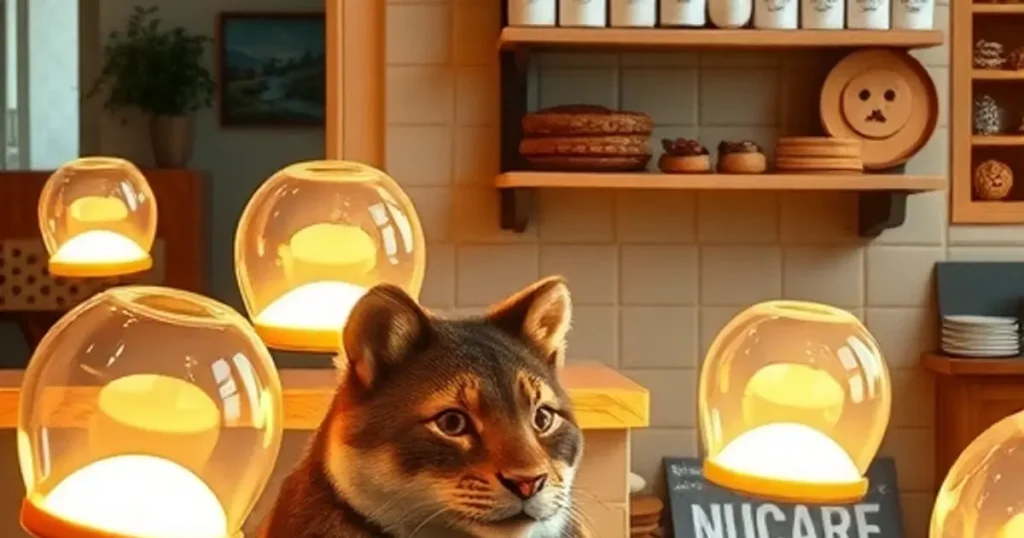
This guide breaks down the key ideas from camera angles to lighting and even uses less common prompt keywords to
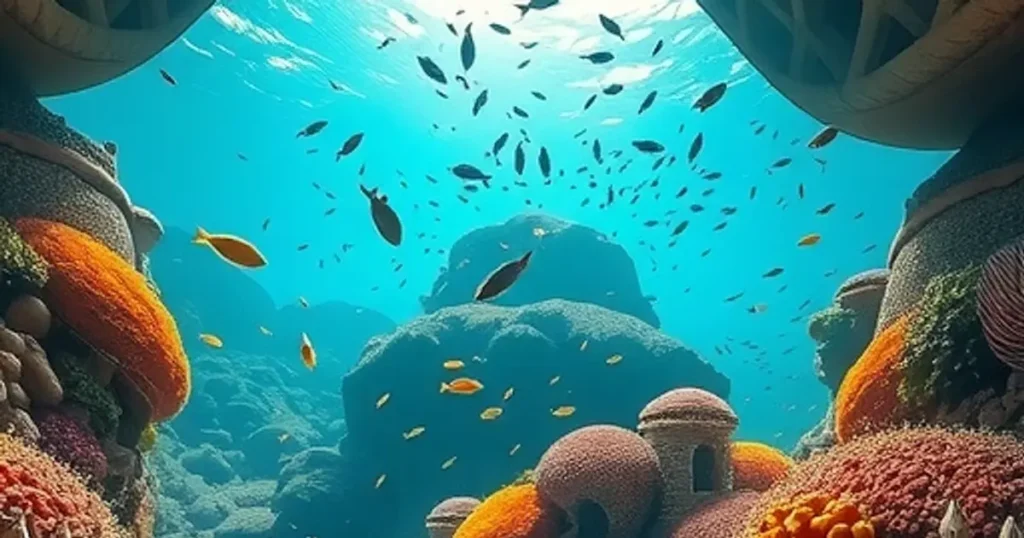
Essential Midjourney Parameters for Realism Getting realistic results starts with understanding a few core Midjourney settings. When you use the
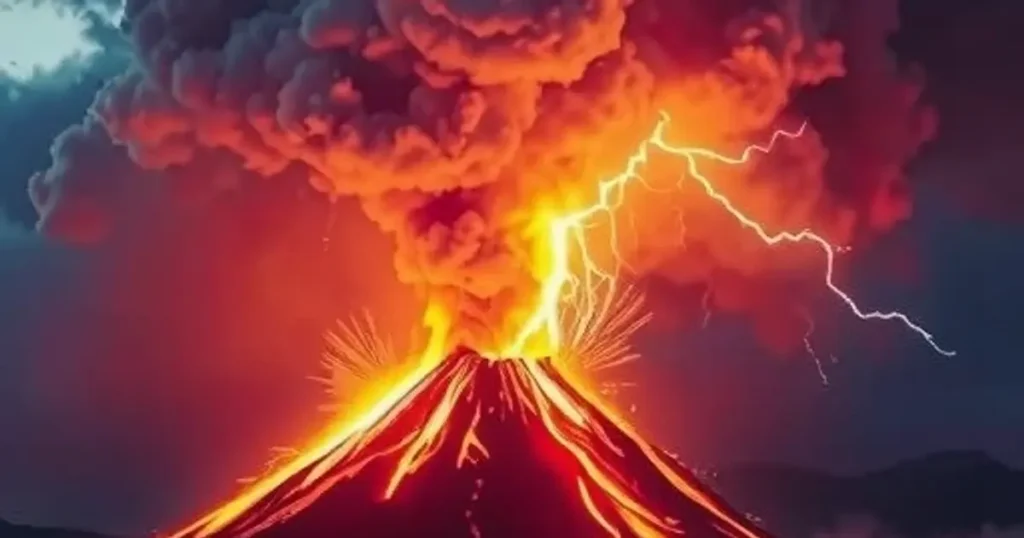
Whether you’re new to AI art or looking to get more consistent outputs, this post covers the basics, how to
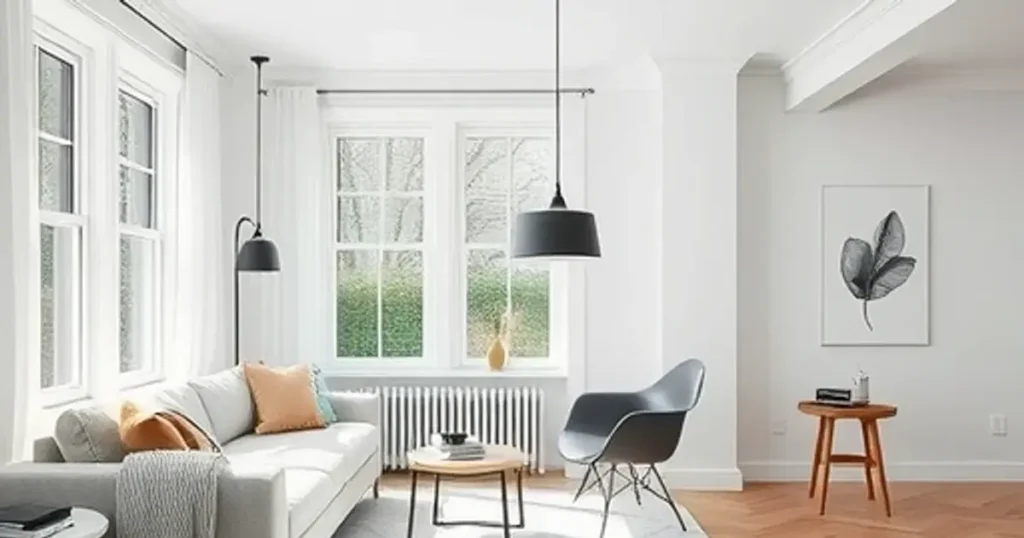
Working with Your Generated Images After Midjourney creates your four image variations, you'll see buttons appear below them: U Buttons
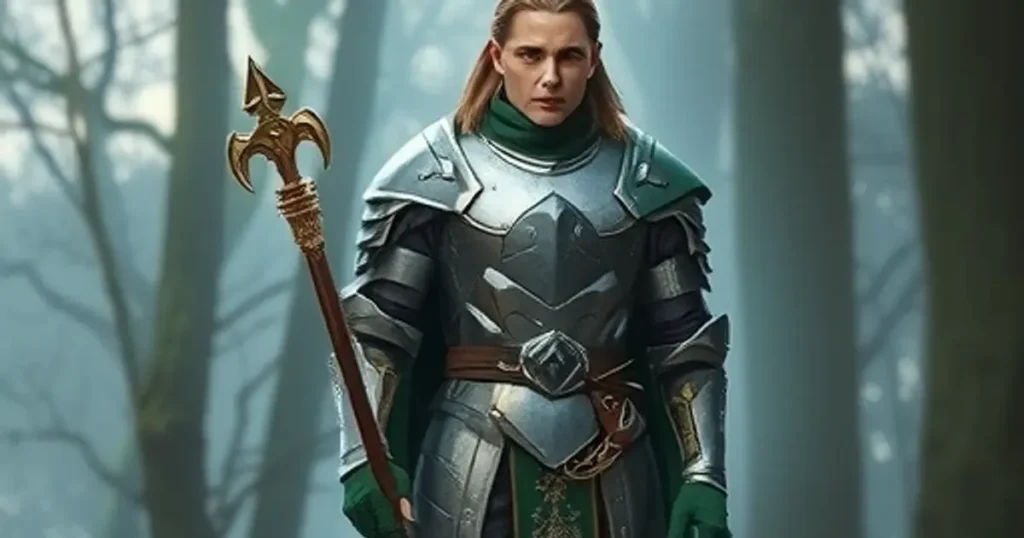
This guide covers the basics: where your subject is facing, how close the camera is, and the camera’s height and
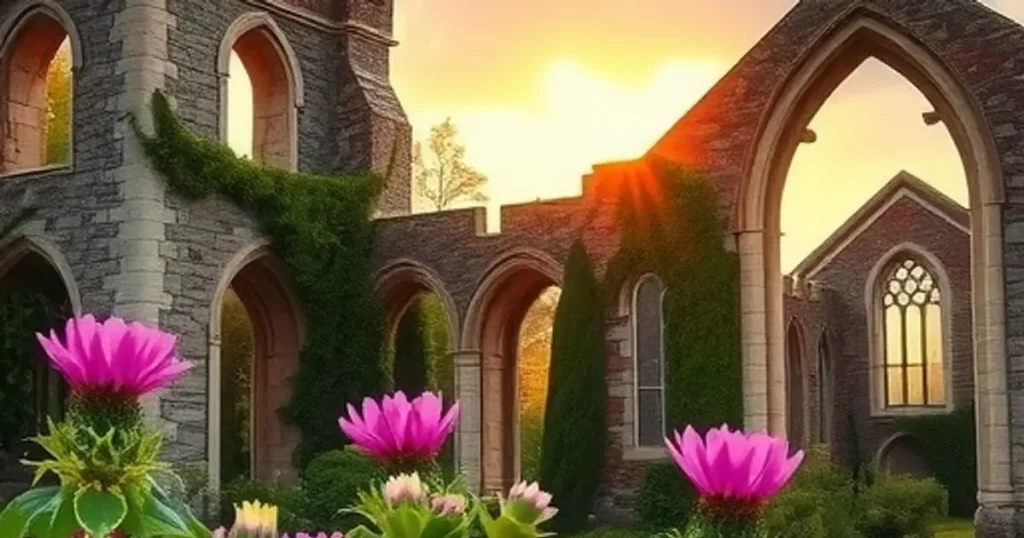
Getting Started: Uploading Your Image First, you need to get your photo into Discord so Midjourney can see it. It’s