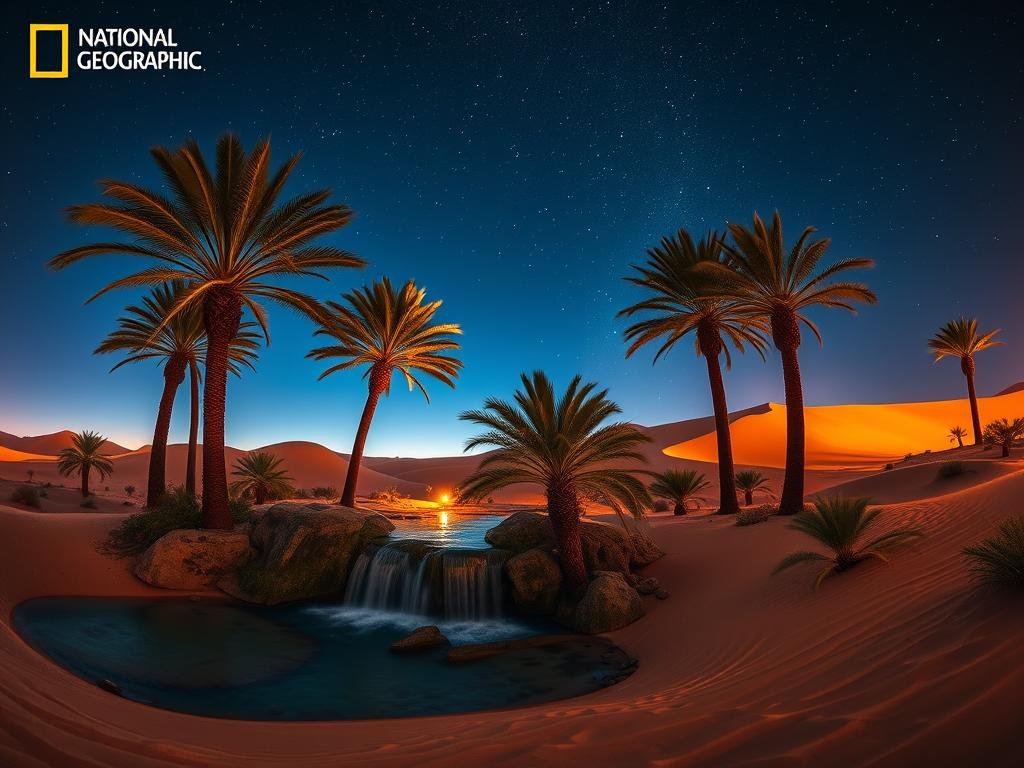
The video shows this new capability is quite impressive, allowing for creative and specific image requests right within your chat.
What is This New Tool?
The image generation comes as part of GPT-4. GPT-4 is a multimodal model. This means it can understand and work with more than just text. It can process audio and, now, create images.
This image feature uses DALL-E 3 technology, but it’s built into the GPT-4 experience.
See What it Can Create
The video demonstrates the kinds of images you can generate. Here are a few examples that worked well:
Making a cover for a video game like GTA 6 for PS5.
Making a cover for a video game like GTA 6 for PS5.
Creating distinct scenes, such as a photo of Will Smith holding a video game, sitting at a table with a huge bowl of spaghetti.
Creating distinct scenes, such as a photo of Will Smith holding a video game, sitting at a table with a huge bowl of spaghetti.
Generating funny memes for specific people, like Donald Trump.
Generating funny memes for specific people, like Donald Trump.
Producing multi-panel images, including a “Spot the Difference” setup with subtle variations between images.
Producing multi-panel images, including a “Spot the Difference” setup with subtle variations between images.
Generating photos in different styles, like a Polaroid of friends in a coffee shop.
Generating photos in different styles, like a Polaroid of friends in a coffee shop.
Changing the style of an image, for example, turning a photo into the style of Studio Ghibli.
Changing the style of an image, for example, turning a photo into the style of Studio Ghibli.
Combining characters from different franchises into one scene (e.g., Naruto, Nezuko, Goku, and Doraemon eating McDonald’s).
Combining characters from different franchises into one scene (e.g., Naruto, Nezuko, Goku, and Doraemon eating McDonald’s).
Creating informational posters or graphics, like a poster of popular smoothies with a handwritten recipe card.
Creating informational posters or graphics, like a poster of popular smoothies with a handwritten recipe card.
The results shown in the video are quite detailed and accurate to the prompts.
How to Access the Image Generator
You can use this feature even on the free ChatGPT plan. The easiest way is right in the chat interface.
To ask ChatGPT to make an image, use phrases like “make an image,” “create an image,” “generate an image,” or “generate a photo.” ChatGPT should understand you want a visual output.
One thing to note is that sometimes it might still use the older DALL-E 2 model. Look for text that says “Created with DALL-E” to confirm it’s using the latest version.
Exploring AI image generation is a rapidly growing field. Tools exist not just for creation but for managing many images. If you work with Midjourney, consider the
Get More from AI Image Generation
Being able to generate images conversationally is a big step. Tools like this make AI art more accessible than ever.
Whether you’re generating complex scenes or simple graphics, the key is learning how to describe what you want clearly. The examples in the video worked because the prompts were specific.
For those who use Midjourney for focused creative work, automating tasks can save a lot of time. The
Tips for Better Prompts
Based on the successful examples shown:
Be specific about the subject.
Be specific about the subject.
Describe the setting or background.
Describe the setting or background.
Mention the style you want (photo, drawing, Studio Ghibli style, etc.).
Mention the style you want (photo, drawing, Studio Ghibli style, etc.).
Point out details like lighting or perspective if needed.
Point out details like lighting or perspective if needed.
The more details you give, the better the AI can understand your vision.
Final Thoughts
The inclusion of image generation in ChatGPT is powerful because it makes creating visuals as easy as having a conversation. It shows how quickly AI is evolving and putting creative tools into everyone’s hands.
For dedicated AI artists using Midjourney, streamlining your process lets you focus on creativity. Explore how the
Do This Locally with Logen
Skip the subscription. Generate images like these on your own GPU — private, unlimited, no cloud dependency.
Midjourney vs Logen
| Feature | Midjourney | Logen |
|---|---|---|
| Cost | $10-60/mo | Free |
| Privacy | Cloud (images stored) | 100% local |
| Generations | Limited by plan | Unlimited |
| Internet Required | Always | No |
| Custom Models | No | Yes (any ComfyUI model) |
| GPU Required | No (cloud) | Yes (local) |
| Ease of Use | Discord bot | Desktop app |