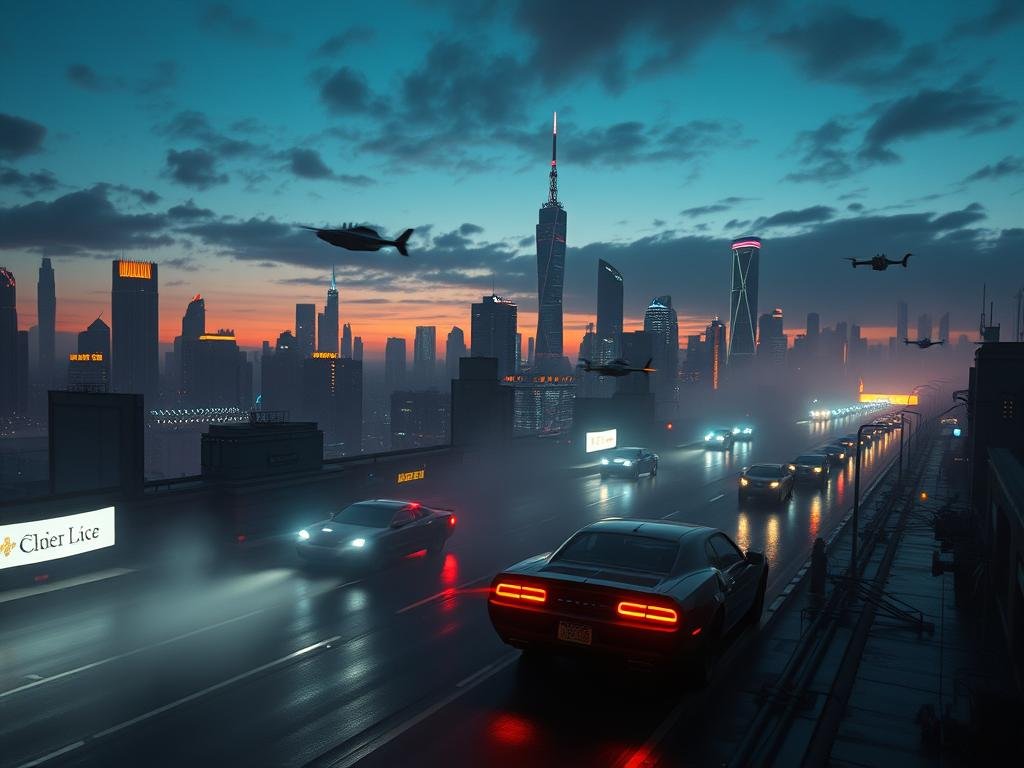
This guide shows you the basic steps to go beyond simple prompts and add your personal touch.
Build a Strong Core Prompt
Every great image starts with a good idea put into words. Begin with a clear description of what you want Midjourney to create. The more details you add, the better the AI can understand your vision.
Add Style Keywords for Flair
After your main description, add words that describe the art style you want. Think of terms like “cinematic,” “vaporwave,” “digital painting,” or “anime concept.” These keywords help guide Midjourney to give your image a specific look.
Control the Details with Parameters
Parameters are special commands you add to your prompt that change how Midjourney processes your request. They give you control over various aspects of the final image.
`–ar` (aspect ratio): Sets the width and height shape of the image.
`–ar` (aspect ratio): Sets the width and height shape of the image.
`–v` (version): Chooses the version of the Midjourney model to use.
`–v` (version): Chooses the version of the Midjourney model to use.
`–q` (quality): Controls how much detail and processing time is spent on the image.
`–q` (quality): Controls how much detail and processing time is spent on the image.
`–seed`: Helps keep results consistent if you use the same number again.
`–seed`: Helps keep results consistent if you use the same number again.
`–style raw` or `–style cute`: Applies different visual aesthetics to the rendering.
`–style raw` or `–style cute`: Applies different visual aesthetics to the rendering.
Putting parameters at the end of your prompt helps Midjourney read them clearly.
Experiment with Blends and Combinations
The fun part is mixing and matching. Try different style keywords with various parameter combinations. See how changing one parameter or adding a new style word changes the art Midjourney generates. It’s all about creative exploration.
Finding the perfect combination can take time. Tools built for Midjourney can help speed up this process and explore more options faster. Consider checking out the
Incorporate Reference Images
You can also start your prompt with an image link. This tells Midjourney to consider the visual style or subject of that image when creating yours. You can control how much influence the image has, helping guide the AI further.
Using image weights and combining them with parameters adds another layer of control. Make your unique vision a reality with powerful tools. Simplify your prompt creation and image generation process with the
Creating unique AI art with Midjourney means using a good prompt, adding style keywords, and controlling the output with parameters. Experimentation is key. The more you try different combinations, the better you’ll get at creating exactly the art you imagine.
Ready to create distinctive art quickly? Automate repetitive tasks and focus on the creative side. Explore how the
Do This Locally with Logen
Skip the subscription. Generate images like these on your own GPU — private, unlimited, no cloud dependency.
Midjourney vs Logen
| Feature | Midjourney | Logen |
|---|---|---|
| Cost | $10-60/mo | Free |
| Privacy | Cloud (images stored) | 100% local |
| Generations | Limited by plan | Unlimited |
| Internet Required | Always | No |
| Custom Models | No | Yes (any ComfyUI model) |
| GPU Required | No (cloud) | Yes (local) |
| Ease of Use | Discord bot | Desktop app |