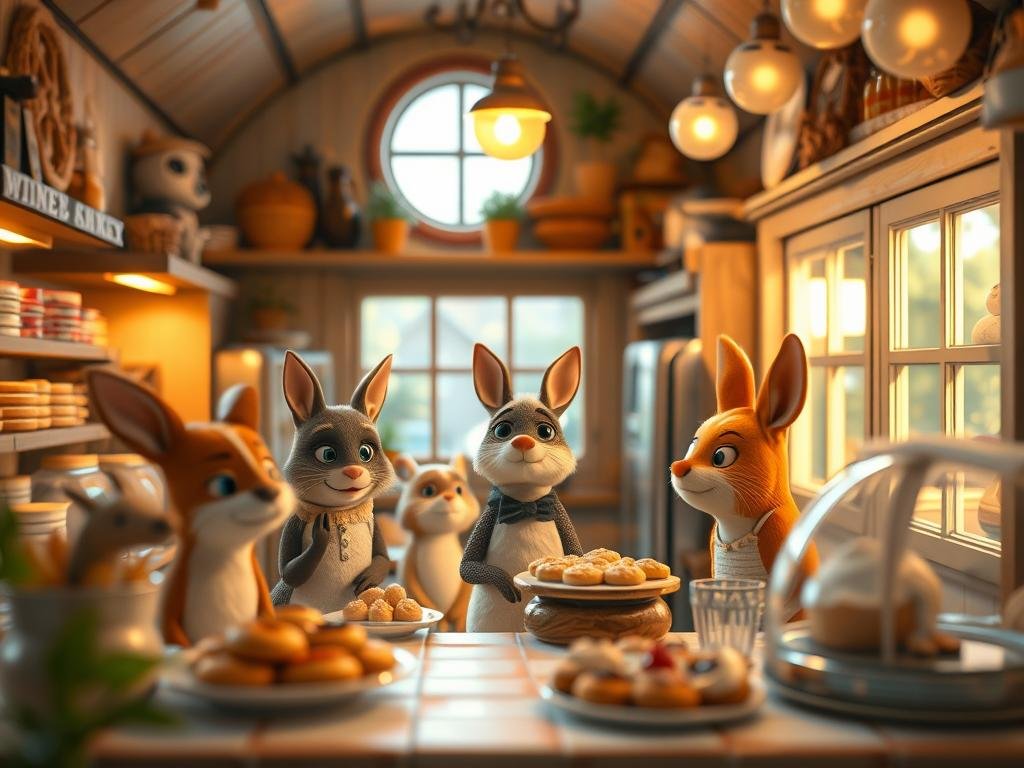
What Makes AI Art “Strange”?
When we talk about “strange” AI art, we don’t mean bad art. We mean art that pushes boundaries, looks unexpected, or shows ideas in ways you haven’t seen before. It could be:
- Mixing styles that don’t usually go together.
- Showing everyday things in odd or surreal settings.
- Creating creatures or objects that don’t exist.
- Using unusual colors, textures, or perspectives.
Midjourney is great for experimenting with these ideas because it can interpret your prompts in many ways. You guide it, but sometimes the results surprise you in a good way.
Prompting for Unique Visuals
To get unusual results, you need to think differently about your prompts. Instead of asking for standard images, try combining unexpected elements. Here are a few approaches:
Combine Unlikely Subjects
Put things together that don’t naturally belong. Like ‘a teapot made of clouds’ or ‘a city swallowed by giant plants’. Midjourney often finds interesting ways to blend these ideas.
Use Descriptive Adjectives
Pair your subject with words that add a strange twist. Instead of ‘a forest’, try ‘a phosphorescent fungal forest’ or ‘a forest where trees grow upside down’.
Experiment with Styles
Don’t just ask for ‘digital art’. Try styles like ‘baroque cyberpunk’, ‘surrealist photography’, or ‘psychedelic glitch art’. See what happens when Midjourney combines these looks with your subject matter.
Play with Chaos and Disorder
Midjourney has parameters that can influence the outcome. Using higher `–chaos` values can sometimes lead to more unusual and unpredictable images, moving away from typical compositions.
Building Your Strange Gallery
Once you start generating, save the images that stand out. Don’t just keep the technically perfect ones. Keep the ones that are weird, thought-provoking, or just plain interesting. Your gallery becomes a collection of your visual experiments.
Think about how you might organize them. By theme? By style? By how strange they are? Displaying these images lets others see the unique possibilities of AI art.
Creating unique images with Midjourney takes practice and lots of prompting. To speed up your process and help you generate more variations and manage your output, consider using a tool like the TitanXT Midjourney Automator. It can help you explore more ideas faster.
Keep Exploring and Experimenting
The world of AI art is new and always changing. Don’t be afraid to try prompts that sound impossible or silly. Sometimes those are the ones that lead to the most exciting and strange results. Keep experimenting, keep prompting, and see what kind of wonderful, weird art you can create.
Do This Locally with Logen
Skip the subscription. Generate images like these on your own GPU — private, unlimited, no cloud dependency.
Midjourney vs Logen
| Feature | Midjourney | Logen |
|---|---|---|
| Cost | $10-60/mo | Free & Pro plans |
| Privacy | Cloud (images stored) | 100% local |
| Generations | Limited by plan | Unlimited |
| Internet Required | Always | No |
| Custom Models | No | Yes (any ComfyUI model) |
| GPU Required | No (cloud) | Yes (local) |
| Ease of Use | Discord bot | Desktop app |