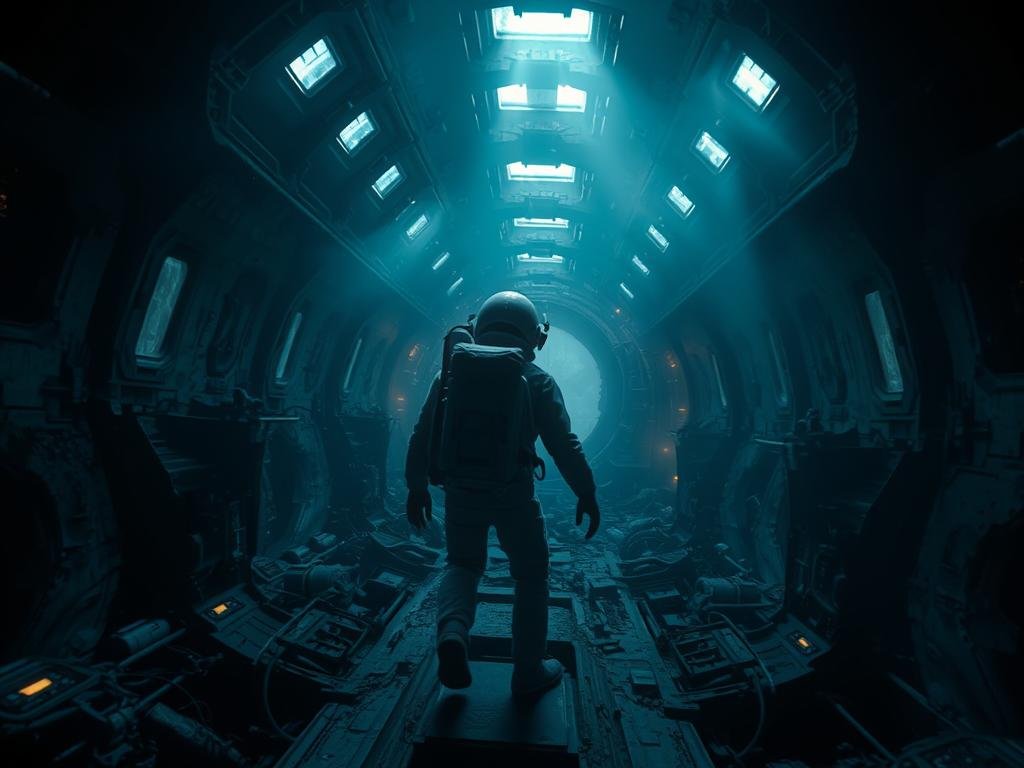
Meet the AI Team: Midjourney, Pika, and Suno
Before we dive in, let’s quickly look at what each tool does:
Midjourney creates amazing still images from text prompts. It’s your visual artist.
Midjourney creates amazing still images from text prompts. It’s your visual artist.
Pika animates those still images, adding movement and making them into video clips. It’s your animator.
Pika animates those still images, adding movement and making them into video clips. It’s your animator.
Suno generates original music and songs based on your descriptions. It’s your composer.
Suno generates original music and songs based on your descriptions. It’s your composer.
By combining these three tools, you can create a full video project: visuals, movement, and sound.
Step 1: Generate Your Visuals with Midjourney
The first step is creating the images that will form the basis of your video. Use Midjourney to generate a series of images. Think about the story or subject of your video. You might need to generate multiple images that follow a sequence or show different angles.
Write clear prompts in Midjourney to get the look and feel you want. Generate more images than you think you’ll need so you have options later.
Managing multiple image generations for a video can take time. For easier work and consistency in your visual generation process, consider exploring tools like the
Step 2: Bring Your Images to Life with Pika
Once you have your set of Midjourney images, take them into Pika. Pika lets you upload a still image and tell it how to move. You can add camera pans, zooms, or make parts of the image move, like water or characters.
Experiment with Pika’s settings on each image. Play with the motion intensity and camera controls until you get the desired effect. Pika turns each image into a short video clip.
Step 3: Create Your Soundtrack with Suno
While you’re creating visuals, or after, head over to Suno. Suno makes it simple to generate music or even full songs with vocals.
Describe the mood, genre, or theme you want for your video’s soundtrack. Suno will generate several options for you. Pick the track that best fits the video clips you’ve created in Pika. You can generate instrumental music or add lyrics if your video calls for it.
Step 4: Put It All Together (Editing)
The final step is simple editing. Gather the video clips you made in Pika and the music track from Suno. Use any basic video editing software (there are many free options available online or on your phone) to combine the video clips and add the music.
Arrange the clips in the right order, time them with the music, and do any final trimming. And there you have it – a complete AI-generated video.
Start Creating Your Own AI Videos
Using Midjourney, Pika, and Suno makes video creation accessible and fun. You can bring unique visual and audio ideas to life without needing complex skills or expensive equipment.
Ready to make your image creation process smoother for video projects? Check out the
Dive in and see what you can create!
Do This Locally with Logen
Skip the subscription. Generate images like these on your own GPU — private, unlimited, no cloud dependency.
Midjourney vs Logen
| Feature | Midjourney | Logen |
|---|---|---|
| Cost | $10-60/mo | Free |
| Privacy | Cloud (images stored) | 100% local |
| Generations | Limited by plan | Unlimited |
| Internet Required | Always | No |
| Custom Models | No | Yes (any ComfyUI model) |
| GPU Required | No (cloud) | Yes (local) |
| Ease of Use | Discord bot | Desktop app |