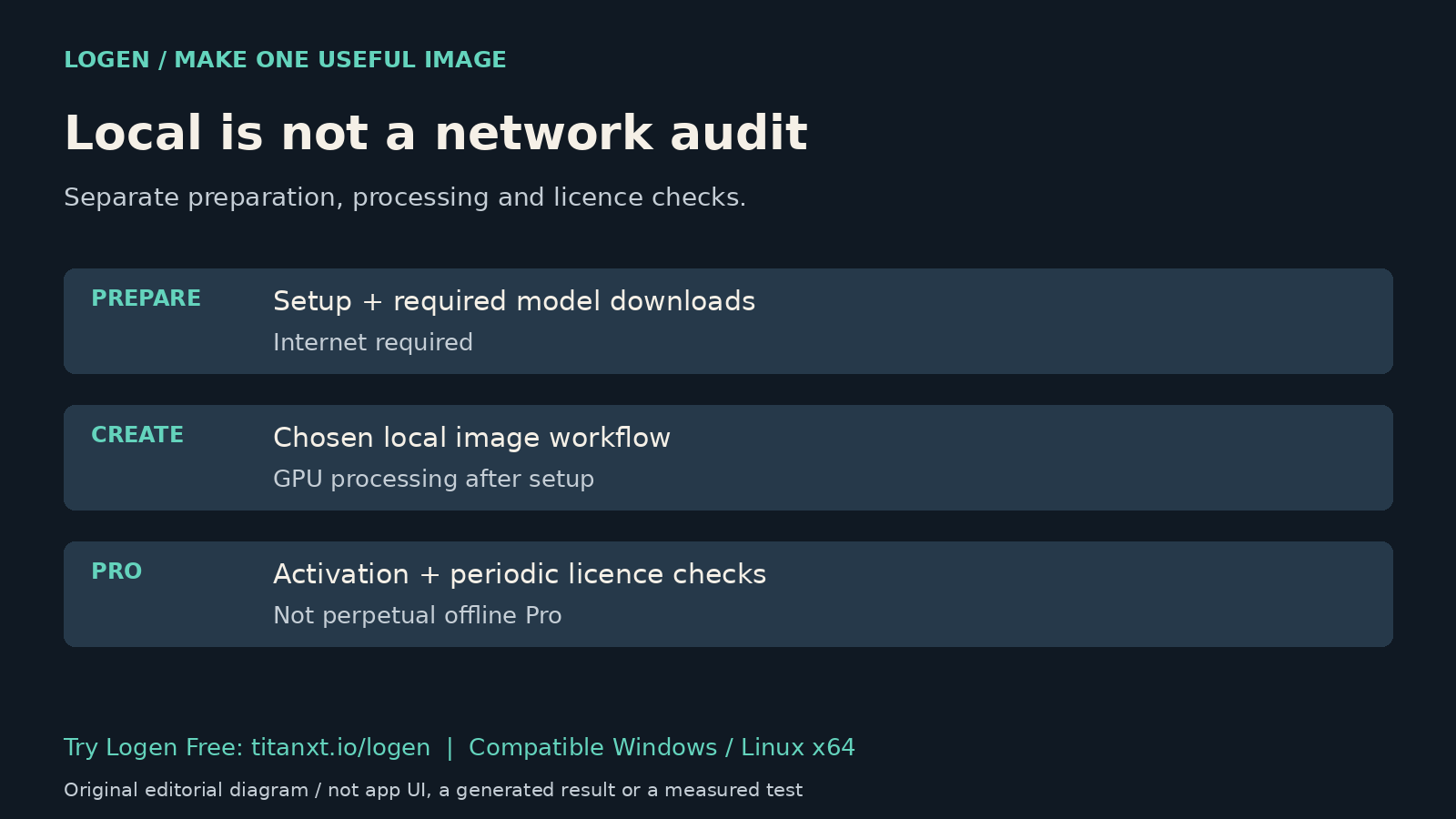
"Runs locally" tells you where a computation happens. It does not tell you whether the application needs a download, an update check or a licence check. Before planning a session without internet access, separate the creative task from the services needed to prepare and run it.
Start with a fictional, non-confidential image brief while learning the setup. This article explains documentation and a planning method. It does not report a new disconnected test, certify a private network or promise that every component never contacts a server.
Separate setup from generation
The official Logen guide says internet access is required for initial setup, model downloads and Pro licence verification. Once set up, local image generation runs on your GPU. The guide also describes automatic application update checks. Those are different activities, even though they belong to the same application experience.
Before relying on an existing setup, identify the model and workflow the creative job needs. Check that the required files are available. Do not assume that because one model worked yesterday, another model is already installed or fits the same hardware. A successful download is not a successful generation.
Know whether each service is local or hosted
The Ollama FAQ explicitly distinguishes local operation from cloud-hosted models. It says Ollama does not see prompts or data when you run locally, while cloud-hosted requests process prompts and responses to provide the service. The FAQ also documents a local-only mode. That is Ollama's documented distinction, not a claim that this article changed your Logen configuration or audited your installed version.
List the components used by your actual task. An image workflow, a chat model and an optional external editor need not have identical network behaviour. A local image result does not prove that every connected tool uses local processing. Check the relevant documentation and your organization's policy before putting confidential material into any workflow.
Distinguish Free from Pro licence checks
The Logen product page lists an ongoing Free tier, including a FLUX.1-schnell starter workflow. Pro adds application features and requires online activation and periodic licence checks. The guide describes reverting to Free after its offline window. Do not build a deadline around an assumption of perpetual offline Pro access.
Choose a task supported by the tier you intend to use. A Free generation test does not verify Pro batching, custom workflow import or every optional model. The application licence also does not replace a model's licence or clear confidential inputs for use.
Rehearse the task before it matters
- Use a non-confidential brief and the exact workflow you plan to rely on.
- Confirm that you can create and inspect the saved output on the intended machine.
- If offline operation is essential, perform a separate authorized rehearsal of that condition and record what actually worked. Do not infer it from a local-processing label.
Keep the rehearsal result specific: machine, application version, model, workflow and conditions. A result on one PC is not a guarantee for every device. This article performed no network capture, offline rehearsal or GPU benchmark, so those observations remain yours to establish.
Quick answers
Does local rendering mean the application never uses the internet?
No. Rendering location and application connectivity are different facts. Logen documents initial setup, model downloads, updates and Pro licence checks separately from local generation. Other tools may add their own network activity. Use current documentation and an authorized test of your actual setup rather than treating the word local as a network guarantee.
Can I assume a local chat tool never offers cloud models?
No. Ollama's current FAQ distinguishes local operation from cloud-hosted models and describes a local-only mode. That does not establish which option your installed application selected. Check the model, endpoint and configuration relevant to the actual task. Do not treat this article as a configuration change or a privacy certification for your machine.
What is a sensible first Logen Free experiment?
Bring one fictional image idea to the starter workflow on a compatible Windows or Linux x64 PC. Complete the required setup, generate a result and inspect the saved image. Hardware and model requirements still apply, and macOS is unsupported in this release. Keep this ordinary first-use test separate from any claim of verified offline operation.
Try a small creative task first
Try Logen Free if your PC is compatible. Use the free local AI starter guide for setup context. A useful first image is a better starting point than an untested promise about your entire software stack.