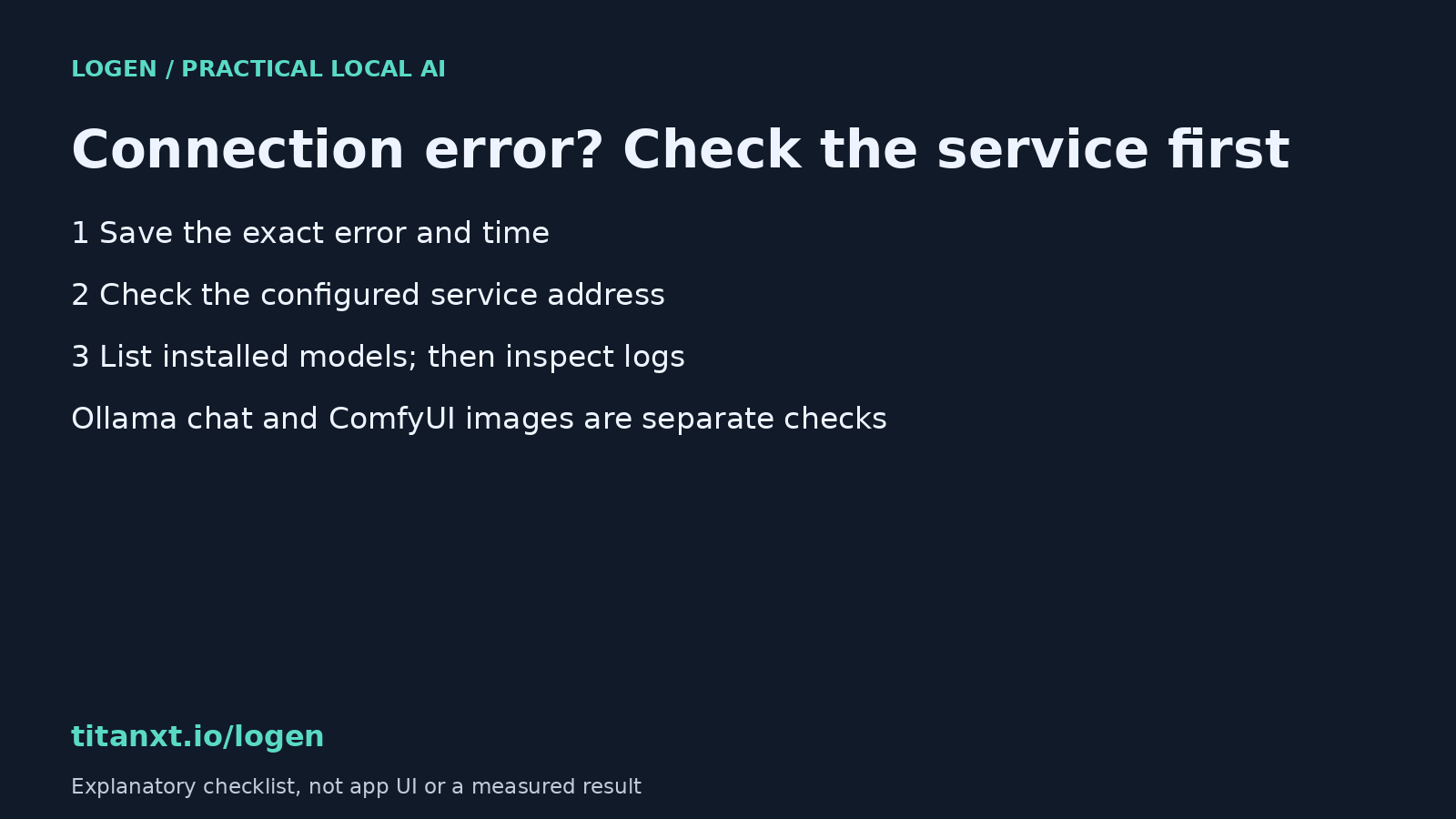
A connection error does not prove that your model is broken. Check whether the local service responds, whether the requested model is installed, and which engine failed before reinstalling anything. Ollama chat and a ComfyUI image workflow are separate services. A working chat endpoint cannot certify that image generation is ready.
Start with the exact failure
Save your prompt and copy the full error message. Note whether the failure happened while opening the app, sending a chat message, loading weights, or sampling an image. Those are different points in the process. Replacing a model is an expensive way to investigate a service that never started.
Record the app version and the time of the failure too. Logs become much easier to read when you can match an error to one attempt rather than a whole afternoon of retries. Remove private prompts, file paths and credentials before sharing logs publicly.
Check Ollama without starting a generation
The official Ollama API documents GET /api/tags as the endpoint for listing locally available models. On a default local setup, opening http://localhost:11434/api/tags checks whether that endpoint responds. Use the configured host and port if yours differ. This is a read-only check; it does not download a model or submit a prompt.
- If the connection is refused, check whether the service is running and whether the app points to the right address. Do not assume a missing model is the cause.
- If the endpoint returns a model list, compare the exact model name with the one selected in your app. A responding service and an installed model are separate checks.
- If the model is listed but generation fails, inspect the corresponding log entry. Loading errors and memory errors need a different response from a refused connection.
This endpoint belongs to Ollama. It does not test ComfyUI, verify a diffusion checkpoint, or establish that enough GPU memory remains for an image run. Keep those checks separate.
Read the right log before changing the installation
Ollama documents server.log under %LOCALAPPDATA%\Ollama on Windows. For a Linux systemd installation, its troubleshooting guide uses journalctl -u ollama. A manually launched ollama serve writes logs to that terminal instead. Choose the instructions that match how your service actually runs.
Look for the first useful error near the recorded time. A later connection failure may simply be the consequence of an earlier crash. Avoid deleting model caches, changing firewall rules, exposing ports to the network, or running driver commands copied from a forum without identifying the cause.
Where Logen puts these checks
The current Logen user guide documents a System Status indicator and Settings connection diagnostics for its local engines. Use those controls to identify which connection failed, then consult the engine log if the status alone does not explain it. This article describes the documented checks; it is not a new live failure-recovery demonstration.
Logen is available for Windows and Linux x64; macOS is not supported in this release. The free starter image workflow uses FLUX.1-schnell. Initial setup and model downloads require an internet connection. Check the current guide for hardware requirements and distinguish its listed requirements from measured results on your own machine.
Quick answers about local AI connection errors
Does an Ollama connection error mean I need to download the model again?
No. First check whether the configured Ollama endpoint responds. A refused connection usually calls for a service or address check, while a responding model list lets you investigate the selected model next. Preserve the original error and inspect the matching log entry before deleting or downloading large files.
Does a successful Ollama model-list request prove my image workflow works?
No. GET /api/tags lists models available through Ollama. It does not verify a separate ComfyUI service, image checkpoint, workflow graph or available GPU memory. Test the engine used by the failing operation, and do not treat a working chat connection as proof that image generation is ready.
Where should I look for Ollama error logs?
The official troubleshooting guide points Windows users to server.log under %LOCALAPPDATA%\Ollama. Linux systemd installations use the ollama journal; a manually launched service writes to its terminal. Match the log source to your installation, then find the error near the time of your failed attempt before changing settings.
Keep the setup checklist beside your first test
Use the free local AI setup and model-fit guide before choosing your first workflow. The Logen user guide covers status checks and connection settings; the Logen download page has current platform and tier details.