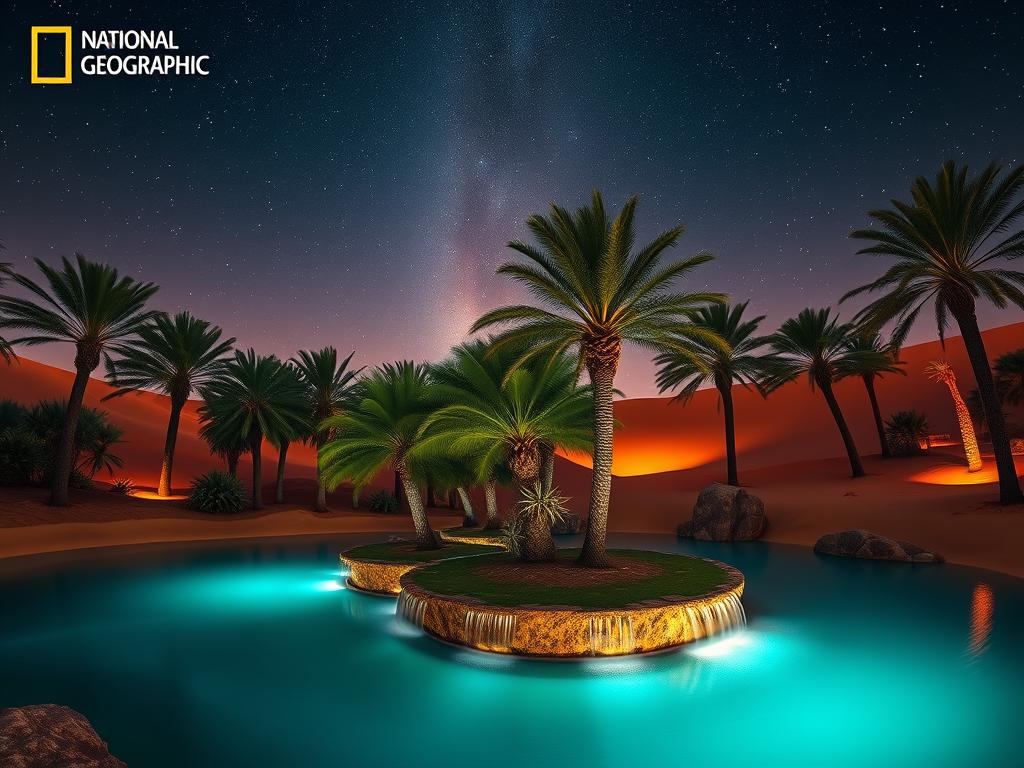
Building Your Visual Foundation with Midjourney
Midjourney is known for creating detailed and imaginative images from text prompts. Think of it as a powerful digital paintbrush controlled by words. You can use Midjourney to design unique scene concepts, character art, background elements, or abstract visuals that reflect your style.
Start by experimenting with different prompts related to your reel’s theme or the kind of work you want to show. Focus on getting the look and feel just right. These images can serve as stills, transitions, or even inspiration for video sequences in your showreel.
Adding Movement with Runway
While Midjourney excels at static images, Runway brings them to life. Runway offers various AI tools, including text-to-video and image-to-video features. This means you can take your Midjourney creations and add motion.
Use Runway to animate a static image, create short video clips based on text descriptions, or even use tools like motion tracking. This adds a dynamic layer to your showreel, making it more captivating and demonstrating a wider range of skills.
Putting It All Together: Assembling Your Showreel
Once you have your AI-generated images from Midjourney and video clips from Runway, it’s time to assemble your showreel. Use standard video editing software to combine your assets. Arrange them in a logical flow that highlights your best work or tells a story.
Consider adding music, sound effects, and text overlays to enhance the production value. The goal is to create a polished presentation that effectively communicates your creative vision and capabilities.
Boosting Efficiency with Midjourney Automation
Exploring Monetization and Trends
Many creators aim to earn money from their creative work. AI tools can help open up new avenues. You can sell your AI-generated art, offer services creating visuals or videos for clients, or use your showreel to land freelance gigs or full-time positions. As the saying goes, you need resources to make money, and tools like Midjourney and Runway are becoming essential resources for digital artists.
Keeping up with the latest trends and techniques in AI art (“Heat”) is also important. The technology evolves fast, and staying current can give you an edge in the market. Continuously experimenting and refining your skills with the newest AI capabilities will help your work stand out.
Refine Your Workflow
Making a showreel is a creative and technical process. As you integrate AI tools more deeply into your work, finding ways to make that process smoother is key. Automation is one significant way to improve efficiency. Consider how you can use tools to generate ideas faster, manage variations, or organize your final assets.It helps automate parts of the Midjourney process, making it easier to produce high volumes of quality images for your showreel and other projects. Check it out here: Automate your Midjourney workflow.
Conclusion
AI tools like Midjourney V7 and Runway Gen-4 provide exciting possibilities for creators looking to build compelling showreels. They allow you to quickly generate visuals and video content that might have taken much longer otherwise. By combining these tools with your creative vision and editing skills, you can produce a showreel that effectively showcases your talent.
Remember that staying ahead means embracing new technologies and optimizing your workflow. Tools designed to automate repetitive tasks can significantly boost your productivity and help you focus on creating amazing art.
Do This Locally with Logen
Skip the subscription. Generate images like these on your own GPU — private, unlimited, no cloud dependency.
Midjourney vs Logen
| Feature | Midjourney | Logen |
|---|---|---|
| Cost | $10-60/mo | Free & Pro plans |
| Privacy | Cloud (images stored) | 100% local |
| Generations | Limited by plan | Unlimited |
| Internet Required | Always | No |
| Custom Models | No | Yes (any ComfyUI model) |
| GPU Required | No (cloud) | Yes (local) |
| Ease of Use | Discord bot | Desktop app |