Creating Professional Shots for Your Products in Midjourney V6
Two Ways to Make Product Photos There are two main methods in Midjourney V6 to turn your product images into

Two Ways to Make Product Photos There are two main methods in Midjourney V6 to turn your product images into
Getting Started with the Editor First, go to a Midjourney image you want to change on the Midjourney website. Find
How To Access Midjourney on Your Browser Here are the simple steps to start using the Midjourney web interface: Go
Good news! Midjourney just added a new feature to help you keep your characters consistent. It’s easy to use and
Getting Started with Midjourney Midjourney is currently run on Discord. Soon, there might be a web version, but for now,
Many first-time users hit a wall when trying to add their images. This guide will walk you through the right
Lens focus sharpens a specific area of your image. Depth of field controls how much of the image is sharp
Signing Up for Midjourney The first step is signing up. You যাবেন to Midjourney.com and click “Sign In.” Midjourney works
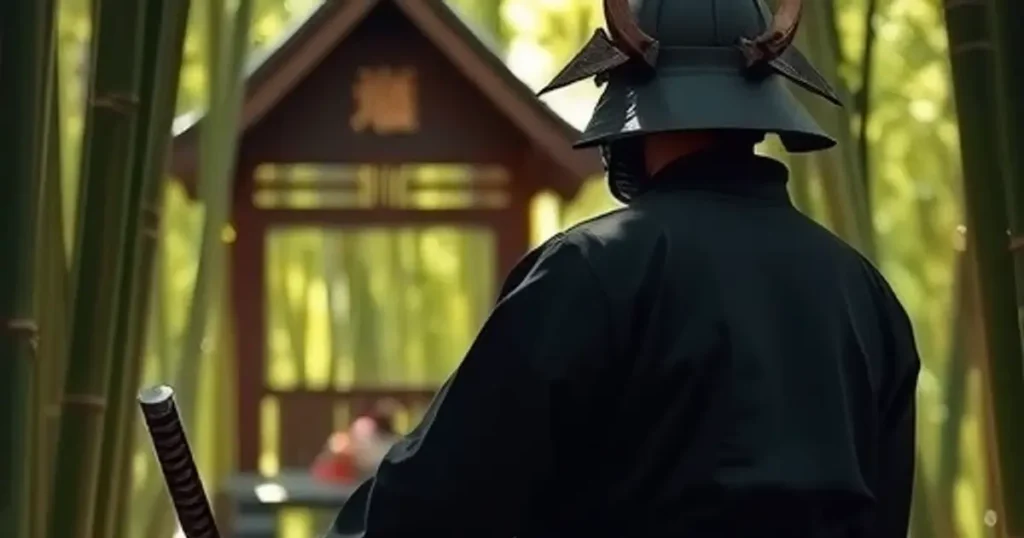
The default value for –sw is 100. You can set –sw from 0 to 1000. Higher –sw values mean the
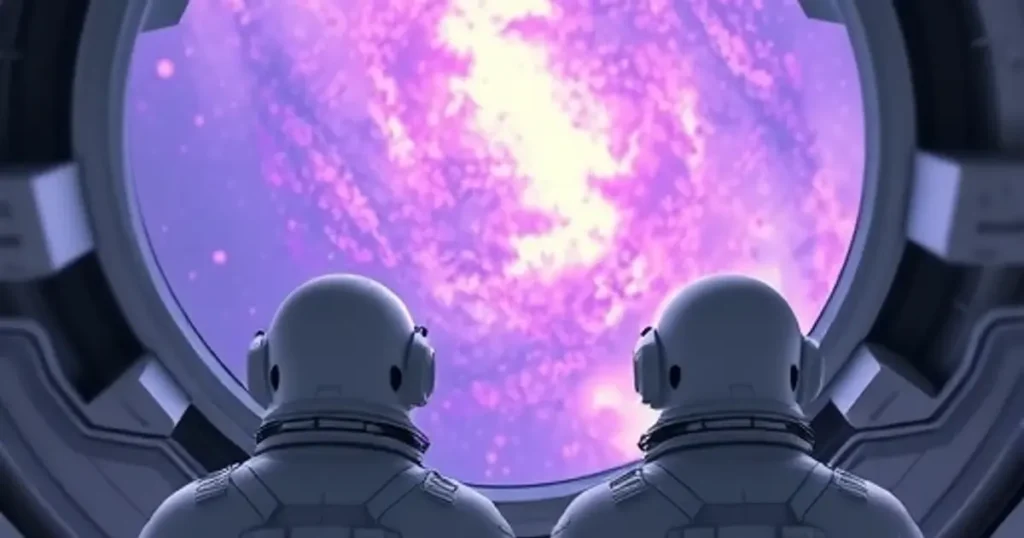
What’s New with Midjourney V6? Midjourney has improved a lot. Version 6 is better at understanding what you ask for.